18
3.5 Leveling
In Leveling mode, the saving mode should be set to “Auto” or “Manual save”. In this
session we set it Auto Save.
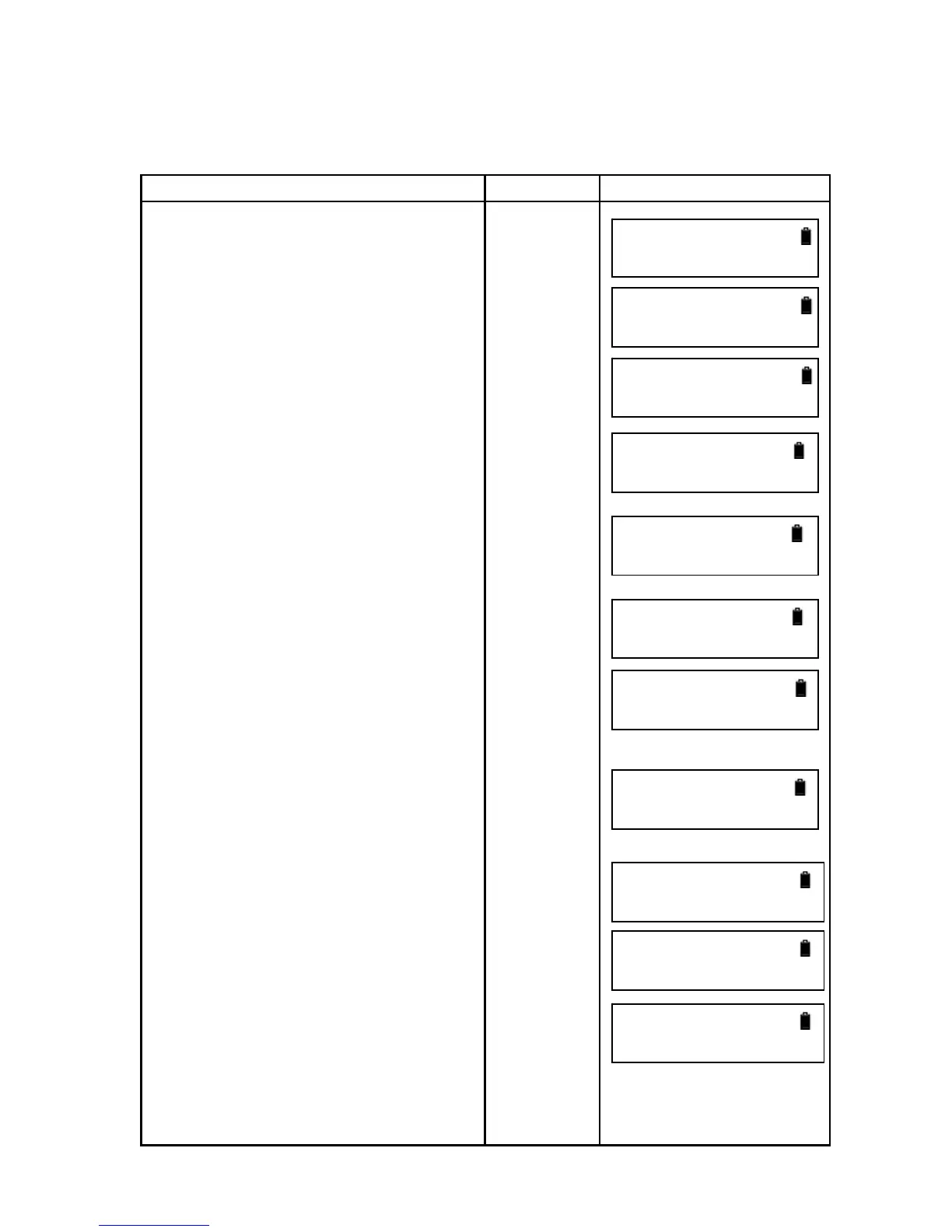
Operation Procedure Operation Display
1. Press [ENT].
2.Press [▲] or [▼] to select “Leveling”
and press [ENT].
3.Input the job name and press [ENT].
4. Input the point number of backsight
point and press [ENT].
5.Select whether to use the existed
data.
6. Collimate the staff until it looks clear
and press [MEAS].
7. It displays the backsight staff and the
distance. Press [MEAS] to measure
continuously or press [ENT] to measure
next point.
8 . Press [►] or [◄] to choose to
measure FS (frontsight) point or
intermediate point (Int.Pt). Now choose
FS first.
[ENT]
[▼]
[ENT]
Input job
name
[ENT]
Input point
number
[ENT]
[ENT]
[ENT]
[ENT]
[MEAS]
[►] or [◄]
[ENT]
Input point
Menu
►1.Measure



 To Next Page