K1Pro
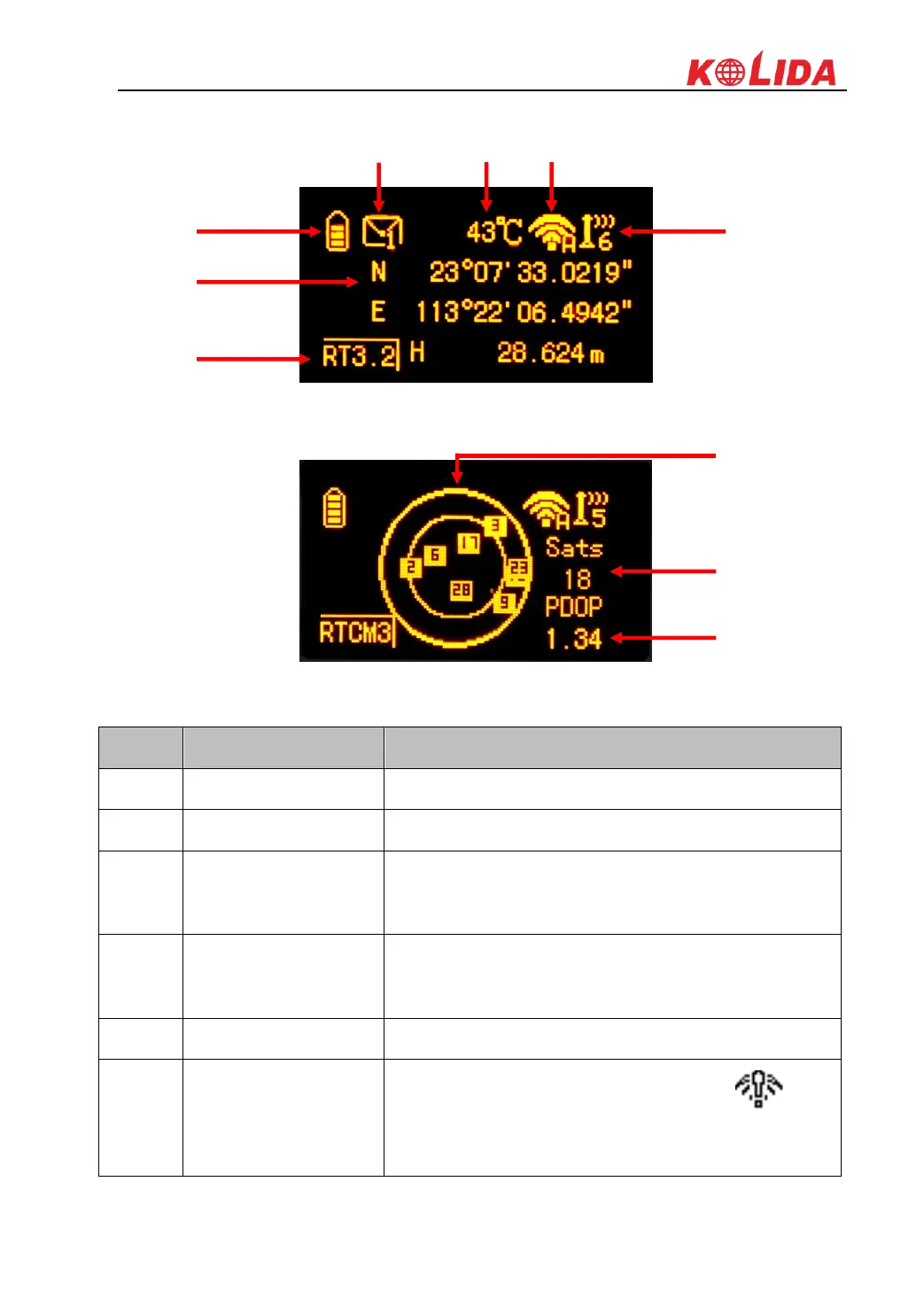
Coordinates page
Skyplot page
Display the remaining power in real-time
In base mode, it will display the base's transmitted
correction message type; in rover mode, it will display the
rover's current solution
The message symbol will appear automatically if receiver
gets something error, such as error message. Press F key
to read the message and press F key again to cancel
Display the temperature of receiver in real-time
Display the WiFi status, when it shows , that
means the receiver is establishing WiFi connection as
WIFI client, and if the WIFI successfully connected the



 To Next Page