K1Pro
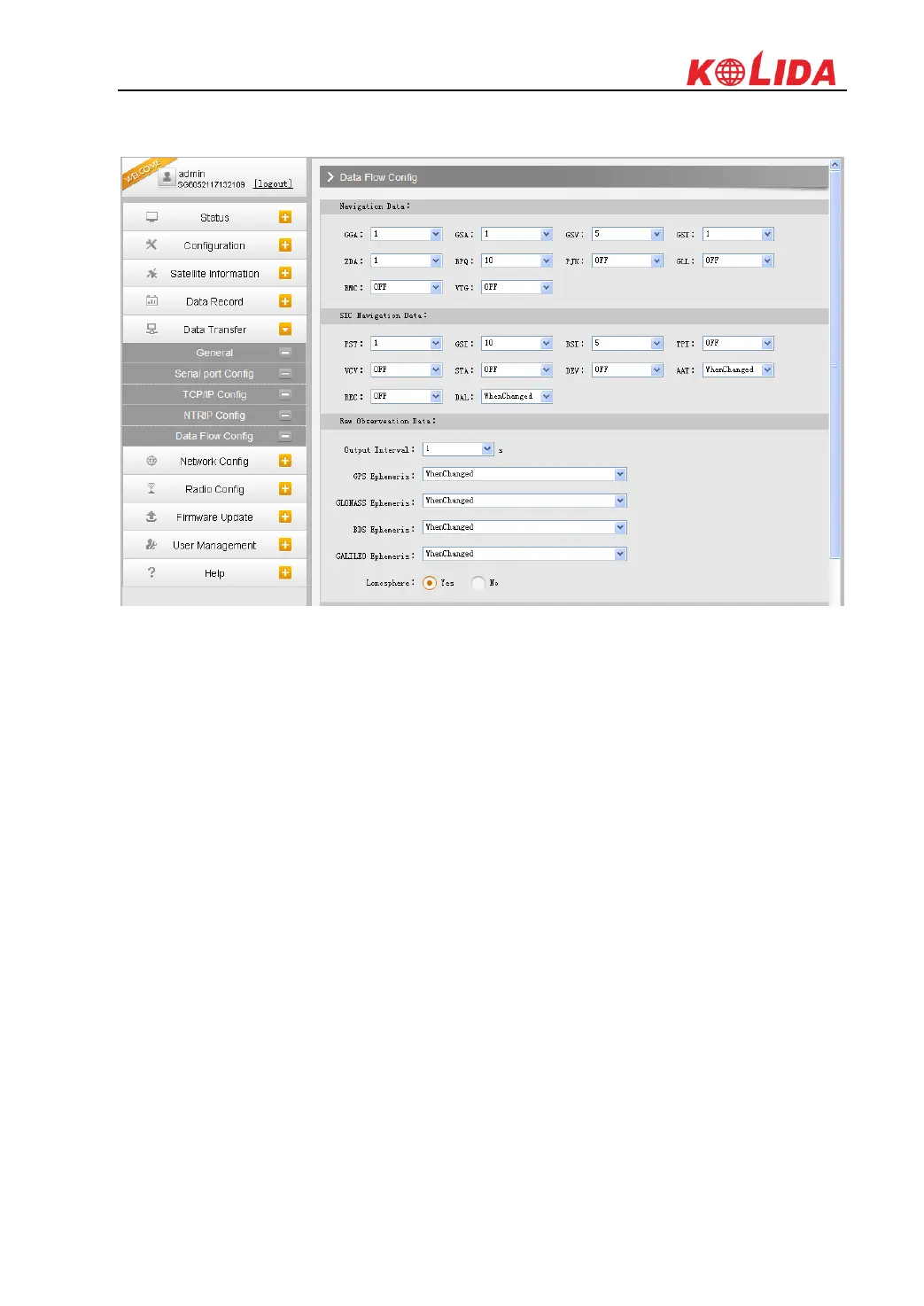
output or not to output what kind of data format.
Click on the dropdown list for each data format to define the update rate
§3.2.6 Network Config
The “Network Config” is able to configure the ways and the contents for internet access of
K1Pro. GSM/GPRS Config, CSD Config, WIFI Config, Bluetooth Config, Port Forwarding,
Router and Network Testing are under the list of Network Config.
GSM/GPRS Config
In this page, all the information of receiver under Rover+GPRS mode will be displayed
including the hardware information and dialing status.
Status: The dialing status and hardware information are displayed in this field that users can
intuitively to view the signal of network, module model and the IMEI number of the module.
Parameter Config: The parameters of SIM card are input in this field including APN, assigned
username and password, dial mode.



 To Next Page