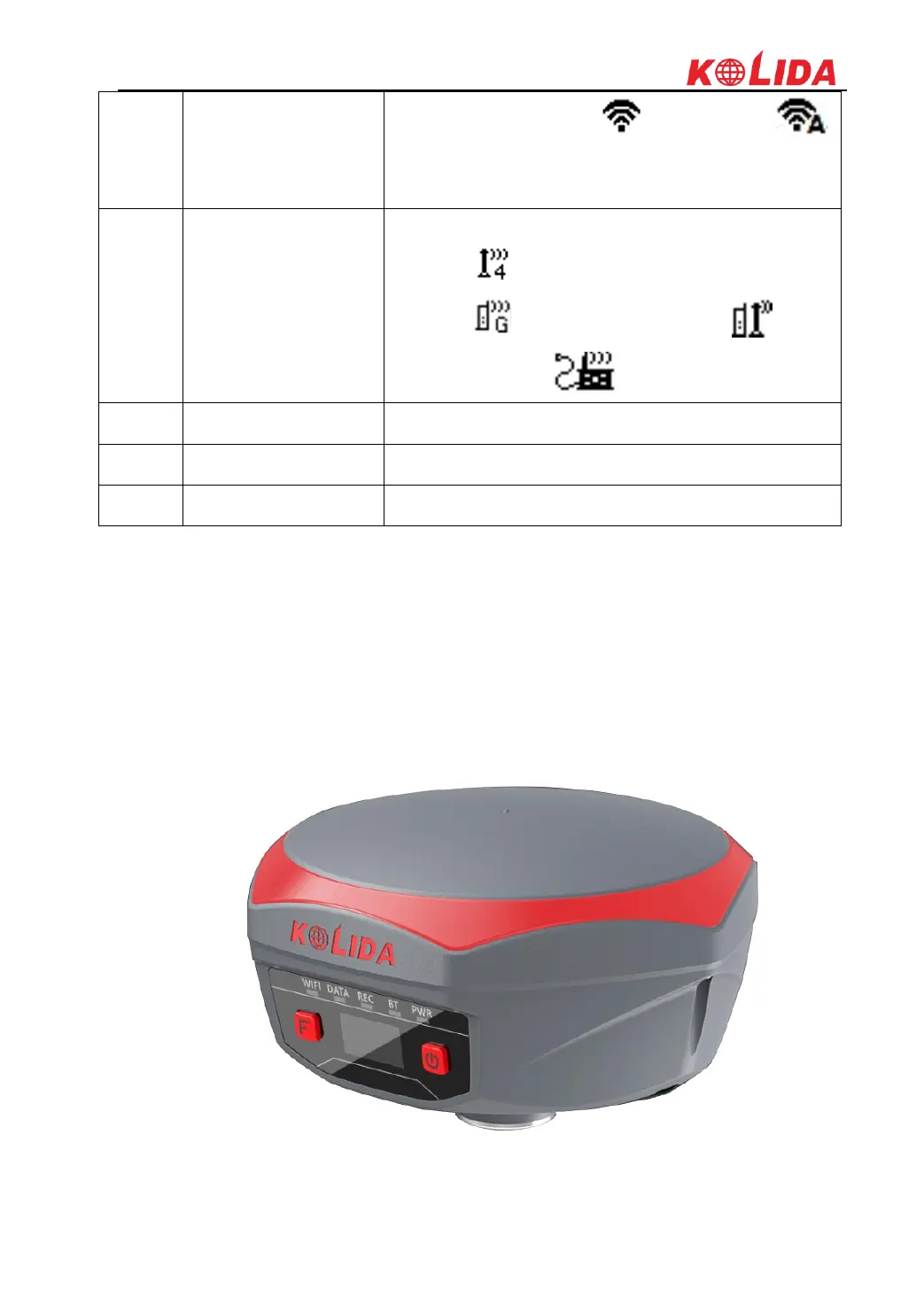
K1Pro
symbol will change to be ; when it shows ,
that means the receiver is broadcasting its WIFI hotspot
(We recommend to turn it off while unused.)
K1Pro will indicate the current used datalink at this
location. means internal UHF mode and the current
channel, means the GPRS mode, means
dual-emitting mode, means externl device mode
Display the satellites distribution
The value under Sats indicates the number of satellites
Display current PDOP value
§2.1.2 Side View



 To Next Page