K1Pro
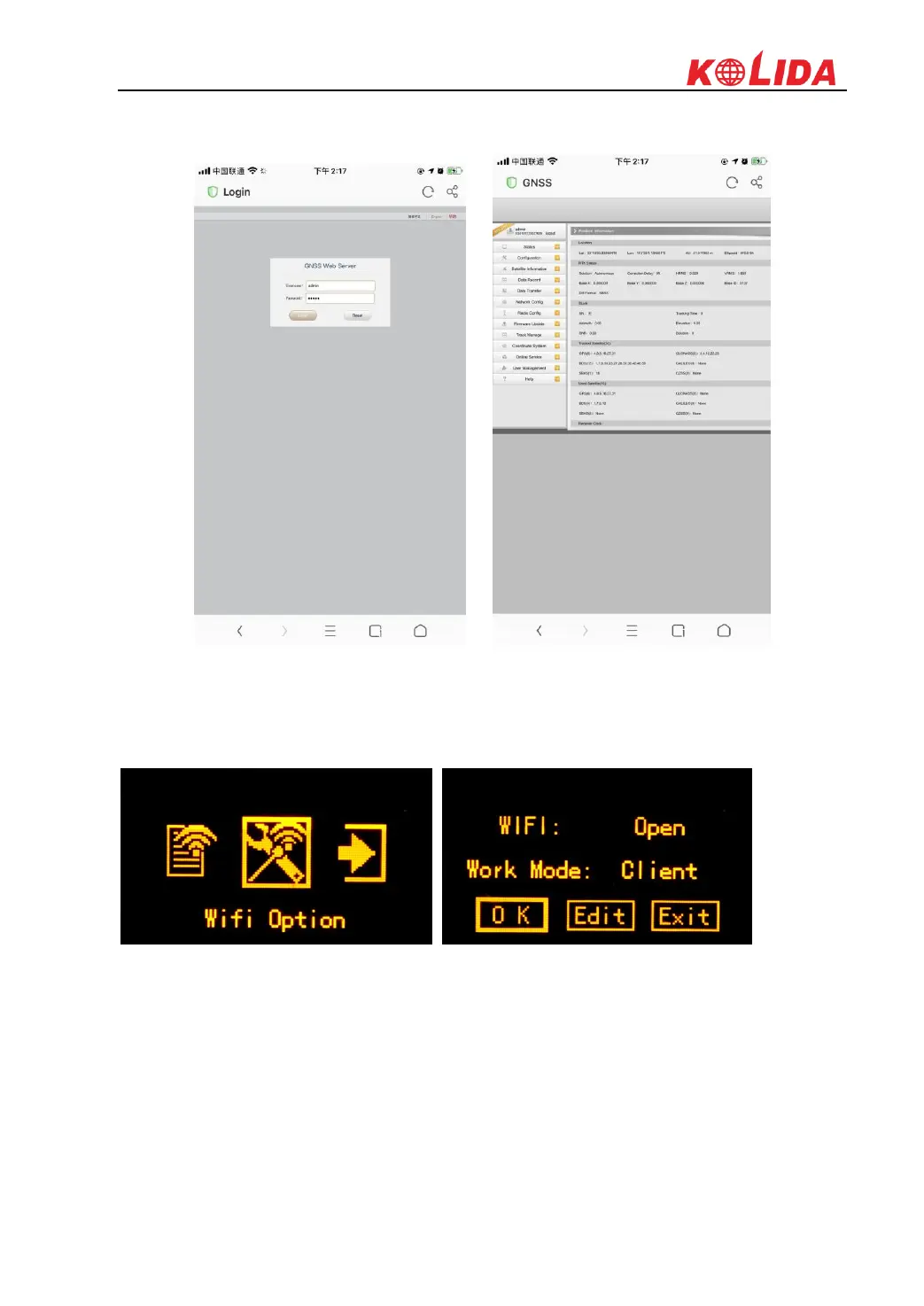
Search the WIFI SSID broadcasted by K1Pro with smartphone or laptop and connect it, then
input the IP address 10.1.1.1 into the address bar of explorer and access to the web UI of K1Pro
WIFI Option
This is used to turn on/off the WIFI and setup what working mode of WIFI, such as AP (WIFI
hotspot) and Client.
WIFI working mode setting
For the WIFI working mode, it is not only to be the hotspot, but also to be a datalink that help
KOLIDA K1Pro to connect to internet and obtain corrections from reference station.



 To Next Page