K1Pro
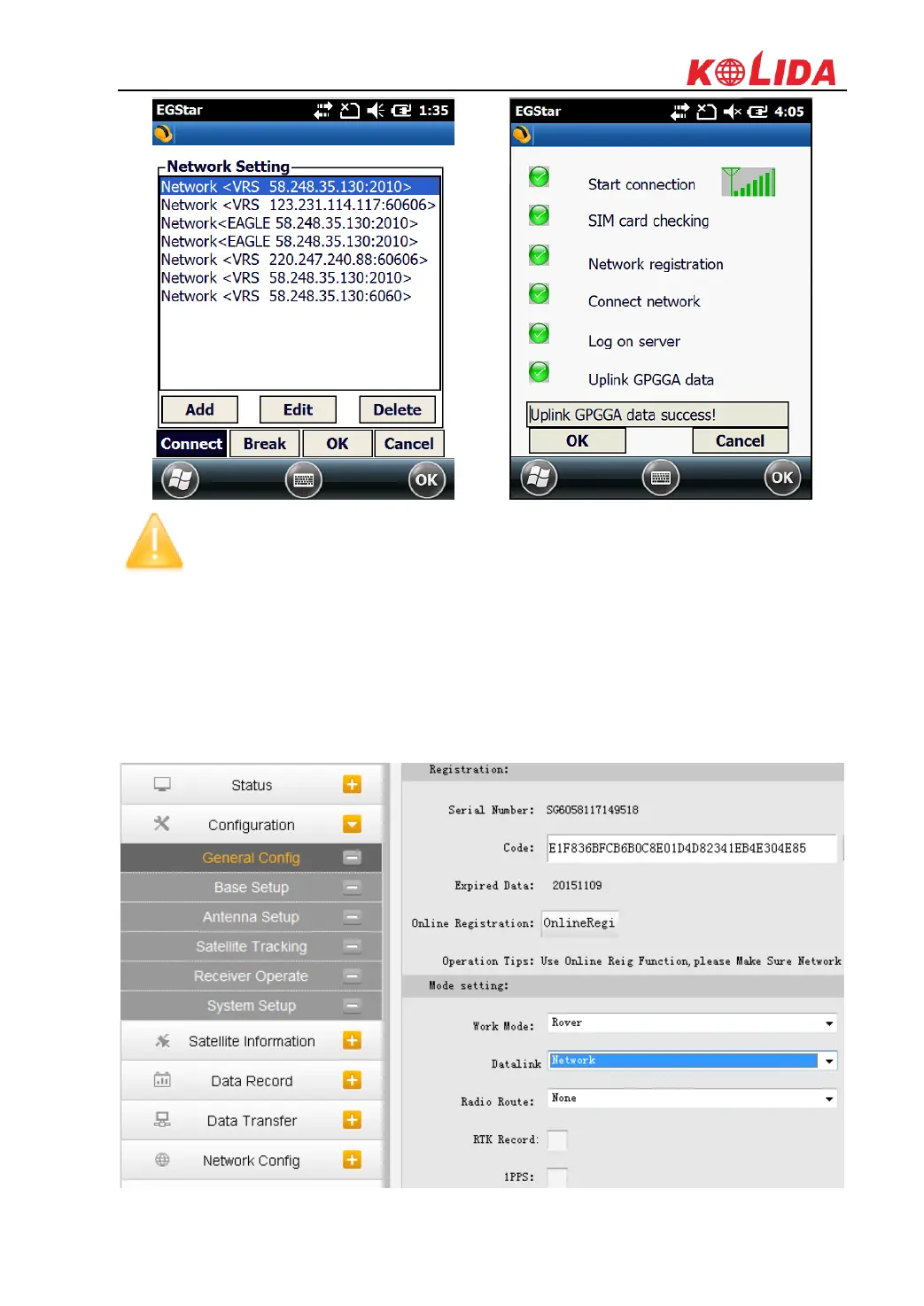
NOTE; the parameters would be automatically saved up once input, the receiver
would track the CORS info most recently input and connect when it gets started next
time.
Web UI settings
1) Login the web UI of K1Pro and go to “General Config” interface, then choose “Network”
in “Datalink” option, click on “Enter” button to confirm and save the settings.
2) Then go to “GSM/GPRS Config” interface under “Network Config” to check if the SIM
card is detected, and input the APN information at the bottom.



 To Next Page