K1Pro
Instrument settings
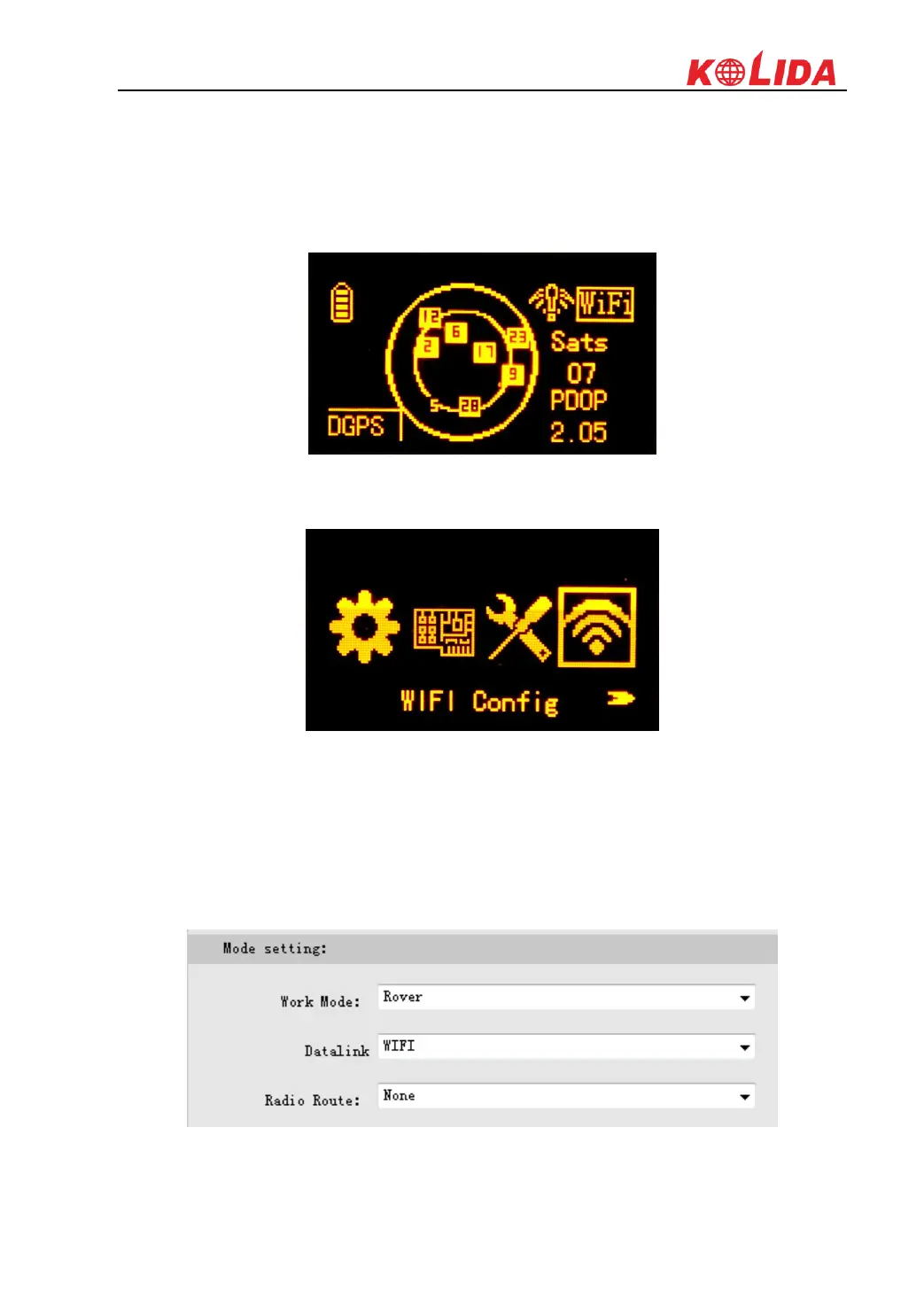
1) After choosing the rover mode for receiver, then press F button and get into the “Set Data
Link” configure page, then move the select box to “WIFI Datalink” option and press power
button to confirm.
2) Then get into the “WIFI Config” configure page to check if the WIFI connection is already
established.
Web UI settings
1) Login the web UI of K1Pro and go to “General Config” interface, then choose “WIFI” in
“Datalink” option, click on “Enter” button to confirm and save the settings.
2) Then go to “WIFI Config” interface under “Network Config”, there the option of “Client”
is activated if WIFI used as datalink.



 To Next Page