K1Pro
value and protocol that are selected to match on rovers later on.
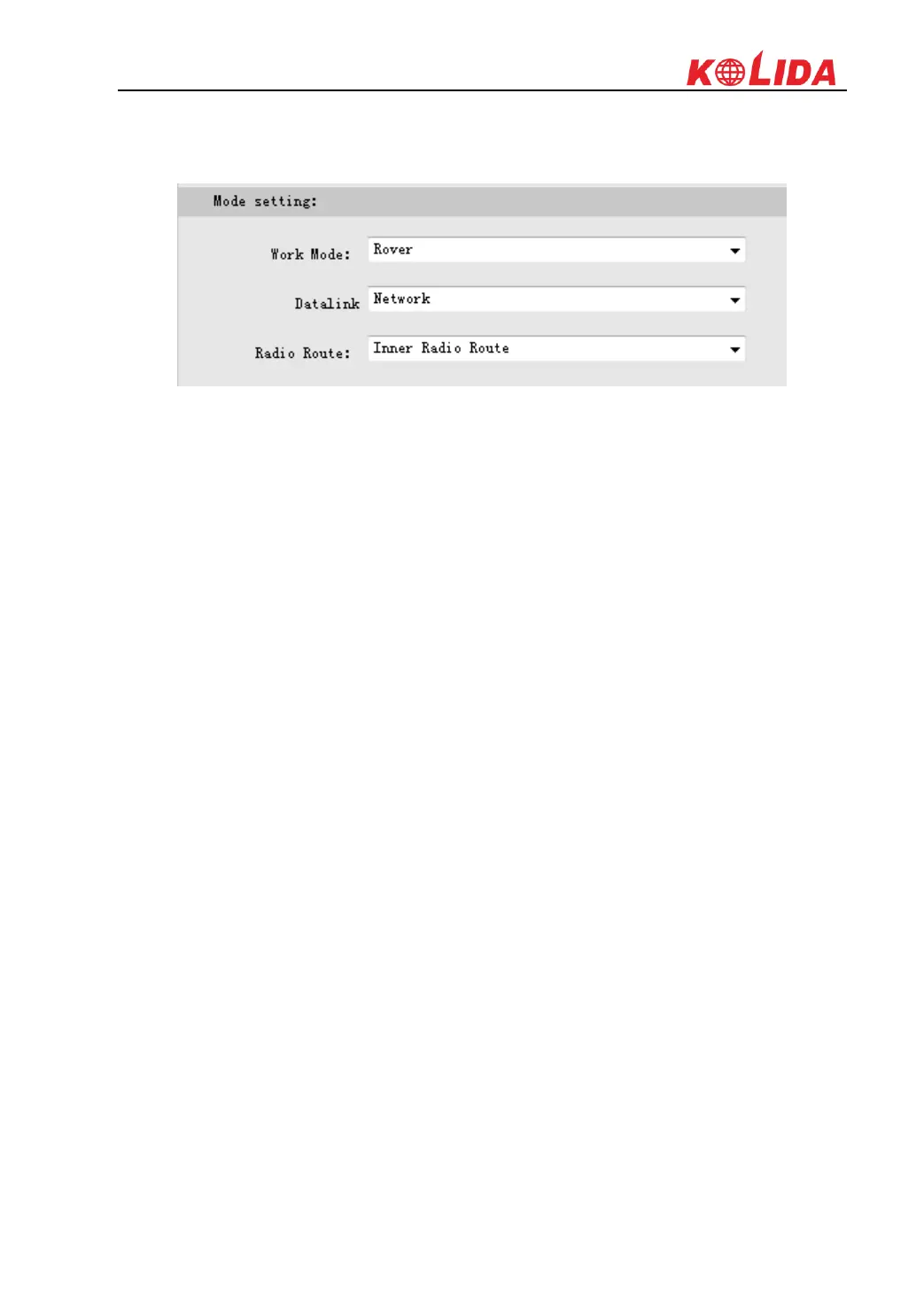
Then choose “Network” for Datalink option and choose “internal radio” for Router option in
“General Config” page, click on “Enter” button to confirm the settings.
At this moment, configure the parameters for rover to access to the CORS server for corrections.
Then the other rovers are able to connect the rover router via internal radio with the same
channel value, after rovers have fixed solution, the base coordinates are same as CORS station.



 To Next Page