EasyManua.ls Logo

Konftel 300 - Menu Navigation and Selection

Konftel 300
36 pages
Print Icon
To Next Page IconTo Next Page
To Previous Page IconTo Previous Page
Loading...
SEARCH CONTACT
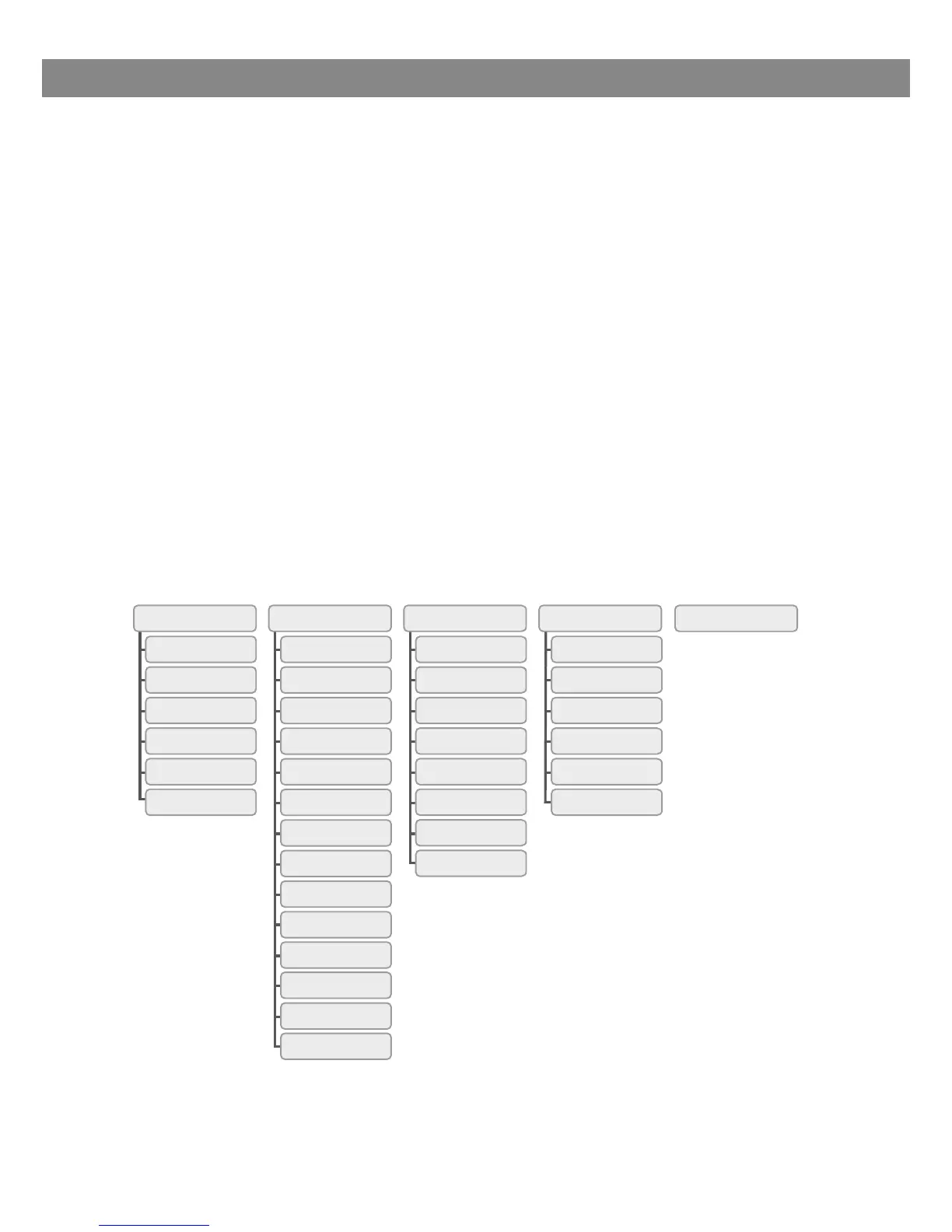
PHONE BOOK SETTINGS CONF GUIDE RECORDING STATUS
ADD CONTACT
EDIT CONTACT
ERASE CONTACT
ERASE ALL
STATUS
LANGUAGE
KEY TONE
TIME DATE
RING LEVEL
FLASH
CALLER ID
MOBILE LEVEL
EQUALIZER
REGION
PA
AUX PORT
SCREEN TEXT
LCD CONTRAST
DEFAULT
SEARCH GROUP
SHOW GROUP
ADD GROUP
EDIT GROUP
ERASE GROUP
ERASE ALL
SETTINGS
STATUS
PLAYBACK FILE
RENAME FILE
DELETE FILE
DELETE ALL
SETTINGS
STATUS
5
DESCRIPTION
NAVIGATION AND SELECTION IN MENUS
Press MENU.
Select the option you want from the menu using the arrow buttons.
Conrm by pressing OK to select the marked option.
Cancel the setting or go back one level in the menu by pressing C.
Quit the menu by pressing MENU again.
Note that after you have made changes to a setting, you must press OK to activate
the setting.
Writing style in instructions
In the instructions, MENU > SETTINGS means you should:
Press MENU.
Mark the SETTINGS option using the arrow buttons and conrm by pressing OK to
open the menu.
Menu tree

Table of Contents

Other manuals for Konftel 300

Related product manuals