IS15 General Manual
42 20220760I
3.10 Screen Group 6: Race
There are three screens in this group:
Screen 1
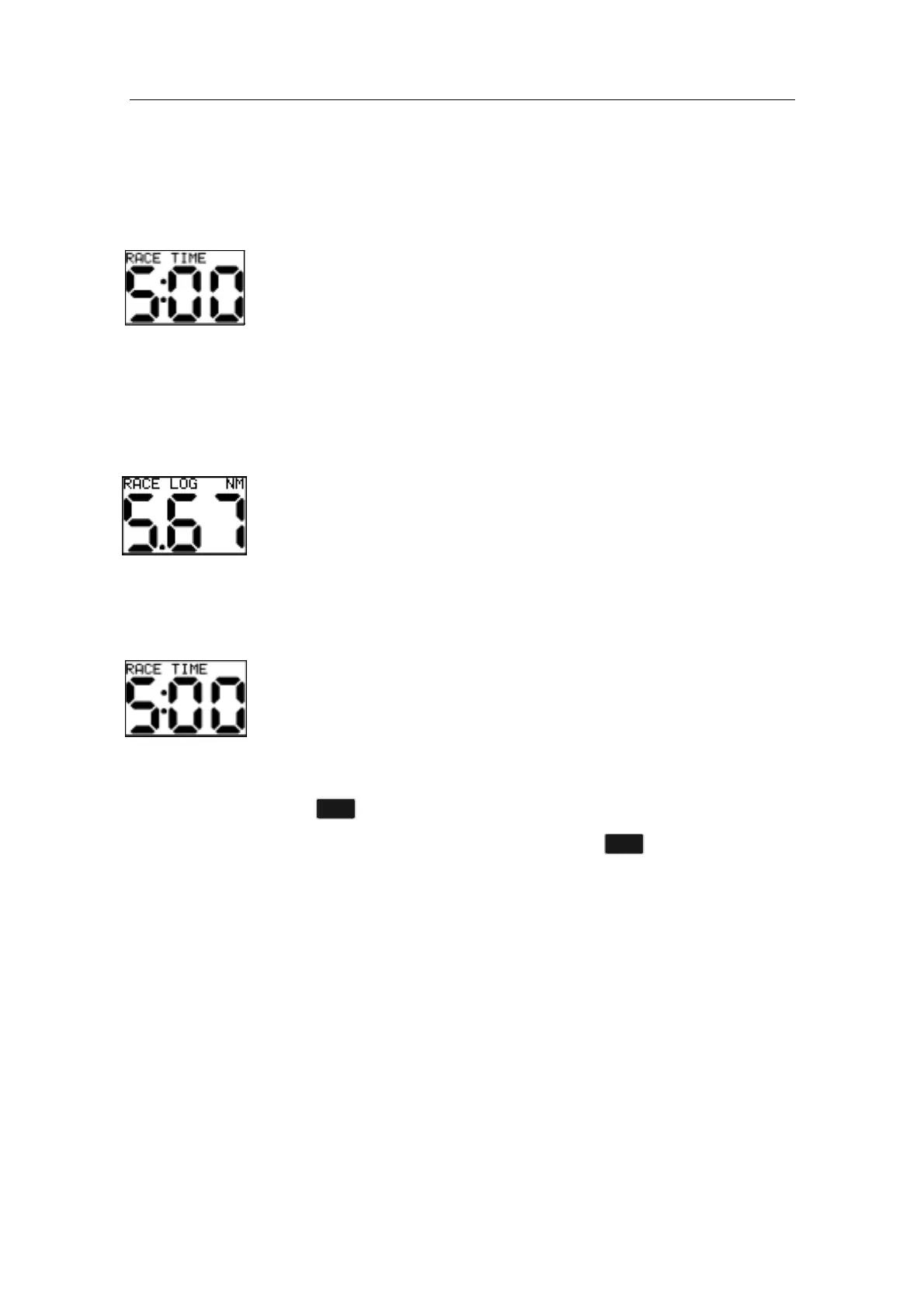
RACE TIME
• The upper screen section displays ‘RACE TIME’.
• The lower screen section normally displays the Race Timer
start time. See Note 1 below.
Screen 1 has a sub-screen for selecting Race Timer (5-10 min. or
3-6 min.)
Screen 2
RACE LOG
• The upper screen section displays ‘RACE LOG’ and the unit,
‘NM’ or ‘KM’.
• The lower screen section displays the Race Log (which is
“- - -“ when the Race Timer is not started). See Notes 3 & 4
on page 24.
To Start the Race Timer
The Race Timer may be started at any time, as below:
1. Select the Race Time display screen and the start time as
required.
2. Select between 5 or 10 (3 or 6) minute start time by pressing
the
button and hold for 2 seconds.
3. Start the timer by a quick press on the button. The timer
will count down with audible alarms at times as below:
5 minutes BEEP (3 minutes if 3-6 timer selected)
1 minute BEEP BEEP
30 seconds BEEP BEEP BEEP
5 seconds BEEP
4 seconds BEEP
3 seconds BEEP
2 seconds BEEP
1 second BEEP
BEEP BEEP BEEP BEEP →
→→
→GO



 To Next Page