28
110-0001063/A
Thesonarsystemsupportsseveraldifferentoperating
panels.
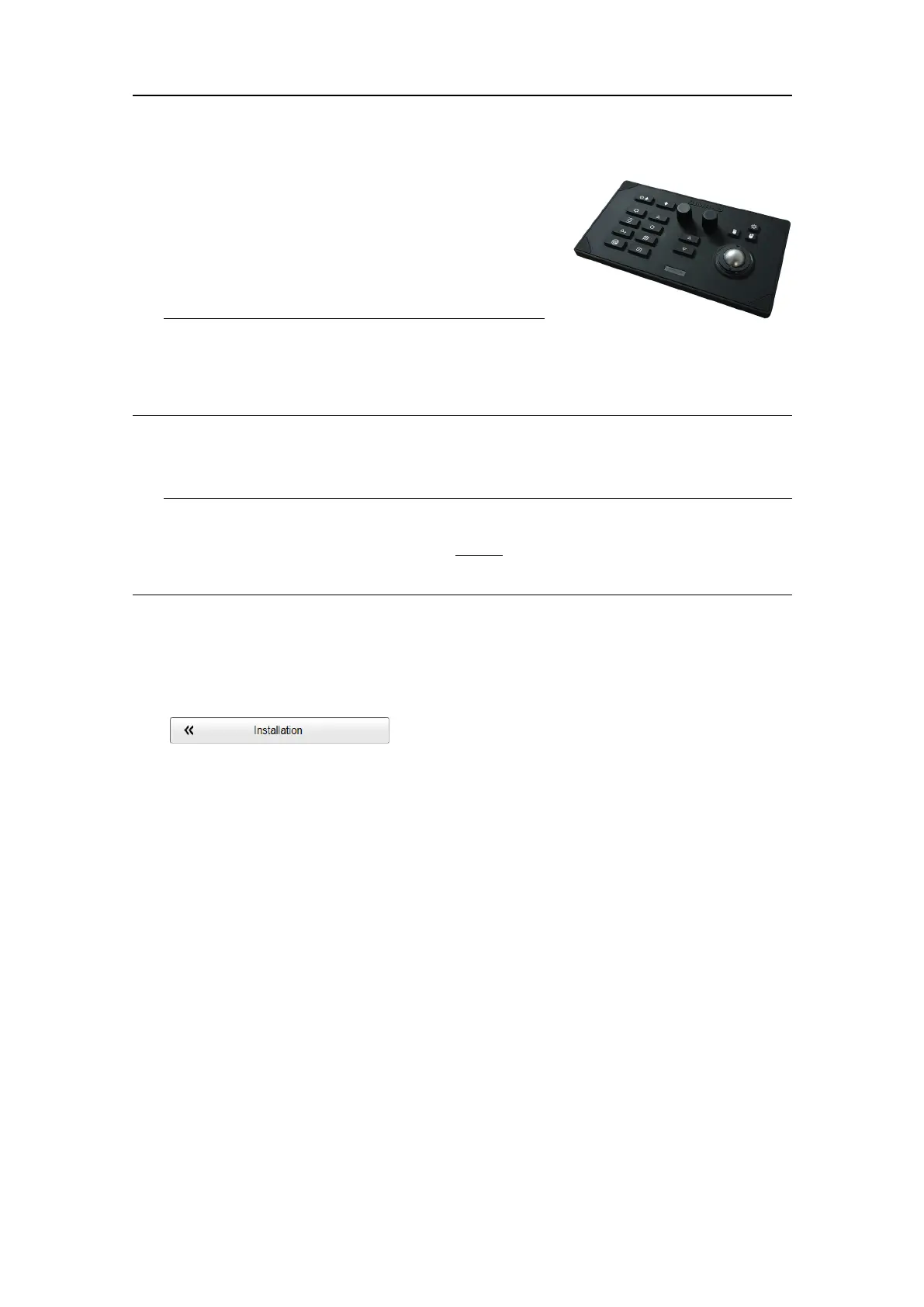
TheMk3OperatingPanelisconnectedtotheProcessor
UnitwithaUSBcable.Adedicatedpowersupplyunit
isnotrequired.
Tip
TheHT20470ProcessorUnitallowsyoutoenable"wake-uponUSB"functionality.
"Wake-uponUSB"meansthatyoucanturnonthesonarsystembyactivatinganyUSB
deviceconnectedtoacompatibleUSBport.
Toselectwhichoperatingpaneltouse,opentheOperatingPanelpageintheInstallation
dialogbox.TheInstallationdialogboxislocatedontheSetupmenu.
Tip
WhenyouworkintheInstallationdialogbox,youmustalwaysselectApplytosavethe
changesmadeonapage.Youmustdothisbefore
youcontinueworkingonadifferent
page.
Procedure
1OpentheSetupmenu.
2OntheSetupmenu,selectInstallation.
ObservethattheInstallationdialogboxopens.Thisdialogboxcontainsanumber
ofpagesselectedfromthemenuontheleftside.
3OntheleftsideoftheInstallationdialogbox,selectOperatingPanel.
4Selectwhichoperatingpaneltouse.
5Atthebottomofthepage,selectApplytosaveyoursettings.
6ContinueyourworkintheInstallationdialogbox,orselectOKtocloseit.
SimradInstallationManual



 To Next Page