5.1 Support ow during trouble
105
Chapter 5
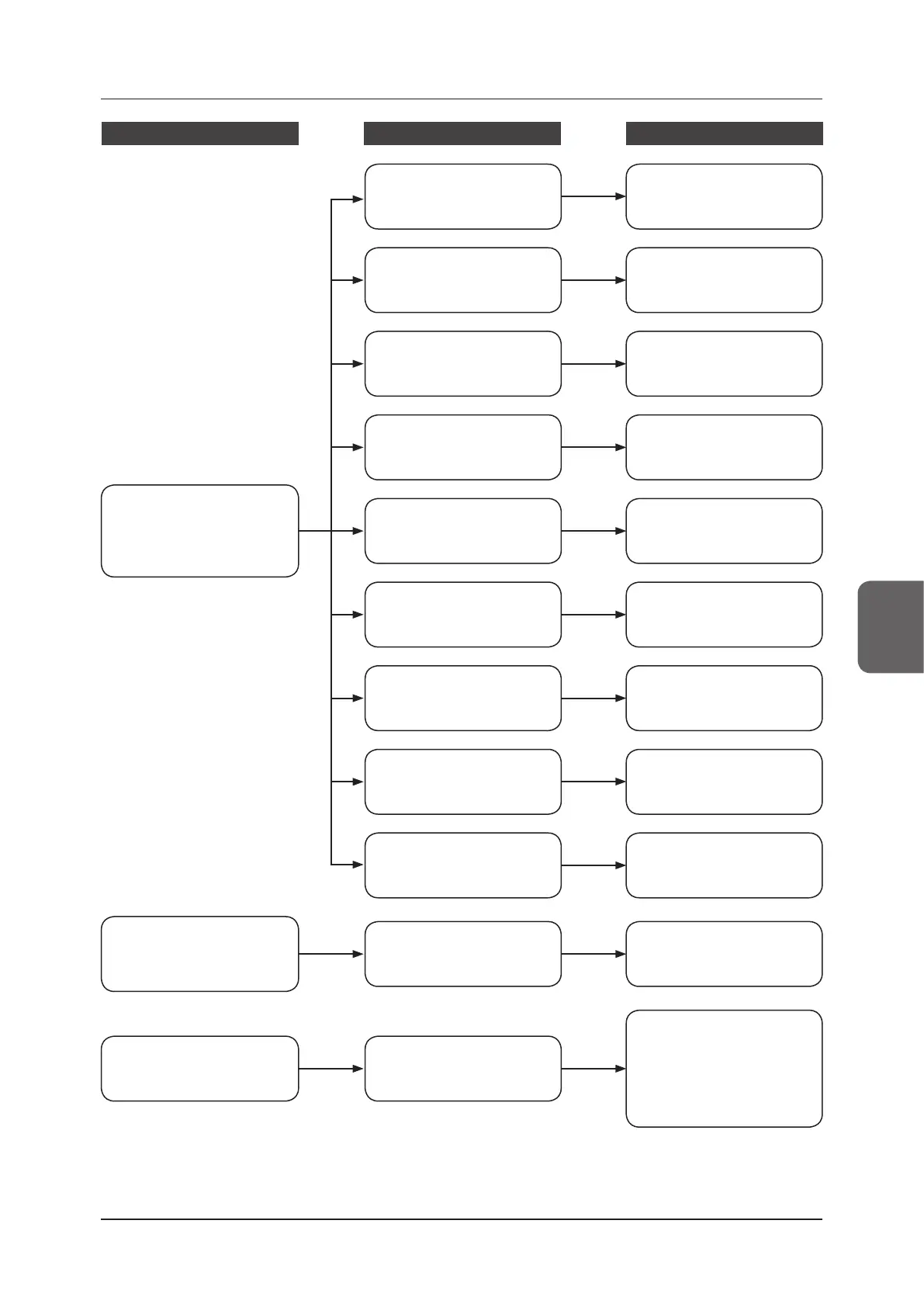
Status Device
Reference for countermeasures
Image processing controller or
image related trouble has oc-
curred.
Image processing controller
Consult "5.2.13 Image process-
ing controller/Images" to take
the countermeasures.
It was dropped. It was subject-
ed to impacts.
DR Detector
Consult "Corrective actions
when the DR Detector is
dropped or subjected to im-
pacts" in "5.2.1 DR Detector" to
take the countermeasures.
Trouble has occurred in each device.
(Trouble other than error code dis
-
play and a lit error LED)
DR Detector
Consult "5.2.1 DR Detector" to
take the countermeasures.
AeroDR Interface Unit
Consult "5.2.2 AeroDR Inter-
face Unit" to take the counter-
measures.
AeroDR Battery Charger2
Consult "5.2.11 AeroDR Battery
Charger2" to take the counter-
measures.
AeroDR Battery Charger
Consult "5.2.10 AeroDR Battery
Charger" to take the counter-
measures.
AeroDR Access Point
Consult "5.2.12 AeroDR Access
Point" to take the countermea-
sures.
Power Supply Unit
Consult "5.2.6 Power Supply
Unit" to take the countermea-
sures.
Detector Interface Unit
Consult "5.2.4 Detector Inter-
face Unit" to take the counter-
measures.
Detector Interface Unit 2
Consult "5.2.5 Detector Inter-
face Unit 2" to take the counter-
measures.
AeroDR Interface Unit2
Consult "5.2.3 AeroDR Inter-
face Unit2" to take the counter-
measures.



 To Next Page
 Loading...




