EasyManua.ls Logo

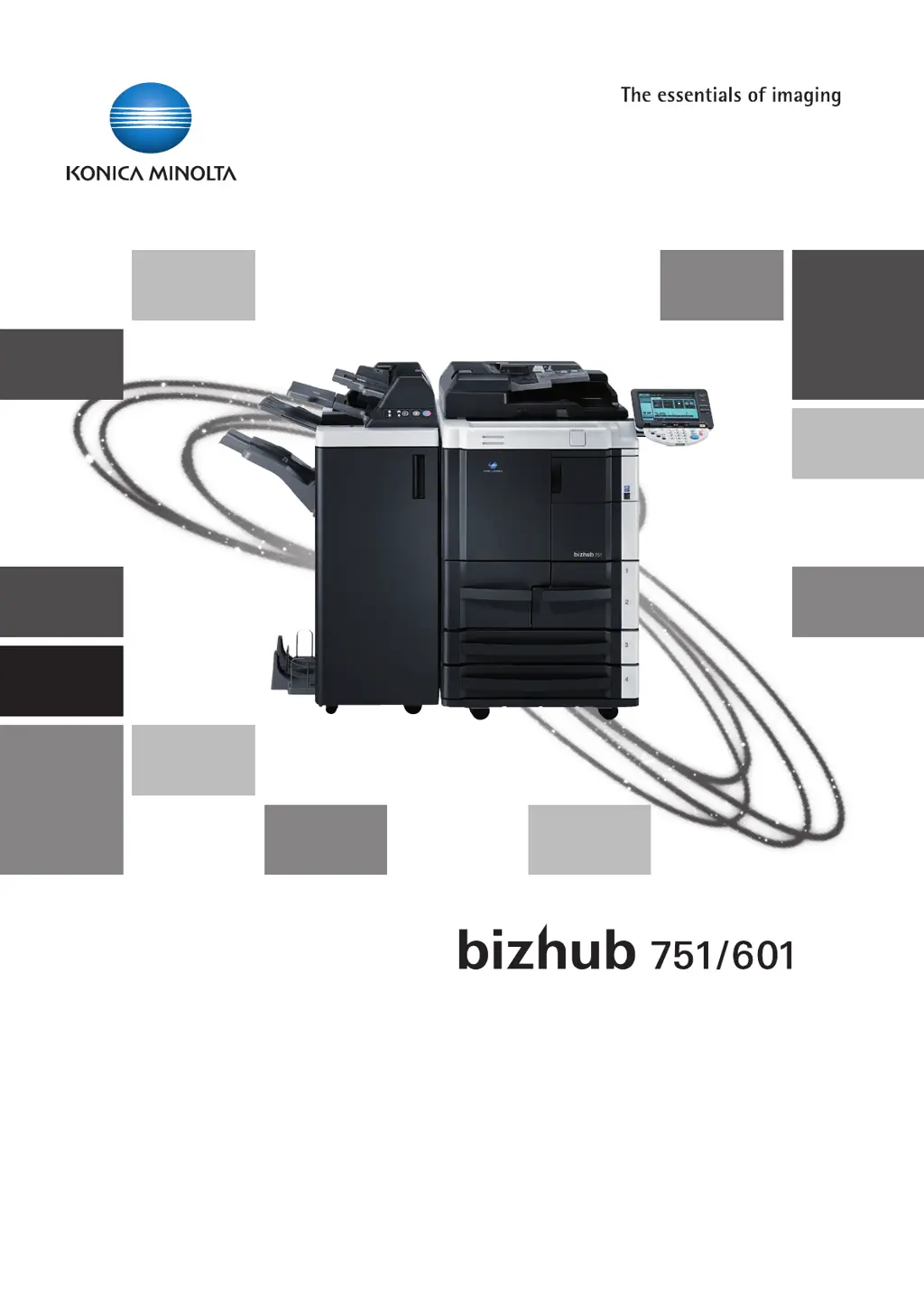
Konica Minolta bizhub 751 - User Manual

Konica Minolta bizhub 751
366 pages
Print Icon
To Next Page IconTo Next Page
Loading...
User’s Guide
Network Scan/Fax/Network Fax Operations

Table of Contents

Other manuals for Konica Minolta bizhub 751

Questions and Answers

  • J
    Joseph PorterSep 23, 2025
    Konica Minolta bizhub 751: Cannot print with 'Public User' authentication - why?
    • R
      russellmortonSep 23, 2025
      If you cannot print even though 'Public User' is selected for user authentication on your Konica Minolta All in One Printer, it might be because printing as a public user is not permitted on the main system. Check with the administrator to see if printing as a public user is allowed.
  • J
    Jeremiah RussellAug 25, 2025
    How to fix Konica Minolta bizhub 751 All in One Printer driver installation failure?
    • H
      Hannah MooreAug 25, 2025
      If the printer driver installation fails for your Konica Minolta All in One Printer, especially in Windows Vista, it might have already been partially installed as a Web Service-supporting printer. In Windows Vista, uninstall the printer in the Network window, and then reinstall it.
  • J
    Jennifer HobbsAug 25, 2025
    What to do if the message "misfeed detected" appears on Konica Minolta All in One Printer?
    • M
      Mary MaysAug 26, 2025
      If the message "misfeed detected" appears, remove the paper according to the guide or illustration provided.
  • B
    Brianna JohnsonAug 27, 2025
    How to clear a paper misfeed in tray 1 of Konica Minolta bizhub 751 All in One Printer?
    • J
      jennifergouldAug 27, 2025
      To clear a paper misfeed in tray 1: - Remove any misfed paper. - Lift up the paper take-up roller, and then remove any paper remaining in the tray. - Load the paper into the tray again, lower the paper take-up roller, and then close the tray.
  • K
    Keith Cochran Jr.Sep 23, 2025
    Why does the print job remain after printing is completed on Konica Minolta All in One Printer?
    • R
      Robin GomezSep 23, 2025
      If the print job remains even after printing is completed on your Konica Minolta All in One Printer, especially in Windows Vista, 'Network discovery' might be disabled. To use the Web Service print in Windows Vista, enable 'Network discovery' in 'Network and Sharing Center' on the computer.
  • J
    jacksonalexanderDec 1, 2025
    Why my Konica Minolta All in One Printer cannot print?
    • E
      Elizabeth TaylorDec 1, 2025
      If your Konica Minolta All in One Printer isn't printing, there are several potential causes. First, the printer driver selected may not be compatible with the image controller; check the printer name selected. The network or USB cable might be disconnected, so ensure it's properly connected. An error might be occurring on the machine, so check the control panel. Insufficient memory space or a PostScript error could be the cause; perform a test print to check. There may be an error in the application software settings, so refer to its user manual. The file printing settings may be incorrect, so change them and try again. A print job may be queued, delaying printing; check the job order on the Active Jobs list. The job may be held in the "User Box" or "Secure Print User Box" in the control ...
  • M
    Mr. David HorneSep 12, 2025
    Why images are not printed properly on Konica Minolta All in One Printer?
    • K
      keith99Sep 12, 2025
      If images are not printed properly by your Konica Minolta All in One Printer, it may be due to insufficient available computer memory space. Try simplifying the images to reduce the data size.
  • V
    vclineSep 12, 2025
    Why the pages are not punched on Konica Minolta bizhub 751?
    • B
      Benjamin HerreraSep 12, 2025
      If the pages are not punched by your Konica Minolta All in One Printer, printed pages may be fed out without being punched if the paper is loaded into the paper source with an incorrect orientation. Check the orientation setting.
  • E
    Edward StevensSep 4, 2025
    How to solve the issue when Konica Minolta bizhub 751 All in One Printer cannot print even though "Public User" is selected for user authentication?
    • J
      James ScottSep 4, 2025
      If your Konica Minolta All in One Printer is not printing correctly even though "Public User" is selected for user authentication, printing as a public user may not be permitted on the main system. Check with the administrator to see if printing as a public user is permitted.
  • B
    breanna92Sep 2, 2025
    Why jobs in Save in User Box disappeared in Konica Minolta bizhub 751 All in One Printer?
    • H
      Heather HughesSep 2, 2025
      If jobs in Save in User Box have disappeared from your Konica Minolta All in One Printer, it's possible that the main system is set to automatically delete jobs in the user box. Check the settings for the user box on the main system.

Konica Minolta bizhub 751 Specifications

General IconGeneral
Monthly Duty Cycle300, 000 pages
Copy Resolution600 x 600 dpi
Printing TechnologyLaser
Duplex PrintingStandard
Automatic Document Feeder (ADF)Yes
ADF Capacity100 sheets
Scanning Resolution600 x 600 dpi
Fax Transmission Speed33.6 Kbps
Print Speed75 ppm
Scan Speed75 opm (originals per minute)
ConnectivityEthernet, USB
Zoom Range25% - 400%
Operating System CompatibilityWindows, Mac, Linux

Related product manuals