E-3
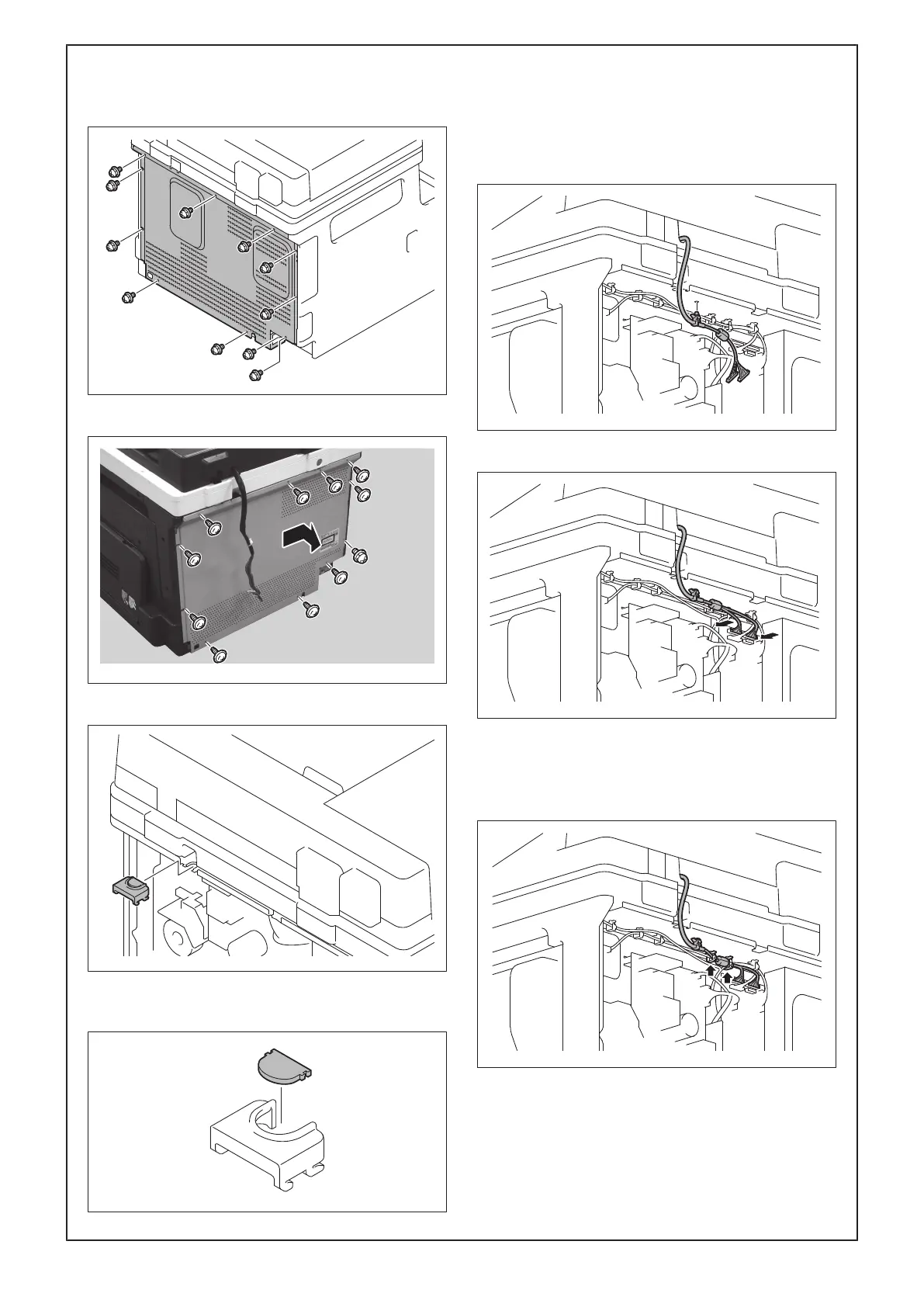
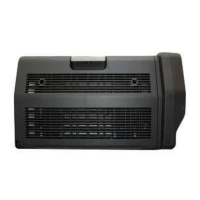
(6) Remove the rear cover from the main body.
(11 screws)
<266i/246i/226i>
<225i/215i/205i>
(7) Remove the harness fixing cover.
(8) Cut out the knockout from the harness fixing
cover using nippers.
(9) Connect the wire harness of the DF to the main
body.
<For models 266i/246i/226i>
a) Insert the insertion part of the cable tie of the
wire harness of the DF into the hole shown in
the illustration.
b) Connect the two connectors to the main body.
c) Route the wire harness through the two wire
saddle.
Note:
Put the ferrite core between the wire saddles.



 To Next Page