E-1
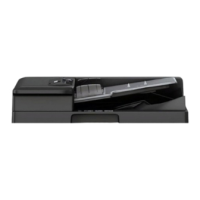
DF-628 Reverse Automatic Document Feeder
INSTALLATION MANUAL
A7V7-9581-02
Applied Machines: C287/C227/367/287/227
COLOR MFP: 28 ppm/22 ppm
MFP: 36 ppm/28 ppm/22 ppm
Product Code: A797/A798/A789/A7AH/A7AK
1. Accessory parts
Note:
This manual provides the illustrations of the acces-
sory parts and machine that may be slightly differ-
ent in shape from yours. In that case, instead of
the illustrations, use the appearance of your
machine to follow the installation procedure. This
does not cause any significant change or problem
with the procedure.
2. Installation procedures
(1) Turn OFF the power switch and unplug the
power cord from the power outlet.
(2) Hold the Reverse Automatic Document Feeder
as shown in the illustration and remove it from
the carton.
Note:
To prevent breakage, do not hold the Reverse
Automatic Document Feeder by the four corners.
No. Name Shape Q’ty
1. Hinge cover
(large)
1
2. Hinge cover
(small)
1
3. Original mat
1
4. Shoulder
screw
2
5. Mounting
screw
2
6. Chart
1
7. Installation
manual
1 set
Keep this bag away from babies and
children. Do not use in cribs, beds,
carriages, or playpens.
The thin film may cling to nose and
mouth and prevent breathing. This bag is
not a toy.

 Need help?
 General











 To Next Page