EasyManua.ls Logo

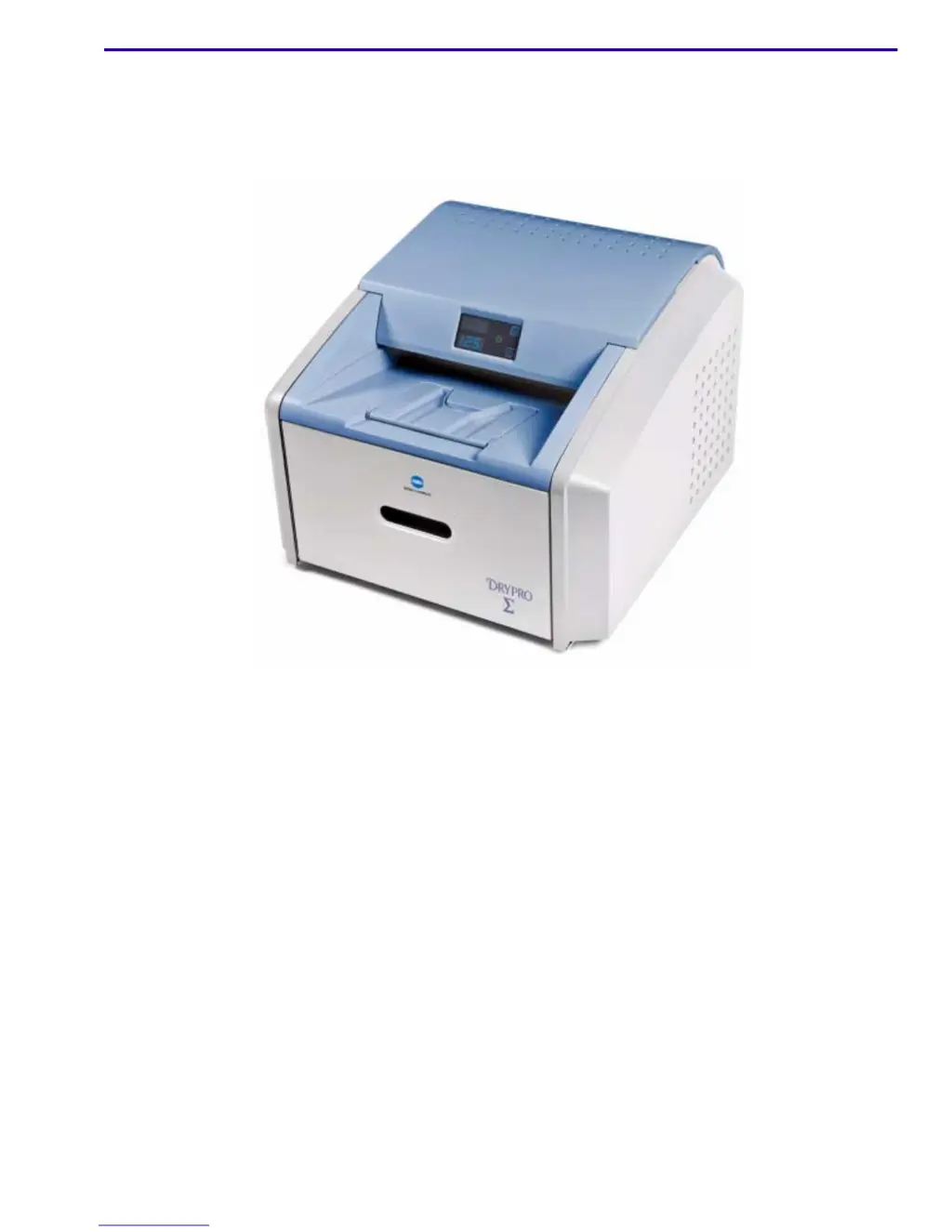
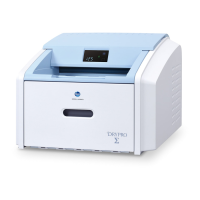
Konica Minolta DRYPRO SIGMA - Service Manual

Konica Minolta DRYPRO SIGMA
206 pages
Print Icon
To Next Page IconTo Next Page
Loading...
Confidential
{ServiceM anual}{Pr oduction} {Confident ial}
Publication No. 9G9002
2011-08-15
Service Manual

Table of Contents

Other manuals for Konica Minolta DRYPRO SIGMA

Questions and Answers

  • M
    Marie LarsonAug 1, 2025
    How to restart Konica Minolta DRYPRO SIGMA Printer when the laser imager does not start?
    • D
      Daniel ReynoldsAug 1, 2025
      If the laser imager on your Konica Minolta Printer does not start, you can try the following: - Press the power switch on the back of the laser imager off (0), and then on (|) to restart it. - Disconnect the power cord from the wall outlet, then plug the power cord back into the wall outlet. - Check that the power cord is properly connected to the AC power connector on the laser imager. - Check that the wall outlet is energized.
  • C
    chad31Aug 6, 2025
    What to do if my Konica Minolta DRYPRO SIGMA shows Error Code 006?
    • D
      Donna ReedAug 6, 2025
      If your Konica Minolta Printer displays Error Code 006, it indicates a disconnected or faulty network cable. Check the network cable and reconnect it at both ends. You can also try using a different cable. Ensure that the network at your location is functioning correctly.
  • T
    tracy85Aug 11, 2025
    Why does my Konica Minolta Printer show Error Code 704?
    • I
      icarsonAug 11, 2025
      Error Code 704 on your Konica Minolta printer means the network connection to the laser imager has been lost. Try restarting the laser imager.
  • D
    derekhallAug 17, 2025
    What to do if my Konica Minolta DRYPRO SIGMA Printer shows Error Code 209?
    • D
      davidpotterAug 17, 2025
      Error Code 209 on your Konica Minolta printer indicates that the laser imager was opened during a self-test. Close the cover and restart the laser imager.
  • A
    Andrew PachecoAug 21, 2025
    How to fix Konica Minolta DRYPRO SIGMA Error Code 175?
    • W
      Walter WarrenAug 22, 2025
      Error Code 175 on your Konica Minolta printer means the rollback failed to engage the cartridge. If the Pause symbol is on, press it to cover the film cartridge. Once the Pause symbol stops flashing, remove the film cartridge from the laser imager and insert a different film cartridge.
  • B
    Brian BaileyAug 26, 2025
    How to fix Konica Minolta Printer Error Code 701?
    • M
      Marie EllisAug 26, 2025
      If your Konica Minolta printer is showing Error Code 701, close the cover.

Summary

Installation Instructions

Necessary Materials

Lists required tools and materials for installing the laser imager.

Mechanical Setup and Uncrating

Procedures for uncrating and setting up the laser imager mechanically.

Power, Connectivity, and Basic Configuration

Steps for connecting power, network, and basic laser imager configuration.

Completing Installation and Initial Checks

Final installation steps, image quality check, and system backup.

Installation Troubleshooting

Common problems and solutions during the installation process.

Adjustments and Replacements

Processor and Imaging Assembly Adjustments

Procedures for adjusting processor temperature and imaging assembly timing.

Component and Board Replacement

Steps for removing/installing covers, processor drum, fans, and motors.

Drive System and Sensor Replacements

Procedures for replacing drive belts, motors, and various sensors.

Preventive Maintenance

PM Intervals and Required Materials

Guidelines on when and with what materials preventive maintenance should be performed.

Performing PM Procedures

Step-by-step instructions for cleaning and maintaining the laser imager.

Resetting PM Counts and Service History

Procedures to reset PM counts and update service history after maintenance.

Diagnostics

Service Switch and Display Symbols

How to use the service switch and interpret display screen symbols and messages.

Status Messages and Condition Codes

Explains DICOM, MCS, and film supply status messages and lists condition codes.

Severity Levels and Error Categories

Describes severity levels associated with condition codes for error analysis.

Illustrated Parts List

Main Assembly and Covers

Illustrated parts breakdown for the main assembly and external covers.

Internal Component Assemblies and Cables

Illustrated parts for exposure transport, pickup, feed roller, and processor drum assemblies, plus cables.

Additional Service Procedures

Service Tool Access and Configuration

Steps for accessing the service tool and configuring laser imager settings.

Network, System, and Software Updates

Procedures for network settings, service tracking, and software/firmware upgrades.

Konica Minolta DRYPRO SIGMA Specifications

General IconGeneral
BrandKonica Minolta
ModelDRYPRO SIGMA
CategoryPrinter
LanguageEnglish

Related product manuals