EasyManua.ls Logo

Konica Minolta DRYPRO Model 793 - User Manual

Konica Minolta DRYPRO Model 793
156 pages
Print Icon
To Next Page IconTo Next Page
Loading...
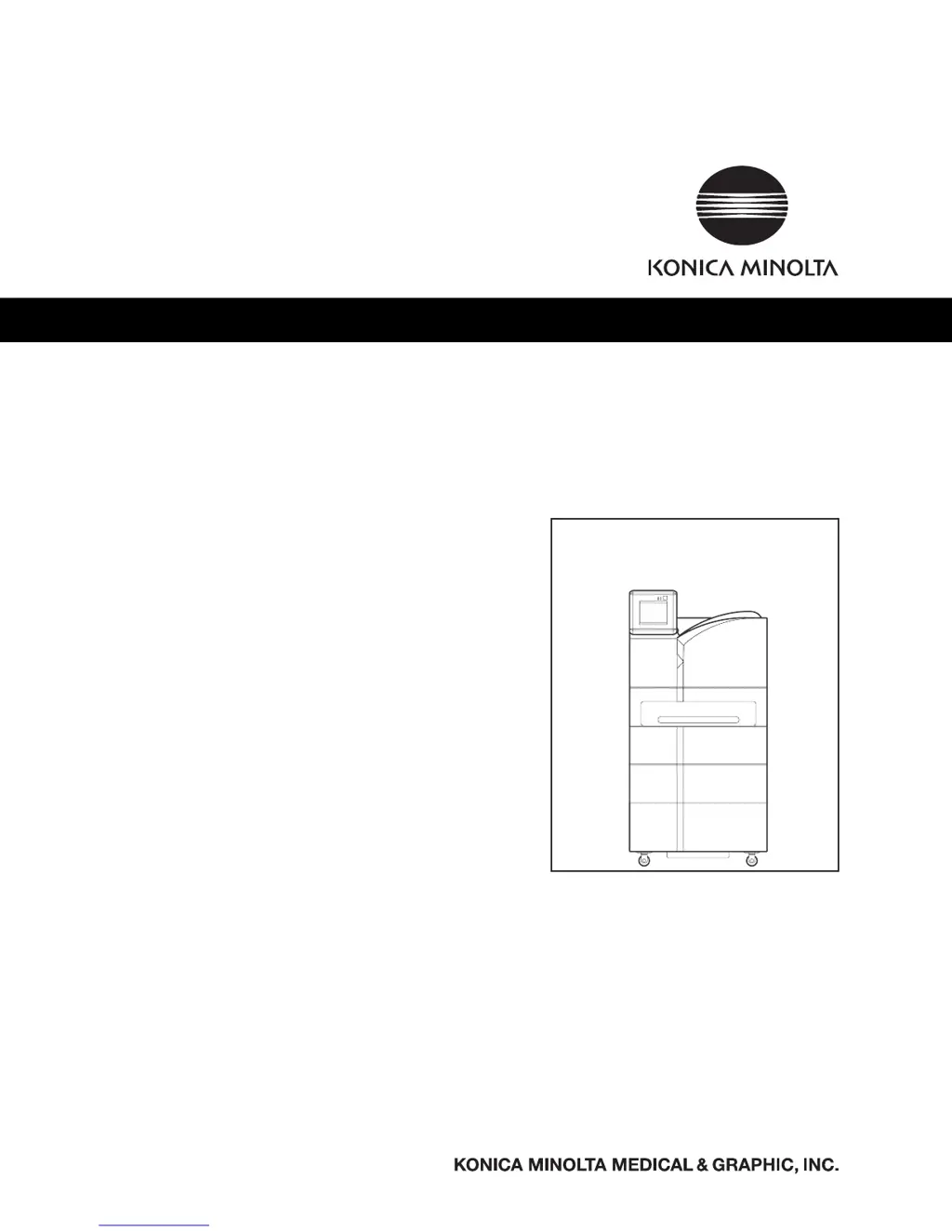
DRYPRO MODEL 793
OPERATION MANUAL
No. 26-2, Nishishinjuku 1-chome, Shinjuku-ku, Tokyo 163-0512, Japan
LASER IMAGER
CODE NO.
0792 (UL), 0791 (CE)

Table of Contents

Questions and Answers

  • A
    Alan CastilloJul 30, 2025
    What to do if Konica Minolta DRYPRO Model 793 Printer shows ID_ERR_MEC1_SORTERFAIL?
    • M
      Michael PopeJul 30, 2025
      The Konica Minolta Printer displays ID_ERR_MEC1_SORTERFAIL because of an incorrect film size in Tray1, Tray2 or Tray3. (10in or 8in film loaded in 14in tray, film other than 10in loaded in 10in tray, or film other than 8in loaded in 8in tray). To resolve this, load the correct film size in the Supply Tray, and perform Error Reset.
  • M
    Melissa MurrayAug 4, 2025
    What to do if Konica Minolta DRYPRO Model 793 Printer displays ERR_MEC1_OPEFAIL?
    • T
      Terri PattersonAug 4, 2025
      The Konica Minolta Printer displays ERR_MEC1_OPEFAIL due to issues with the Justification Motor, Justification Home Sensor, Justification Limit Sensor, Positioning Nip, or Descent Nip. To resolve this, press the release button and check the film path.
  • T
    tweberAug 8, 2025
    How to resolve ID_ERR_MEC1_FILMJAM error on Konica Minolta DRYPRO Model 793?
    • D
      Daniel DawsonAug 8, 2025
      The Konica Minolta Printer displays ID_ERR_MEC1_FILMJAM because there is a film jam in the Descent Transport Unit. To fix this, press the release button and remove the film.
  • K
    Kristi HortonAug 12, 2025
    What to do if Konica Minolta DRYPRO Model 793 displays ERR_MEC1_TRAY1OPEN?
    • D
      David GarciaAug 12, 2025
      The Konica Minolta Printer displays ERR_MEC1_TRAY1OPEN because Supply Tray1 is open. Close the Supply Tray, and perform Error Reset.
  • R
    ronald27Aug 17, 2025
    Why Konica Minolta DRYPRO Model 793 shows ID_ERR_MEC1_TRAY2OPEN?
    • M
      Matthew CarlsonAug 17, 2025
      The Konica Minolta Printer displays ID_ERR_MEC1_TRAY2OPEN because Supply Tray2 is open. Close the Supply Tray, and perform Error Reset.
  • A
    Alicia MartinezAug 21, 2025
    What causes ID_ERR_MEC1_TRAY3OPEN error on Konica Minolta DRYPRO Model 793 Printer?
    • N
      nallisonAug 21, 2025
      The Konica Minolta Printer displays ID_ERR_MEC1_TRAY3OPEN because Supply Tray3 is open. Close the Supply Tray, and perform Error Reset.
  • T
    Tracy LewisAug 26, 2025
    How to fix Film Pickup Error on Konica Minolta Printer?
    • Z
      Zachary DiazAug 26, 2025
      The Konica Minolta Printer shows a Film pickup error because of a failure to pick up in Tray1. Press the [Error Reset] button and follow the instruction; or press release button and follow the direction provided.

Summary

Safety Precautions & Warnings

Understanding Safety Symbols and Signals

Explains safety alert symbols, graphic symbols, and warning text.

Operation

Operation Panel Usage

Details the functions and displays of the main unit's operation panel for controlling the device.

Maintenance Mode

Maintenance Function Operations

Covers the detailed operations of specific functions like print setup, film setup, and timer settings.

Troubleshooting

Error Message and Reaction

Lists error codes, messages, descriptions, and reset procedures for system errors.

Error Reset Procedure

Explains how to reset errors displayed on the operation panel and handle persistent issues.

Resolving Film Jams

Provides guidance on identifying and removing film jams from various locations within the unit.

Specifications

Product Specifications Summary

Details technical specifications including product name, model, dimensions, power, and processing capacity.

Konica Minolta DRYPRO Model 793 Specifications

General IconGeneral
BrandKonica Minolta
ModelDRYPRO Model 793
CategoryPrinter
LanguageEnglish

Related product manuals