E-4
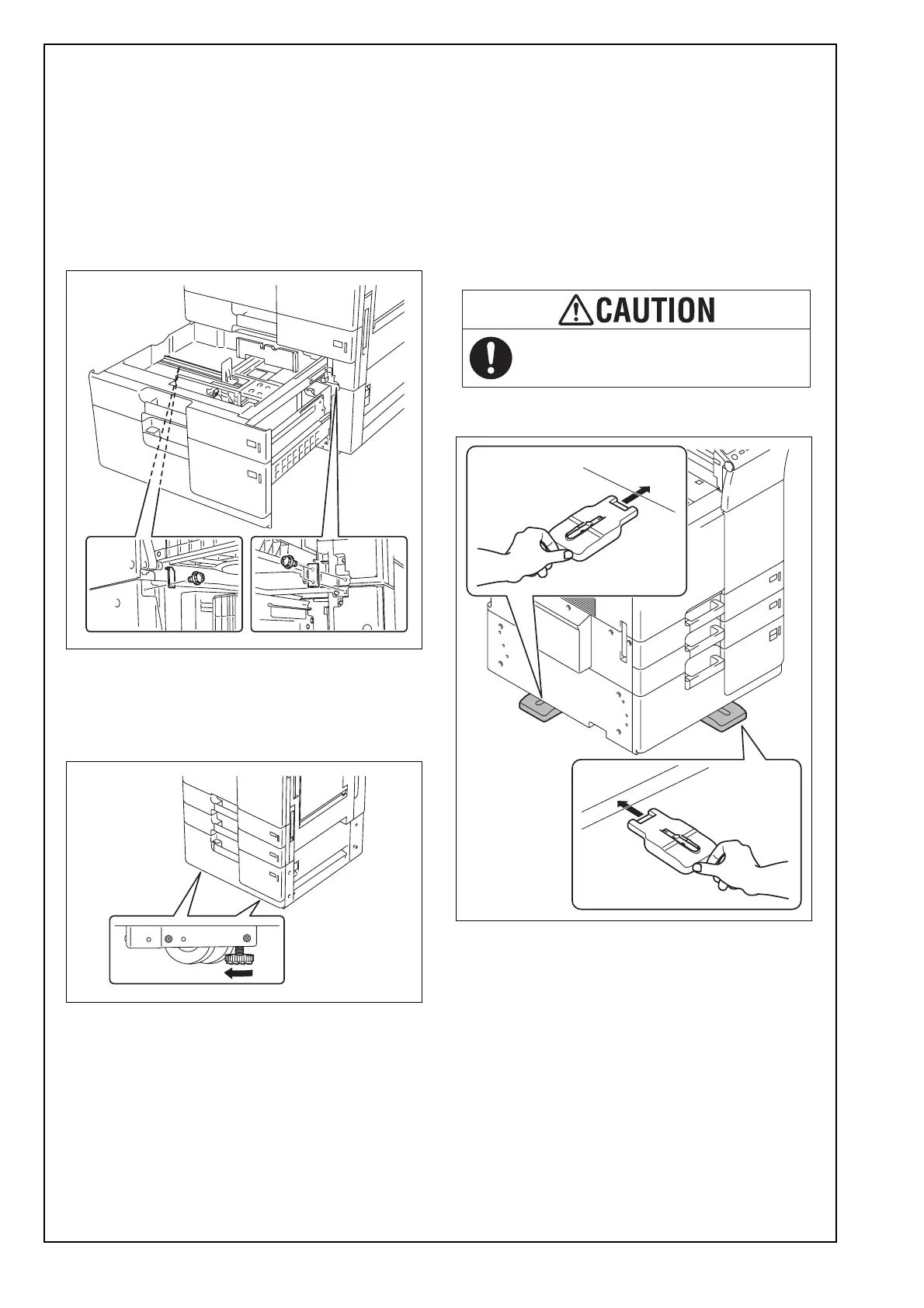
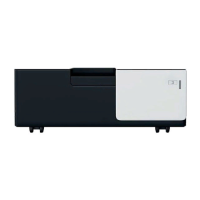
(12) Slide out the drawer from the paper feed cabi-
net.
(13) Slide out the second drawer from the paper
feed cabinet.
(14) Secure the paper feed cabinet to the machine
by the fixing bracket A (left) and the fixing
bracket B (right).
Fixing bracket A: one supplied screw
Fixing bracket B: two supplied screws
Note:
The fixing bracket B can be placed upside down.
(15) Slide the drawers back in.
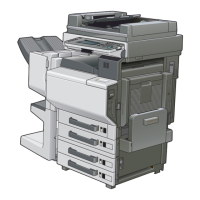
(16) Move the machine and paper feed cabinet to
the installation site. Then, adjust the two adjust-
ers at the front to let the paper feed cabinet sit
on the floor.
(17) Attach the four stabilizers (supplied leg assies)
as shown in the illustration.
Note:
• If you proceed to install the Large Capacity Unit
LU-302/LU-301/LU-204 after this installation,
do not attach the stabilizer to the left and right
side of the machine.
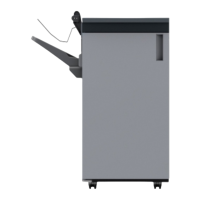
• If you proceed to install the Finisher FS-535/
FS-534SD/FS-534 after this installation, do not
attach the stabilizer to the left side of the
machine.
<front and left>
To reduce the risk of injury due to
unstable equipment, set stabilizers
before use.



 To Next Page