EasyManua.ls Logo

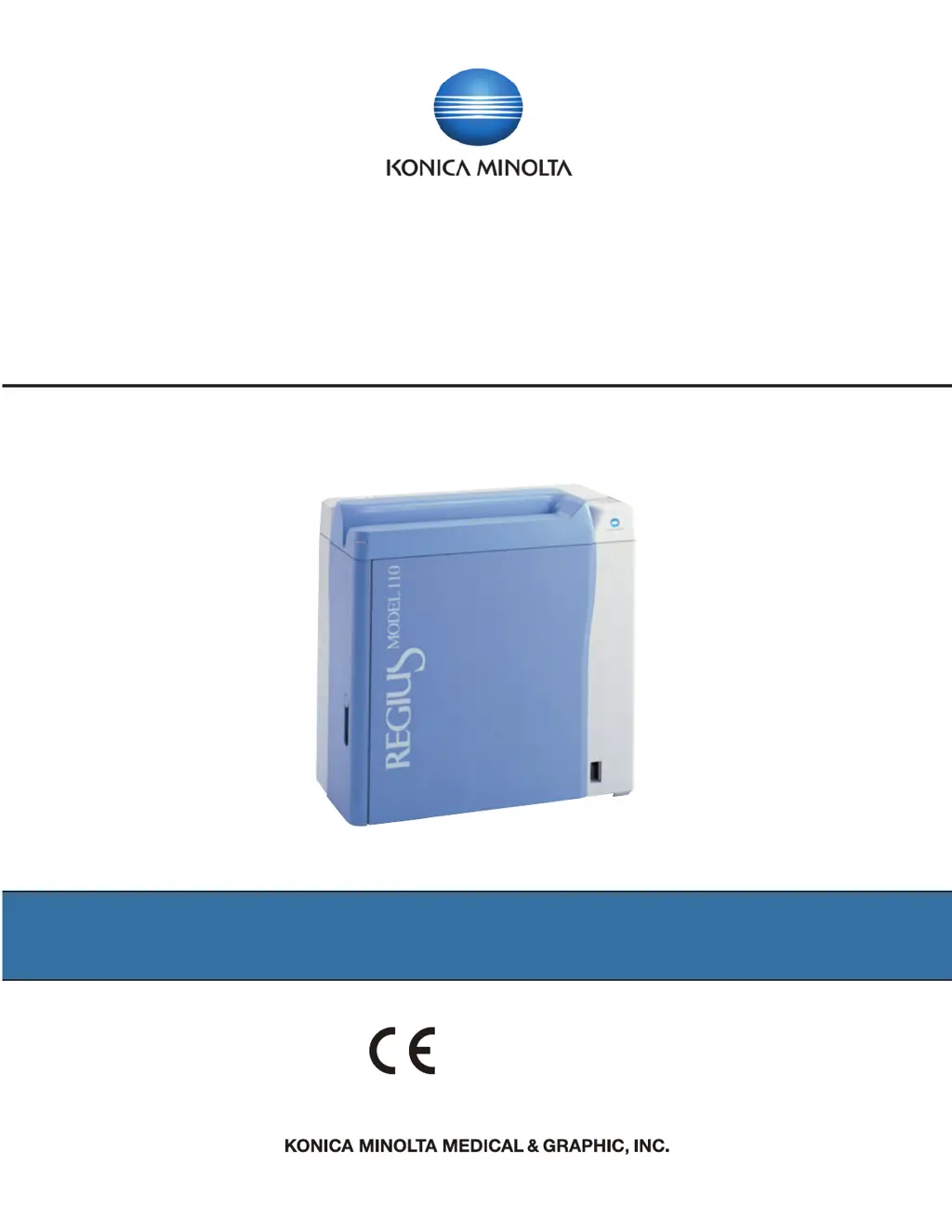
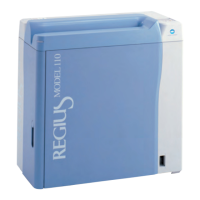
Konica Minolta REGIUS 110 - Service Manual

Konica Minolta REGIUS 110
302 pages
Print Icon
To Next Page IconTo Next Page
Loading...
Service Manual
DIRECT DIGITIZER
CODE NO.0902
REGIUS MODEL
110
2970 Ishikawa-machi, Hachioji-shi Tokyo 192-8505 Japan
Manufacturer:
0197

Table of Contents

Questions and Answers

  • C
    cynthia85Jul 26, 2025
    What to do if Konica Minolta REGIUS 110 show Receiver HP sensor error?
    • D
      Dylan RaymondJul 26, 2025
      If you encounter a Receiver HP sensor error when moving to the home position, it means the Receiver HP sensor did not go ON. Check the following parts and replace any that are faulty: the Receiver HP sensor, the sensor wire (JP43 ~ MCN3 (MDU)), the receiver motor, the motor wire (JP51 ~ MCN5 (MDU)), and the MDU.
  • D
    David WilcoxAug 11, 2025
    How to fix error message on Konica Minolta REGIUS 110?
    • K
      Kara SaundersAug 11, 2025
      If your Konica Minolta Measuring Instruments display an error message, first, check if a cassette is inside the equipment and restart it. If the error persists, refer to '3.2 Description of the Error Codes and How to Respond' to perform the recommended actions.
  • М
    МагнусJun 4, 2026
    Заменили лампу но все равно выдает ошибку о том что лампа сломана Говорят что нужно что то в компьютере ввести какой то пароль

    Summary

    Chapter 1 Safety Warnings and Cautions

    Warning Labels and Safety Precautions

    Details warning labels on the equipment and provides essential safety guidelines for operation.

    Chapter 2 Before the Repair

    Chapter 3 Troubleshooting

    Troubleshooting Workflow and Communication

    Outlines response flows for errors and image defects, and lists information for effective communication.

    Error Code Descriptions and Responses

    Details specific error codes, their descriptions, and corresponding troubleshooting steps.

    Handling Non-Displaying Errors and Image Defects

    Addresses issues without error messages and guides on responding to image quality defects.

    Chapter 4 Confirming Operation Using Service Tool

    Confirming Unit Operations and Sensor Status

    Details procedures for confirming stand-alone unit operations and sensor statuses.

    Chapter 5 Disassembly and Assembly

    Disassembly Precautions and Basic Works

    Outlines essential precautions before disassembly and covers basic procedures like power off/on.

    Chapter 6 Adjustment

    Chapter 7 Periodic Maintenance

    Konica Minolta REGIUS 110 Specifications

    General IconGeneral
    BrandKonica Minolta
    ModelREGIUS 110
    CategoryMeasuring Instruments
    LanguageEnglish

    Related product manuals