11
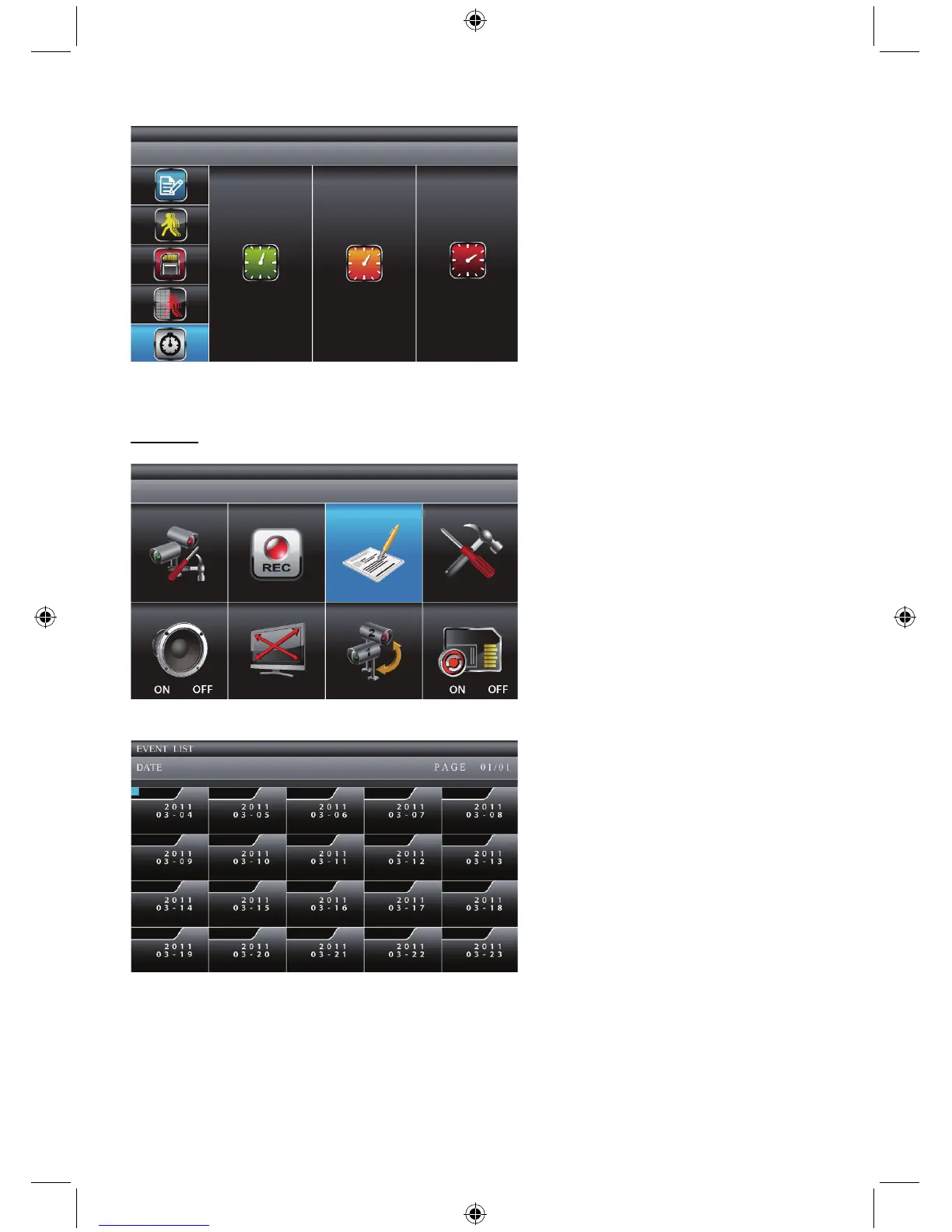
Record time:
Use ▲▼ to select RECORD TIME section.
Use ◄► to highlight the recording period: 2 Min / 5 Min / 10 MIN, press MENU to confirm.
Press ESC to exit.
Event list
Select EVENT LIST, press MENU key once to enter the sub-menu.
Playback:
Use ◄►▲▼ to highlight the desired DATE index for playback. Press MENU to confirm the selection
and enter the selected folder.


 To Next Page