...................................(01...50)
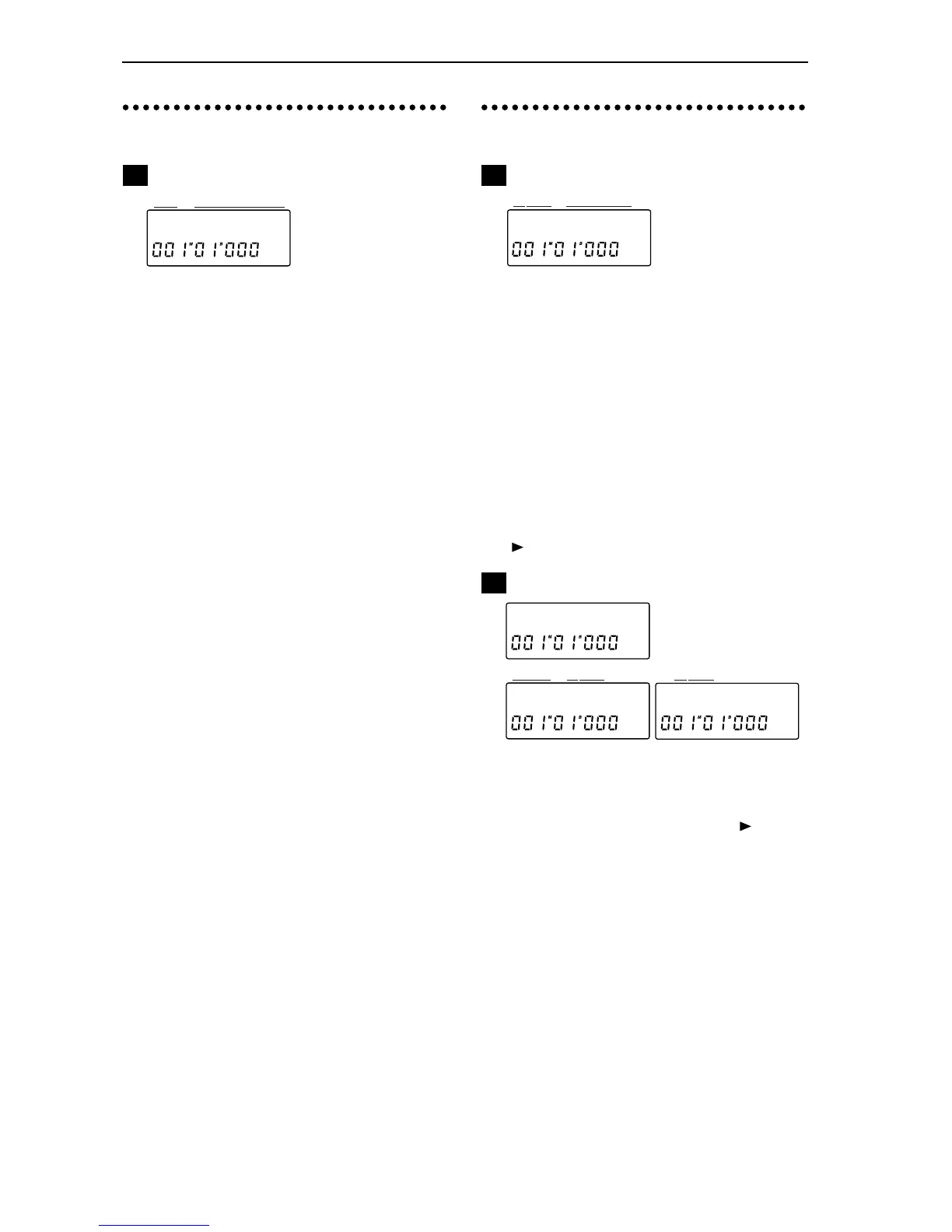
This indicates the number of the song in the currently
selected drive. A drive can contain up to 50 songs
(memory permitting). The only songs that can be
selected are those which already exist, and 01 (New
empty song).
For details on selecting a song, refer to “Selecting
another song” (p.9).
.......(7 characters displayed: 16
characters during recording or playback)
This indicates the name (up to 7 characters) of the cur-
rently selected song.
When you begin playback or recording, the display
will scroll to show the entire song name (up to 16 char-
acters).
✧
To change the song name, use Edit Song/Track P2.
.......................................[I, A...G]
Selects the drive that you wish to use.
: Internal IDE (internal drive),
.......................................[01...50]
Selects the song from within the drive that was
selected in P1-1. The only songs which can be selected
are those which already exist, and 01 (New empty
song).
.......... (16 characters displayed)
The entire name (up to sixteen characters) of the song
selected in P1-2 is displayed. In P1-2 you can press the
[ ] key to scroll the name.
Select a song edit operation
.......[Cpy, Renam, Del,
Mov, Recov]
Select the type of editing that you wish to perform.
When “EditSong” is displayed, press the [ ] key, and
then press the [SONG/TRACK] to make your selec-
tion.
(Copy Song [Current Song
→
Dest Drive, Dest
Song]):
This operation copies the contents of the currently
selected song or of all songs in the drive to the speci-
fied drive.
When copying a single song, the data will be copied to
the specified song number of the destination drive.
The destination song number and subsequent num-
bers will be incremented by one.
When copying all songs, the data will be copied after
the last song which exists in the destination drive.
EditSong œ
1
2
3
Cpy:I01 ø
45
øA02 okœ


 To Next Page