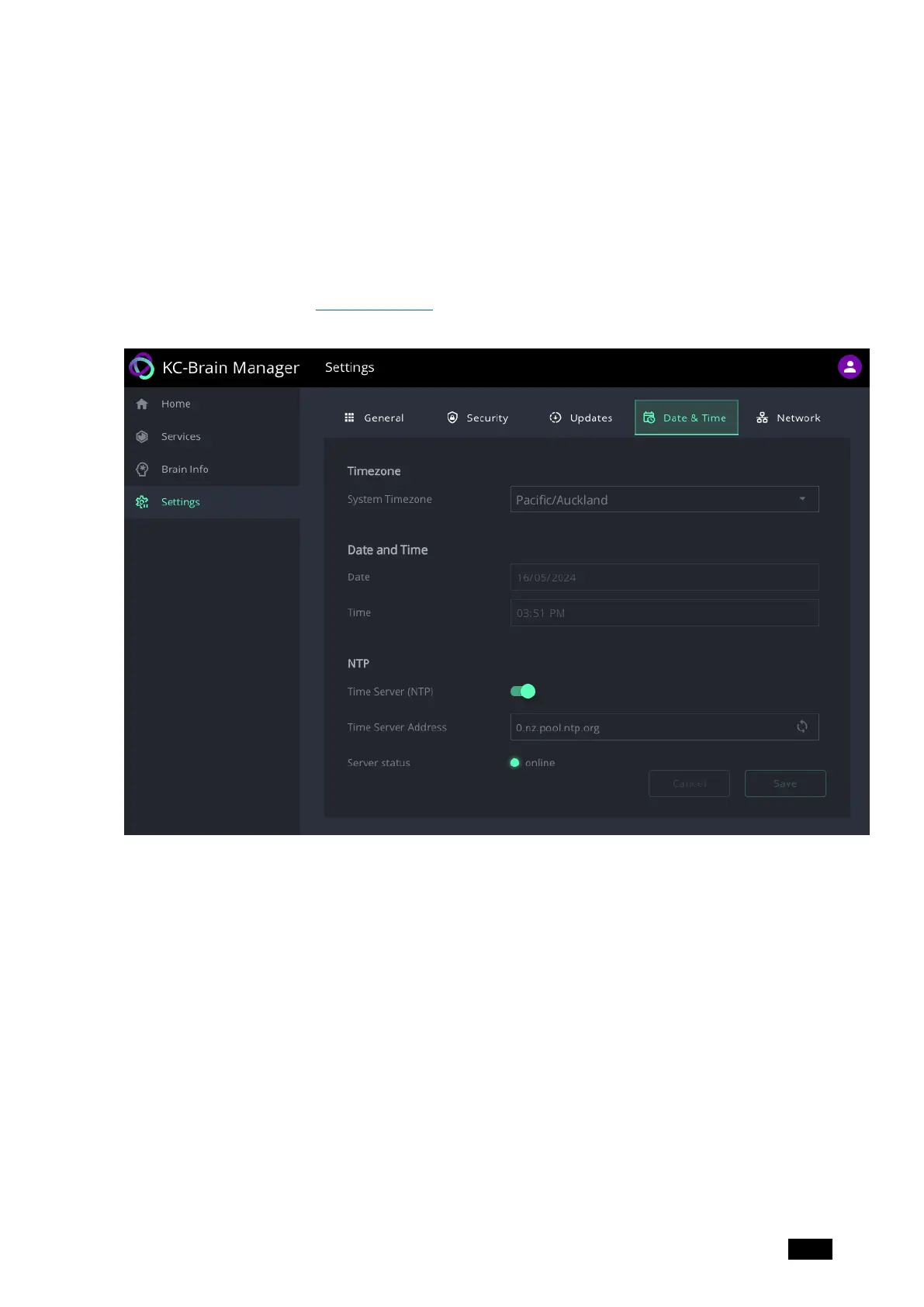
Settings – Date & Time
Make sure you enter the correct timezone. If an NTP (Network Time Protocol) server is used,
the date and time cannot be manually entered.
Date and time synchronization improves device and application reliability and contributes to
efficient system operation. An NTP server is recommended.
For more information see Setting the time.
Figure20: The Settings page’s Date & Time tab
Kramer Electronics Ltd.
KC-Virtual Brain1 - The Management Pages 26



 To Next Page