Checking for updates
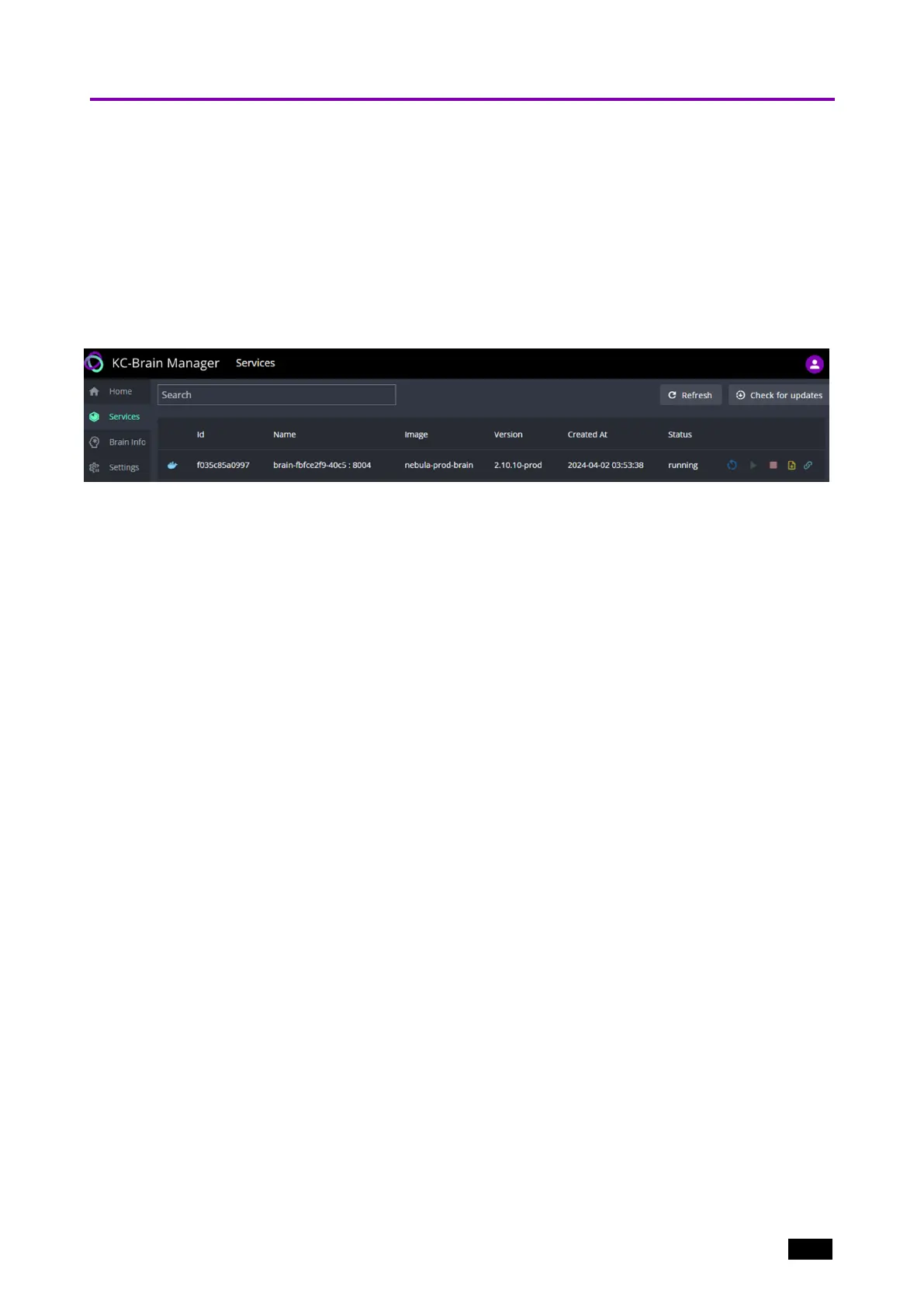
After the service is installed (see the previous section), it is possible to check for updates.
1. (Optional) Click Check for updates (top right of screen).
2. If the system finds updates, an Upgrade all button (not shown) will appear next to
Check for updates and an Upgrade button will appear at the end of each individual
service’s line in the display.
3. Click Upgrade all to implement the upgrade on all services or click Upgrade to limit
it to an individual service.
Figure7: The Services page with the service installed.
Kramer Electronics Ltd.
KC-Virtual Brain1 - Essential First Steps 13



 To Next Page