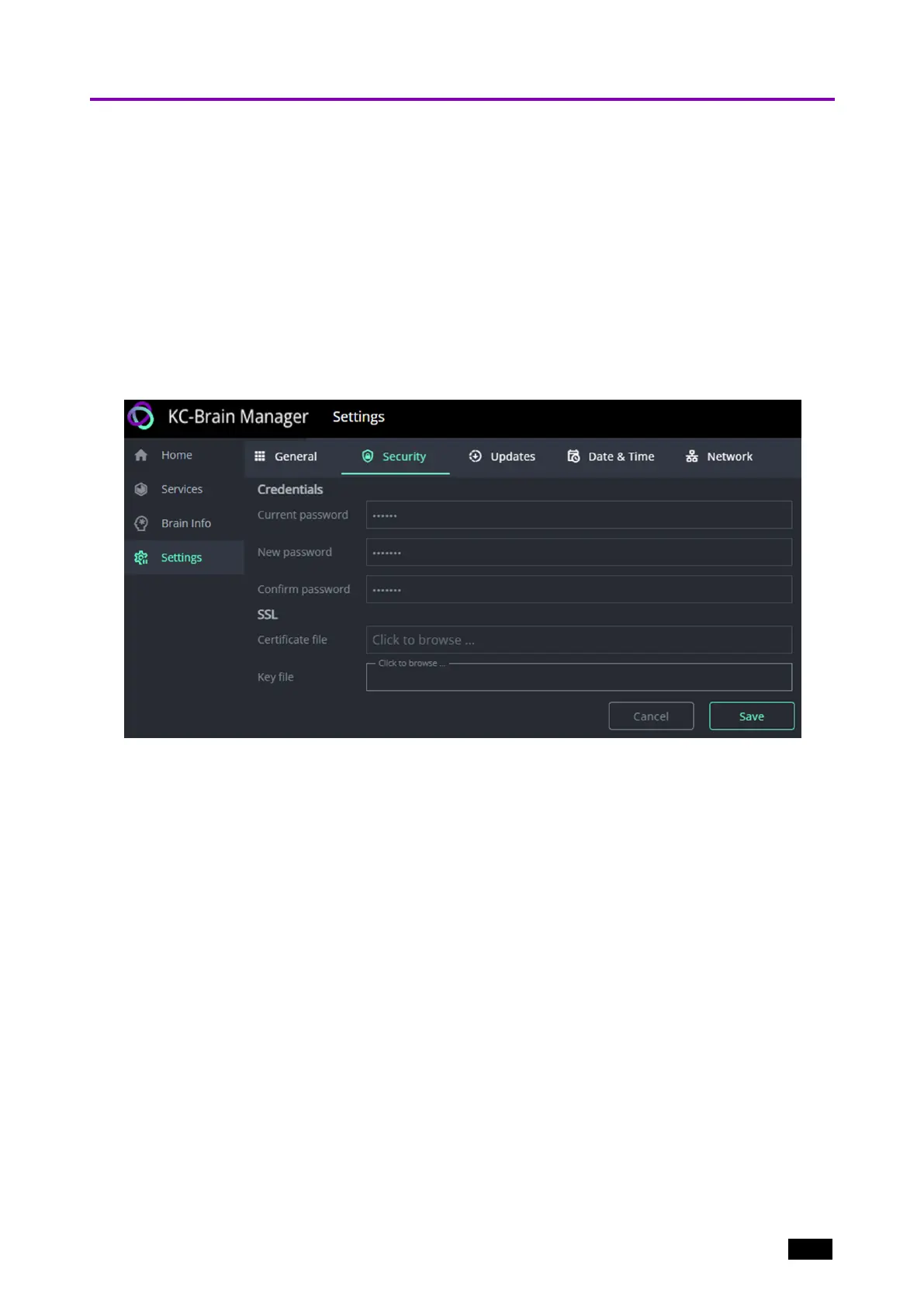
Changing the Password
The default log in details for KC-Virtual Brain1 Management pages is user “kramer” and
password “kramer”. Change this password as soon as possible.
1. Log in to the KC-Virtual Brain1.
2. Navigate to Settings and open the Security tab.
3. Enter a new password: The Save button appears at bottom right after the details are
entered.
4. KC-Virtual Brain1 uses an SSL certificate generated by Kramer.
For added security, ask your network manager to provide a custom SSL certificate and
key which you can upload to the device.
Figure3: The Settings > Security page.
Kramer Electronics Ltd.
KC-Virtual Brain1 - Essential First Steps 10



 To Next Page