Logging in to the Management Pages
Use the Management Pages to monitor and configure your KC-Virtual Brain1.
There are two ways to access the Management pages:
1. Locally, by connecting a mouse, keyboard and display.
2. Remotely, in a browser connected to the same network.
To log in locally:
1. Connect a mouse, keyboard and screen to the KC-Virtual Brain1.
2. Enter the username and password (default kramer/kramer) on the display connected
to the KC-Virtual Brain1.
To log in remotely:
1. Connect your computer to the same network as the KC-Virtual Brain1.
2. Open a Web browser and go to the IP address of your KC-Virtual Brain1 unit.
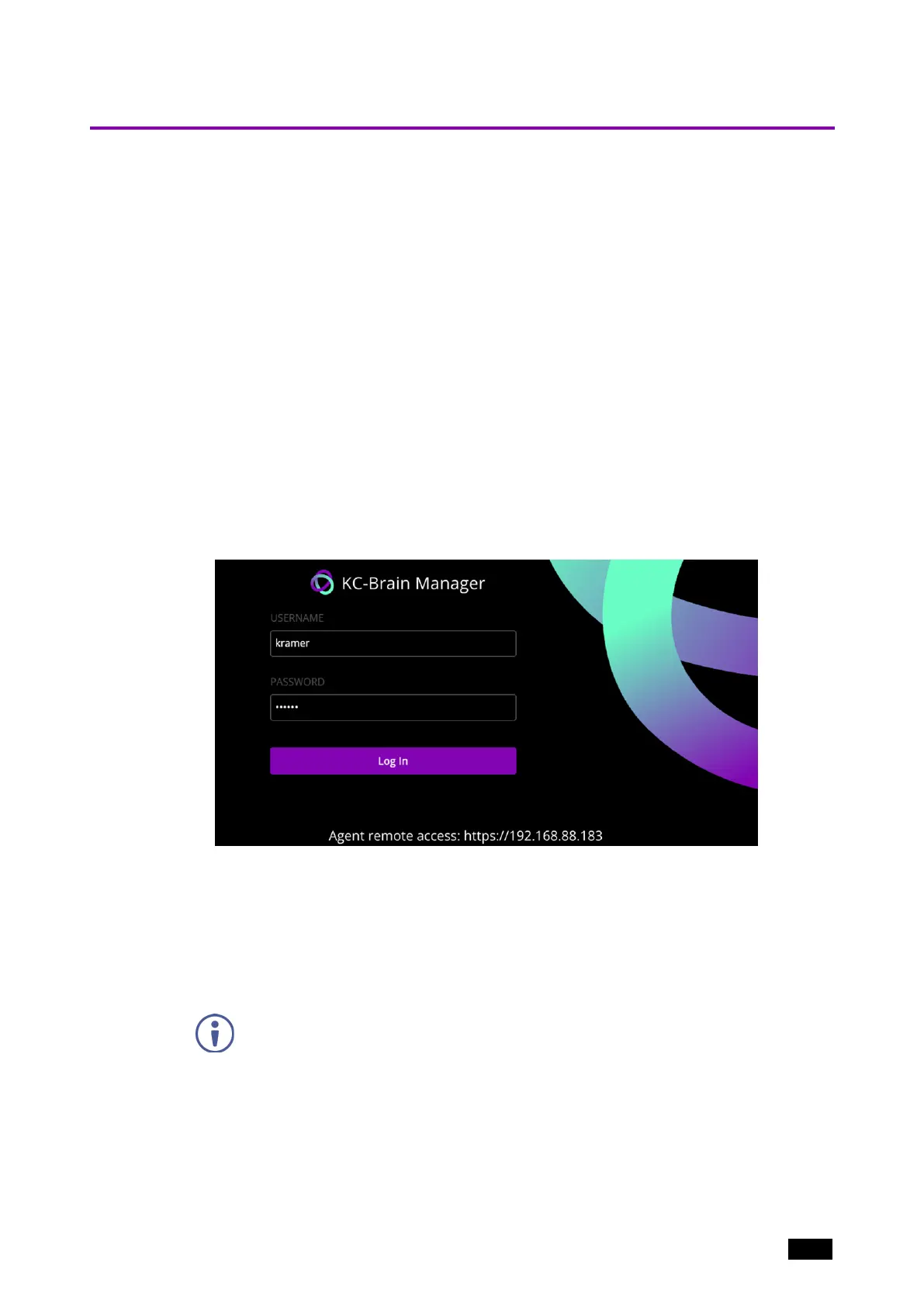
The login page appears.
Figure2: Brain login page
To identify the IP address of KC-Virtual Brain1:
n
By default, the IP address is allocated by the network DHCP. Connect a screen to
the device: The IP address is shown below the login screen. Alternatively, ask your
system administrator or perform a network scan.
n
If no DHCP is available, the device will seek to obtain IP 192.168.1.39.
The device checks for a DHCP with every reboot.
3. Enter the username and password (the default is kramer/kramer).
After logging in, the Home page opens with an overview of the device status.
Kramer Electronics Ltd.
KC-Virtual Brain1 - Essential First Steps 9



 To Next Page