4 Defining the VM-114H2C
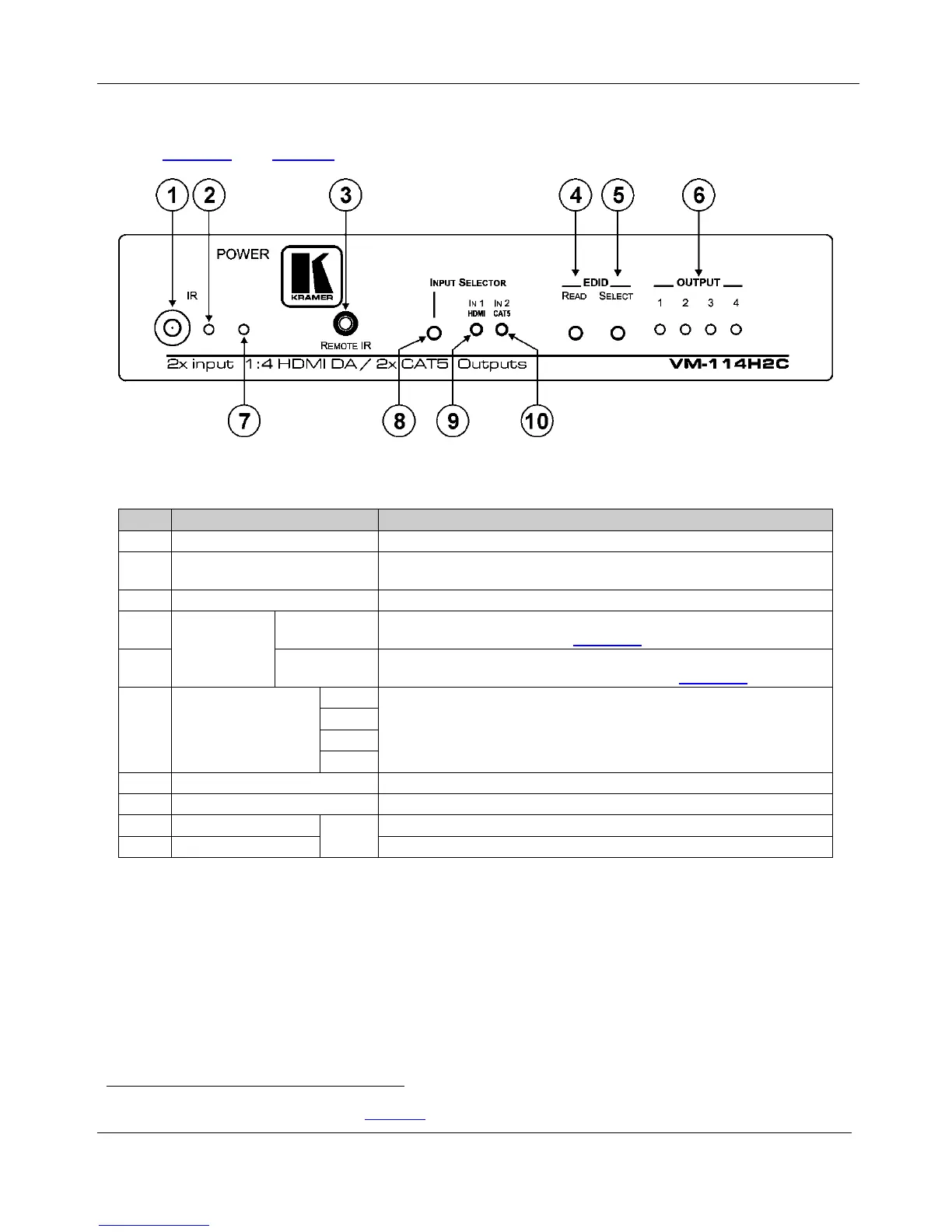
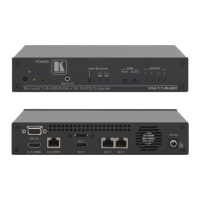
Figure 1 and Table 1 define the front panel of the VM-114H2C.
Figure 1: VM-114H2C Front Panel
Table 1: VM-114H2C Front Panel Features
# Feature Function
1 IR Remote Control Sensor Sensor for the remote control IR transmitter
2 IR LED Lights yellow when receiving signals from the IR remote control
transmitter
3 REMOTE IR 3.5mm Mini Jack Connect to a remote IR sensor
4
EDID Buttons
READ Button Press (when one of the input LEDs is flashing to indicate a selected input)
to read the selected EDID (see Section
5.2)
5 SELECT
Button
Press repeatedly to cycle through the inputs to select an input from which
to read the EDID. The relevant LED flashes (see Section
5.2)
6
OUTPUT LEDS
1 The relevant LED lights green when an acceptor is connected to the
output
1
2
3
4
7 POWER LED Lights green when the unit receives power
8 INPUT SELECTOR Button Press to select an input. The relevant IN 1 HDMI/IN 2 CAT5 LED lights
9 IN1 HDMI LED
Input
LEDs
Lights green when HDMI input 1 is selected
10 IN2 CAT5 LED Lights green when the TP CAT 5 input 2 is selected
1 Also lights or flashes during EDID setup (see Section 3.4)


 To Next Page