8
Using the Quick Reset Feature
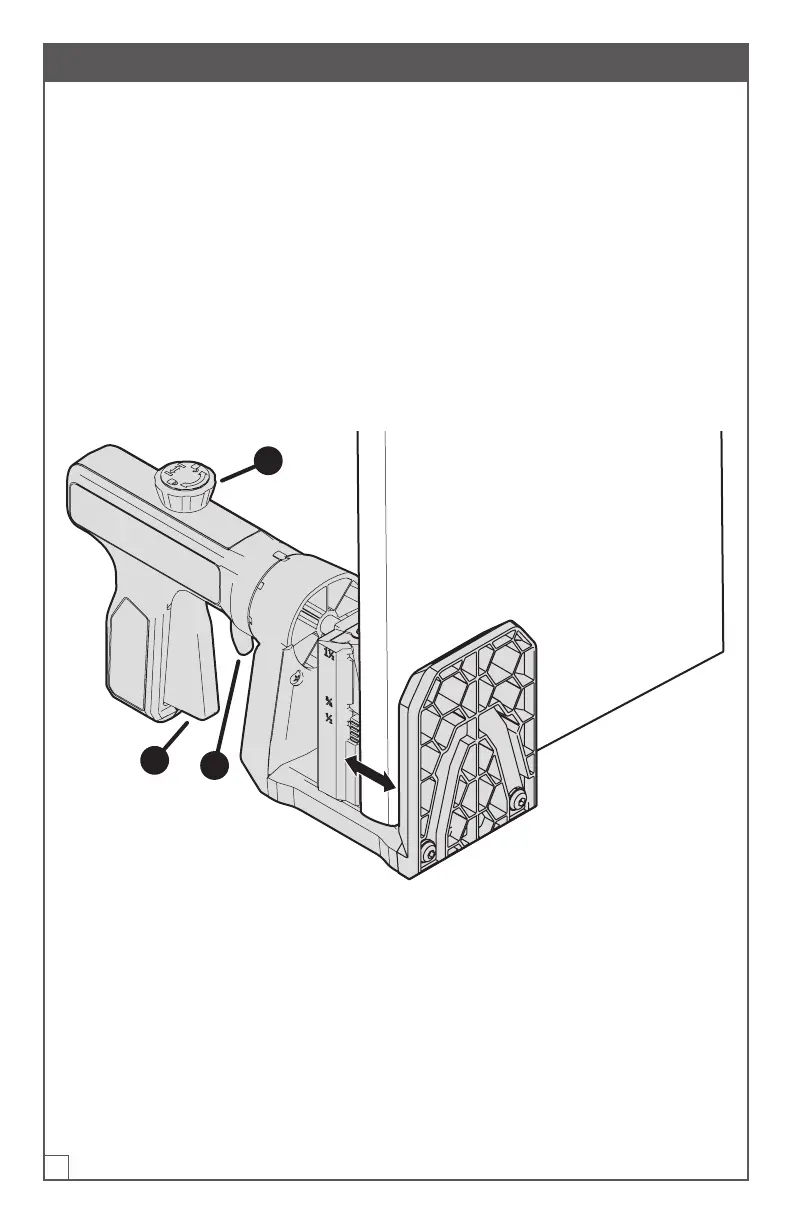
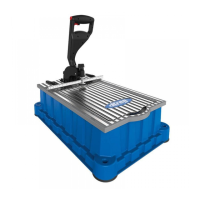
The Quick Reset feature allows you to drill pocket holes on multiple similar
workpieces by limiting the back and forth movement of the clamp for a faster clamp
and release of your workpiece. To use the Quick Reset feature:
a. Squeeze the handle (1) to clamp your workpiece securely in the jig.
b. Tighten the knob (2) by hand until it is tight.
c. Drill your pocket holes.
d. Pull the drill guide release (3) to move the clamp back just enough to release the
workpiece.
e. Align to your next hole location and squeeze the handle (1) two or three times to
quickly re-clamp.
f. Once nished with your similarly-sized workpieces, loosen the knob (2) and pull
the drill guide release (3) to return the clamp to its maximum opening.
2
1
3


 To Next Page