START-UP 4
11
OPTICHECK
www.krohne.com06/2014 - 4003706601 - QS OPTICHECK R01 en
4.1 Start tablet ( notebook)
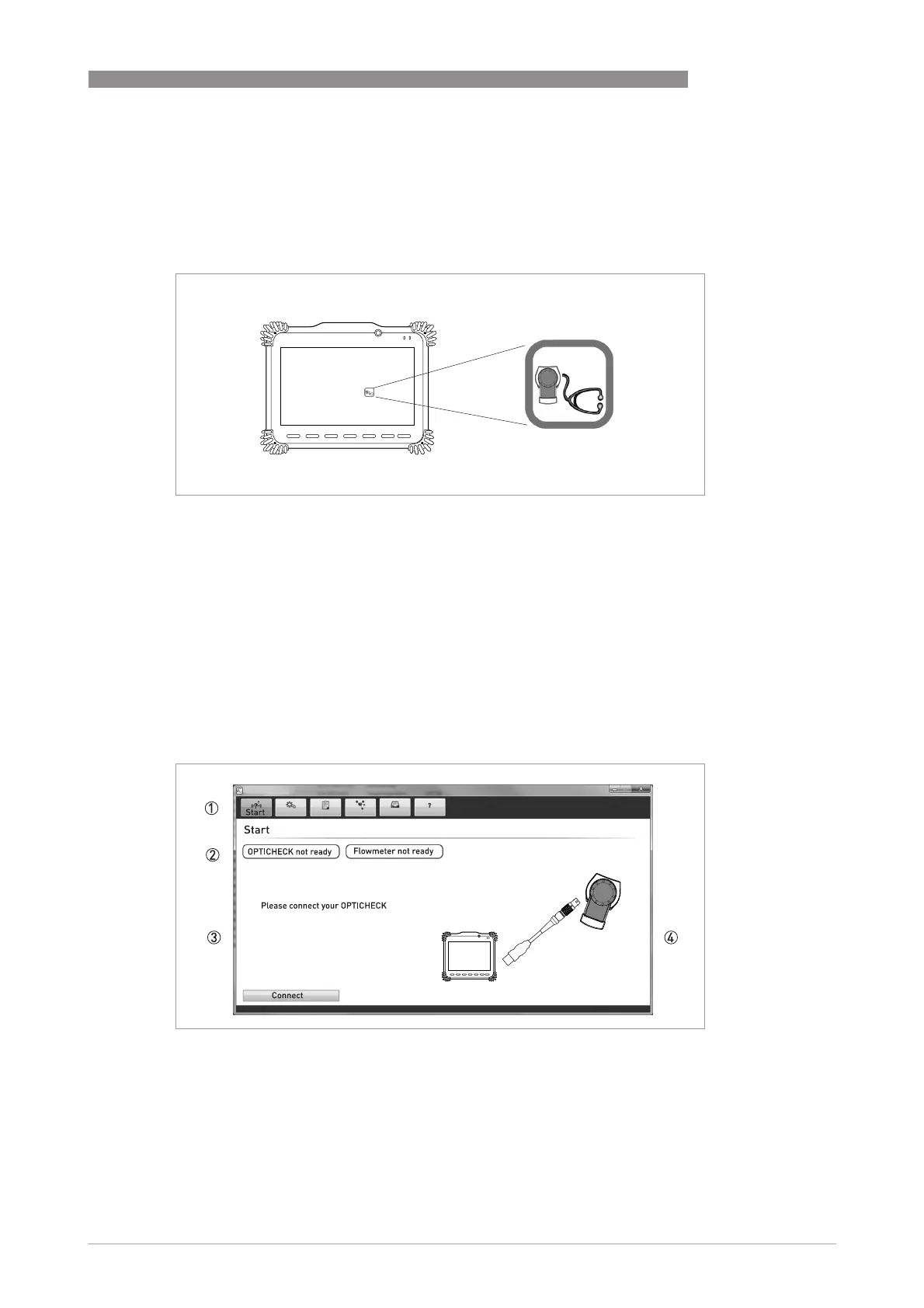
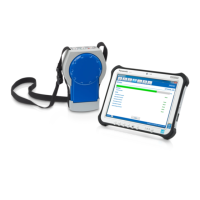
Switch on the tablet or notebook, the Icon to startup the software for the verification tool will
show up on the desktop.
4.2 Starting measuring
The software will automatically check if the necessary connections are made and if they are
correct. The initial connections tested are:
• Tablet and verification box are correctly connected
• Correct GDC connection between converter and verification box
After starting the application, the Start Window will show and will point out which connections
have to be made.
1. Navigation tabs
2. Status of connections
3. Message action to be taken
4. Illustration what needs to be done
Start the application by double clicking on the Icon
Start Window: (no cables connected)





 To Next Page