2 INSTALLATION
6
OPTICHECK
www.krohne.com 06/2014 - 4003706601 - QS OPTICHECK R01 en
2.3 Storage
• Store the device in a dry and dust free location.
• Avoid lasting direct exposure to the sun.
• Store the device in its original packaging.
• Storage temperature: -20 ...+60°C/-4...+140°F
• Humidity; 0%-90% non-condensing
2.4 Transport and usage
• Use the included suitcase to transport the OPTICHECK.
Notes on handling the device
• Do not carry the device by the connected wires.
• Avoid heavy vibrations.
• Avoid heavy mechanically shocks or impacts on the device.
2.5 General notes on installation
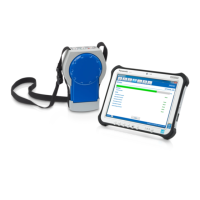
Installation of the OPTICHECK verification tool & tablet, mechanically and electrically, together
with the use of software and installation of special drivers, is only permitted to specially trained
personal.
The service engineer and/or operator have to know the correct handling of the OPTICHECK tool,
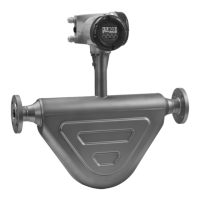
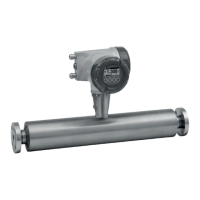
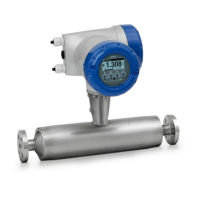
as well as servicing and operating flow sensor/signal converter combinations.
Please contact the manufacturer or your local supply office, for the availability of training and
information tools.
INFORMATION!
The installation of the OPTICHECK verification tool always have to be done on the signal
converter side.
CAUTION!
Avoid extensive humidity and/or direct entry of rain, when measuring / working with the
OPTICHECK, during the verification process or when the housing of the signal converter is open.




 To Next Page