-A7-
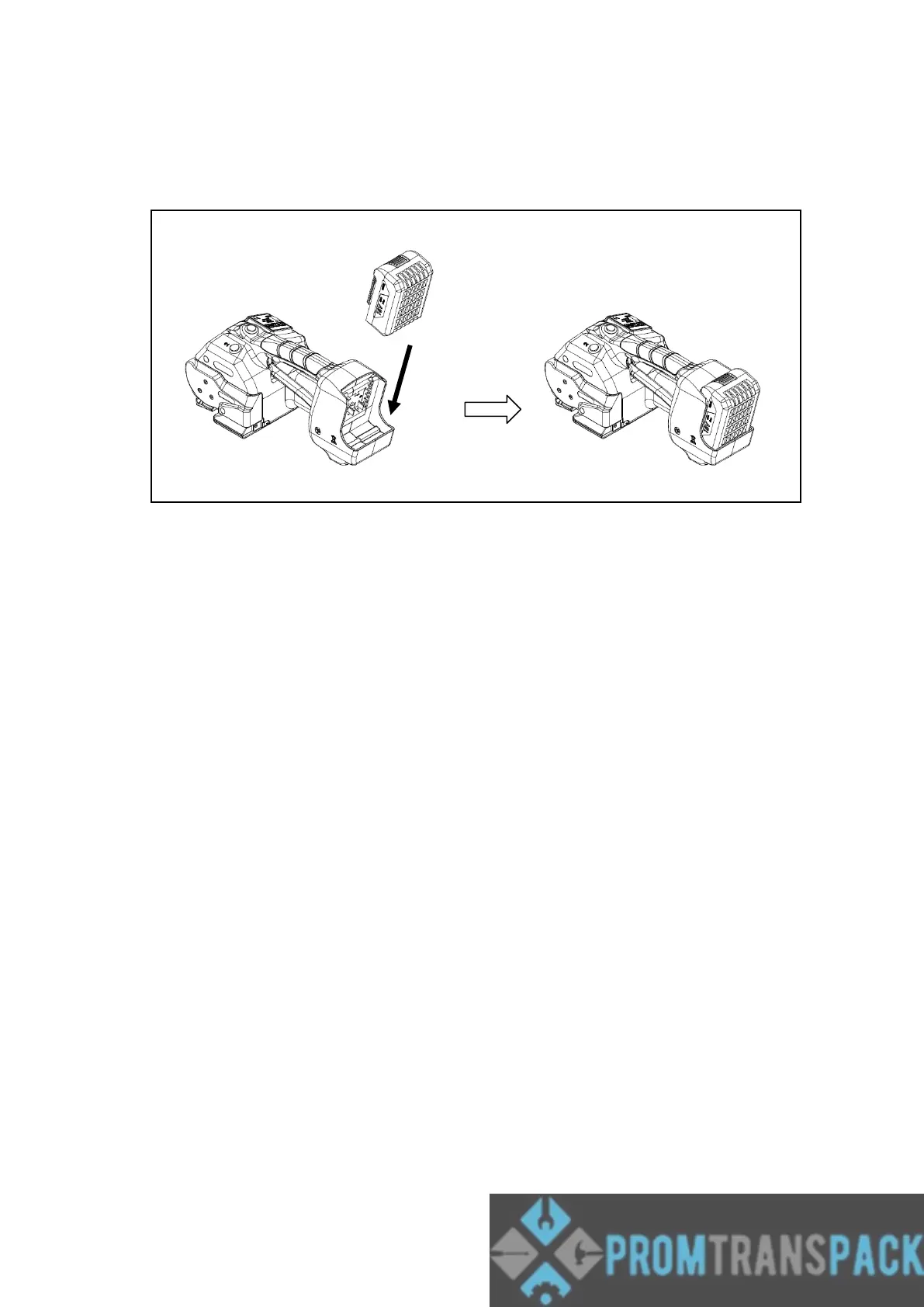
5.2 Inserting the Battery
Insert the battery from the top downward to the bottom into the battery slot of the tool until
hear the “click” sound. (refer to Fig. b).
(Fig. b)
Removing the Empty Battery
If the Battery power indicator on Operation Panel is flash, that means the battery is
exhausted.
Please push the unlatching buttons (red color) on the top of the battery to take off the
battery.
Warning!
The last welding on the package might not have sufficient seal efficiency
and you would need to do it again after recharging the battery.



 To Next Page