27 41
EN
7. Create acyan beam eect (point) and check visually
whether the green beam hits the exact centre ofthe
blue beam atthe dichroic filter DF4. Ifnot, use dichroic
mounts DF3 to adjust the beam path accordingly.
Toadjust the dichroic mount use the two adjustment
knobs – each works for one axis.
8. Createa full size cyan circle (static tunnel eect) and
check whether the green circle overlays the blue
circle inall points around the shape. Ifnot, use dichroic
mount DF4 to adjust the beam path accordingly.
Toadjust the dichroic mount use the two adjustment
knobs – each works for one axis.
9. Createa full size magenta circle (static tunnel eect)
and check whether the red circle overlays the blue
circle inall points around the shape. Ifnot, use dichroic
mount DF1 to adjust the beam path accordingly.
Toadjust the dichroic mount use the two adjustment
knobs – each works for one axis.
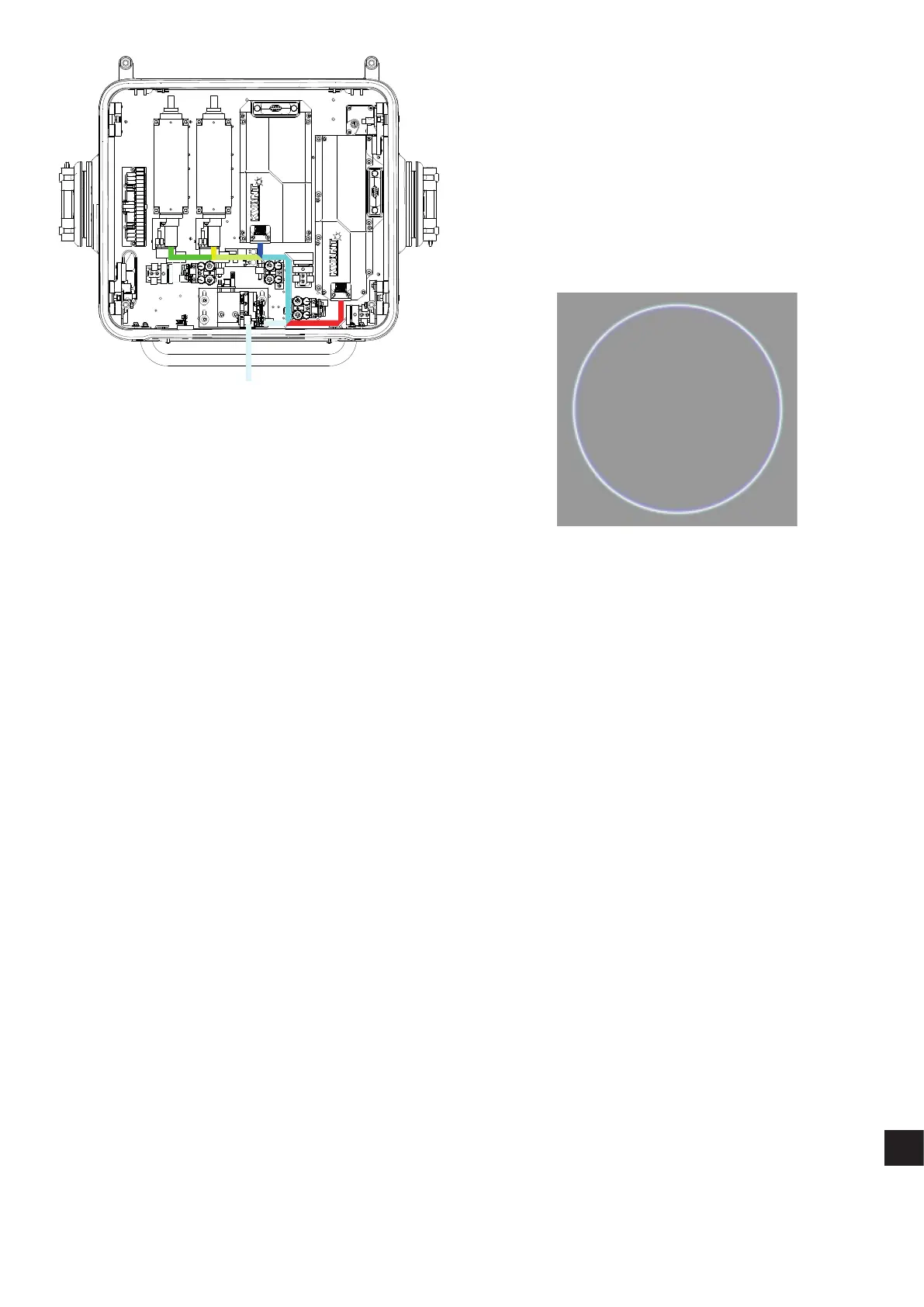
10. Finally create afull size white circle (static tunnel eect).
Ifthe alignment procedure was done successfully you
can see all the colours nicely overlaying each other,
resulting ineven, bright and sharp circle like the one
onthe picture below.
Spectrum 33W RYGB (green OPSL)


 To Next Page
 Loading...