EasyManua.ls Logo

KVH Industries M5 - User Manual

KVH Industries M5
94 pages
Print Icon
To Next Page IconTo Next Page
Loading...
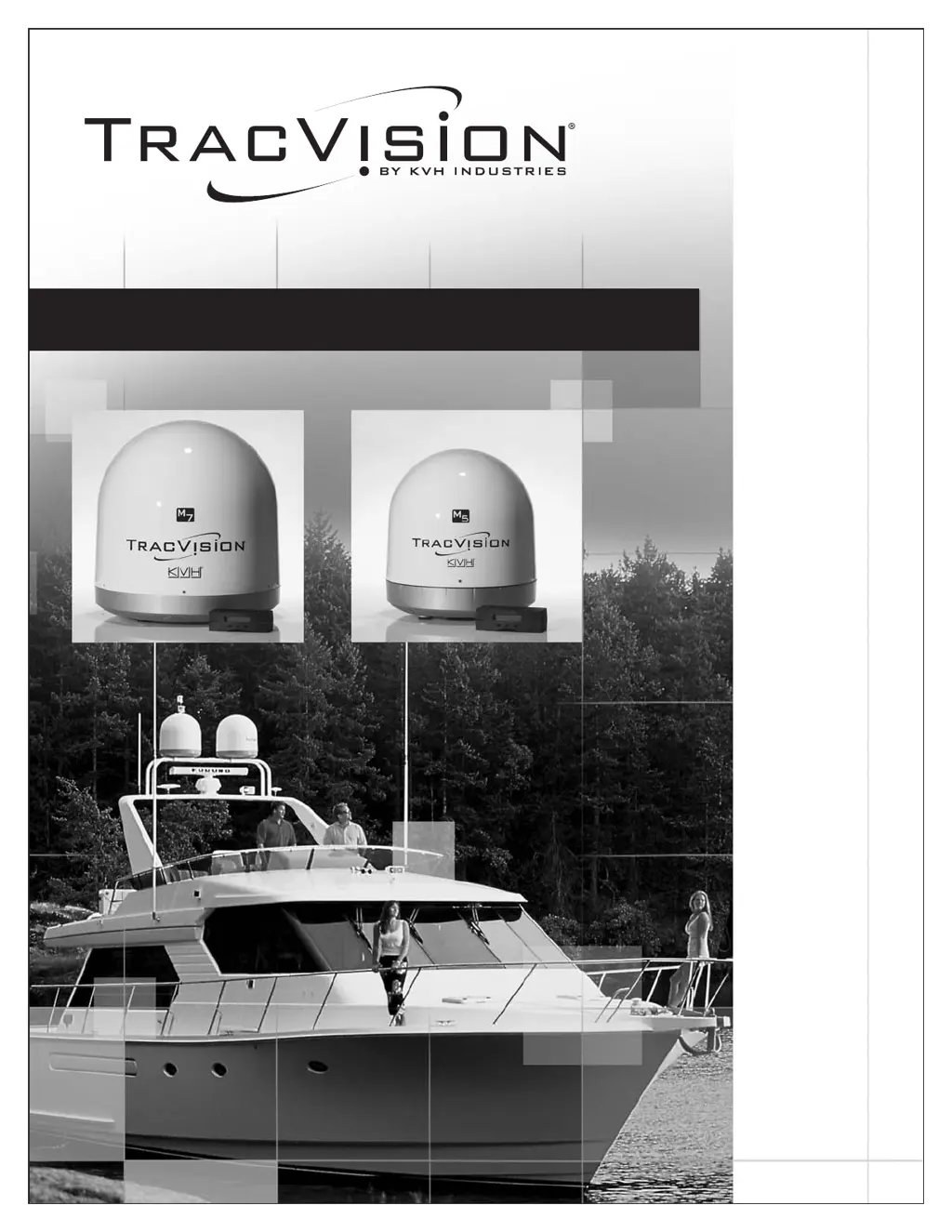
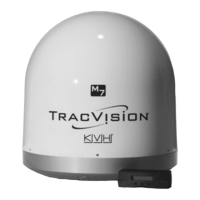
TracVision M5/M7 User’s Guide
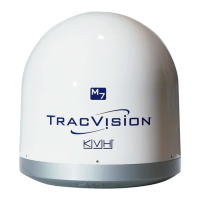
TracVision M5/M7
Control Panel Configuration

Table of Contents

Other manuals for KVH Industries M5

Questions and Answers

  • M
    msalinasAug 13, 2025
    What to do if the KVH Industries M5 Satellite TV System signal is blocked?
    • J
      John BartonAug 13, 2025
      If your KVH Industries Satellite TV System signal is blocked, ensure the TracVision antenna has a clear view of the sky. Common causes of blockage include boat masts, trees, buildings, and bridges. Make sure that there are no obstacles between the antenna and the satellite.
  • D
    David JohnsonAug 16, 2025
    How to troubleshoot a receiver fault in KVH Industries Satellite TV System?
    • R
      romanbriannaAug 16, 2025
      First, check the receiver’s configuration to ensure it is set up for the desired programming. If the receiver is faulty, refer to your receiver’s user manual for service and warranty information.
  • H
    Heather DouglasAug 20, 2025
    What to do if the vessel turns during KVH Industries TracVision M5/M7 system startup?
    • J
      Jeff MasonAug 21, 2025
      Turn off the TracVision M5/M7 system for at least ten seconds. Then turn on the TracVision system, ensuring the vessel is either motionless or traveling in a straight line for the first minute after startup.
  • C
    Charles KelleyAug 25, 2025
    Why KVH Industries Satellite TV System has a satellite coverage issue?
    • J
      Jose MacdonaldAug 25, 2025
      To receive TV signals from a satellite, you must be located within that satellite’s unique coverage area.
  • R
    reedlaurenAug 28, 2025
    How does radar interfere with KVH Industries TracVision M5/M7 antenna?
    • B
      Brandon Smith DDSAug 28, 2025
      The TracVision M5/M7 antenna must be kept out of line with nearby radars, as their energy levels might overload the antenna’s front-end circuits.
  • C
    Crystal CarterSep 1, 2025
    What happens with KVH Industries Satellite TV System cable if the vessel makes several consecutive circles?
    • T
      Tony WoodsSep 1, 2025
      If your vessel makes several consecutive circles in the same direction, the system will automatically unwrap the cable by quickly rotating the antenna dish in the opposite direction.
  • P
    pattongregorySep 4, 2025
    What to do if the KVH Industries Satellite TV System shows 'Channel Not Available' message on TV?
    • C
      Cynthia HaleSep 4, 2025
      If you see a 'Channel Not Available' message on your TV when using a KVH Industries Satellite TV System, the receiver might be set up incorrectly or defective, or the channel guide may not be fully downloaded. First, check the receiver’s configuration to ensure it is set up for the desired programming. Also, ensure that the receiver has completely downloaded the channel guide. For DIRECTV HD receivers, it must be configured as an 'Oval,3,LNB' dish type and activated for HD service. Refer to your selected receiver’s user manual for more information.
  • C
    christopherbuchananSep 8, 2025
    Why is the satellite signal blocked on my KVH Industries Satellite TV System?
    • B
      Becky OsborneSep 8, 2025
      Satellite signal blockage in your KVH Industries Satellite TV System is often due to objects obstructing the antenna's view of the sky, or heavy rain, ice, or snow. Ensure the antenna has a clear view of the sky. If the weather is the cause, wait for it to improve.

Summary

Introduction

Using this Manual

Details on how to use the manual, intended audience, and notification types.

MCP Interface Conventions

Explains the conventions used for the MultiSat Control Panel (MCP) interface.

Related Documentation

Lists other documents provided with the TracVision system.

System Overview

Provides a basic overview of the TracVision system architecture and components.

System Components

Describes the main hardware components of the TracVision system.

System Features

Highlights the key capabilities and technologies of the TracVision M5/M7 system.

Circular and Linear Versions

Explains the difference between circularly and linearly polarized satellite signals.

LNB Skew Angle

Details the importance and adjustment of the LNB's skew angle for optimal reception.

Operation

Receiving Satellite TV Signals

Explains how television satellites work and the requirements for receiving signals.

Turning the System On;Off

Step-by-step instructions for powering the TracVision system on and off.

Changing Channels and Switching Between Satellites (Linear Version Only)

Guide for changing channels and switching satellites for linear systems.

Changing Channels and Switching Between Satellites (Circular Version Only)

Guide for changing channels and switching satellites for circular systems.

DIRECTV HD Subscribers

Operational information and tips specific to DIRECTV HD service.

Product Care

Guidelines for maintaining the antenna's peak performance.

Settings

Changing the Sleep Mode Setting

Instructions for enabling or disabling the antenna's Sleep Mode.

Changing the Instant On Setting

Instructions for enabling or disabling the Instant On feature for faster signal acquisition.

Setting the MCP to Track Different Satellites (Linear Version Only)

Procedure to configure the MCP to track different satellites in linear systems.

Setting the MCP to Track Different Satellites (Circular Version Only)

Procedure to configure the MCP to track different satellites in circular systems.

Changing TriSat Modes (Circular Version Only)

Guide to changing TriSat modes for tracking DIRECTV satellites in circular systems.

Updating Latitude and Longitude Data

Steps to update the system's geographical location data.

Adjusting the Skew Angle

Instructions on how to adjust the LNB skew angle for optimal reception.

Adjusting Display Brightness

How to adjust the brightness of the MCP display to user preference.

Restarting the Antenna

Procedure to restart the antenna system.

Troubleshooting

Five Simple Checks

Basic troubleshooting steps to resolve common satellite reception problems.

Troubleshooting Matrix

A table mapping common symptoms to their potential causes and remedies.

Causes and Remedies for Operational Issues

Detailed explanations of common operational issues and their solutions.

Technical Support

Information on how to contact KVH for technical assistance and authorized service.

Field Replaceable Units

Lists parts that can be replaced in the field and their corresponding part numbers.

Appendix A Advanced Settings and Functions

Manually Controlling the Antenna

Instructions for manually positioning the antenna using the MCP.

Updating Satellite Frequency Data

Procedure to update satellite frequency data for improved reception.

Configuring Satellite Settings

Steps to configure individual satellite settings for tracking.

Displaying Software Version Information

How to view the software versions of the MCP, Antenna, and RF boards.

Displaying the Antenna Serial Number

Instructions on how to find and display the antenna's serial number.

Other Advanced Settings

Lists MCP menu options not utilized in this configuration.

Appendix B Position Grids

European Position Grid

A grid and table to determine approximate latitude and longitude for European regions.

North American Position Grid

A grid and table to determine approximate latitude and longitude for North American regions.

Appendix C Programming User-defined Satellites

Connect a PC to the Main Flash Port

Instructions for connecting a PC to the MCP for system updates.

Programming Your User-defined Satellites

Steps to program custom satellite data into the antenna.

Appendix D TracVision M5 Wiring Diagrams

TracVision M5 Wiring Diagram for One or Two Receivers

Wiring diagram for connecting one or two receivers to the TracVision M5.

TracVision M5 Wiring Diagram for Three or Four Receivers (Circular Version Only)

Wiring diagram for connecting three or four receivers to the TracVision M5 (circular).

TracVision M5 Wiring Diagram for One DIRECTV HD Receiver (Circular Version Only)

Wiring diagram for connecting one DIRECTV HD receiver to the TracVision M5 (circular).

TracVision M5 Wiring Diagram for Two or More DIRECTV HD Receivers (Circular Version Only)

Wiring diagram for connecting multiple DIRECTV HD receivers to the TracVision M5 (circular).

Appendix E TracVision M7 Wiring Diagrams

TracVision M7 Wiring Diagram for One or Two Receivers

Wiring diagram for connecting one or two receivers to the TracVision M7.

TracVision M7 Wiring Diagram for Three or Four Receivers (Circular Version Only)

Wiring diagram for connecting three or four receivers to the TracVision M7 (circular).

TracVision M7 Wiring Diagram for Three or Four Receivers (Linear Quad-output Version Only)

Wiring diagram for connecting three or four receivers to the TracVision M7 (linear quad-output).

TracVision M7 Wiring Diagram for One DIRECTV HD Receiver (Circular Version Only)

Wiring diagram for connecting one DIRECTV HD receiver to the TracVision M7 (circular).

TracVision M7 Wiring Diagram for Two or More DIRECTV HD Receivers (Circular Version Only)

Wiring diagram for connecting multiple DIRECTV HD receivers to the TracVision M7 (circular).

KVH Industries M5 Specifications

General IconGeneral
Frequency BandKu-band
TrackingAutomatic
Skew Range±90°
TypeSatellite TV Antenna
Antenna Diameter0.5 meters
Radome Diameter0.6 meters
Radome Height0.4 meters
Weight15 kg
Tracking Accuracy0.2° RMS
Operating Temperature-30°C to +55°C
Storage Temperature-40°C to +70°C
Humidity95% non-condensing
ComplianceCE, FCC

Related product manuals