EasyManua.ls Logo

KVH Industries TracVision 4 - User Manual

KVH Industries TracVision 4
73 pages
Print Icon
To Next Page IconTo Next Page
Loading...
Satellite Television
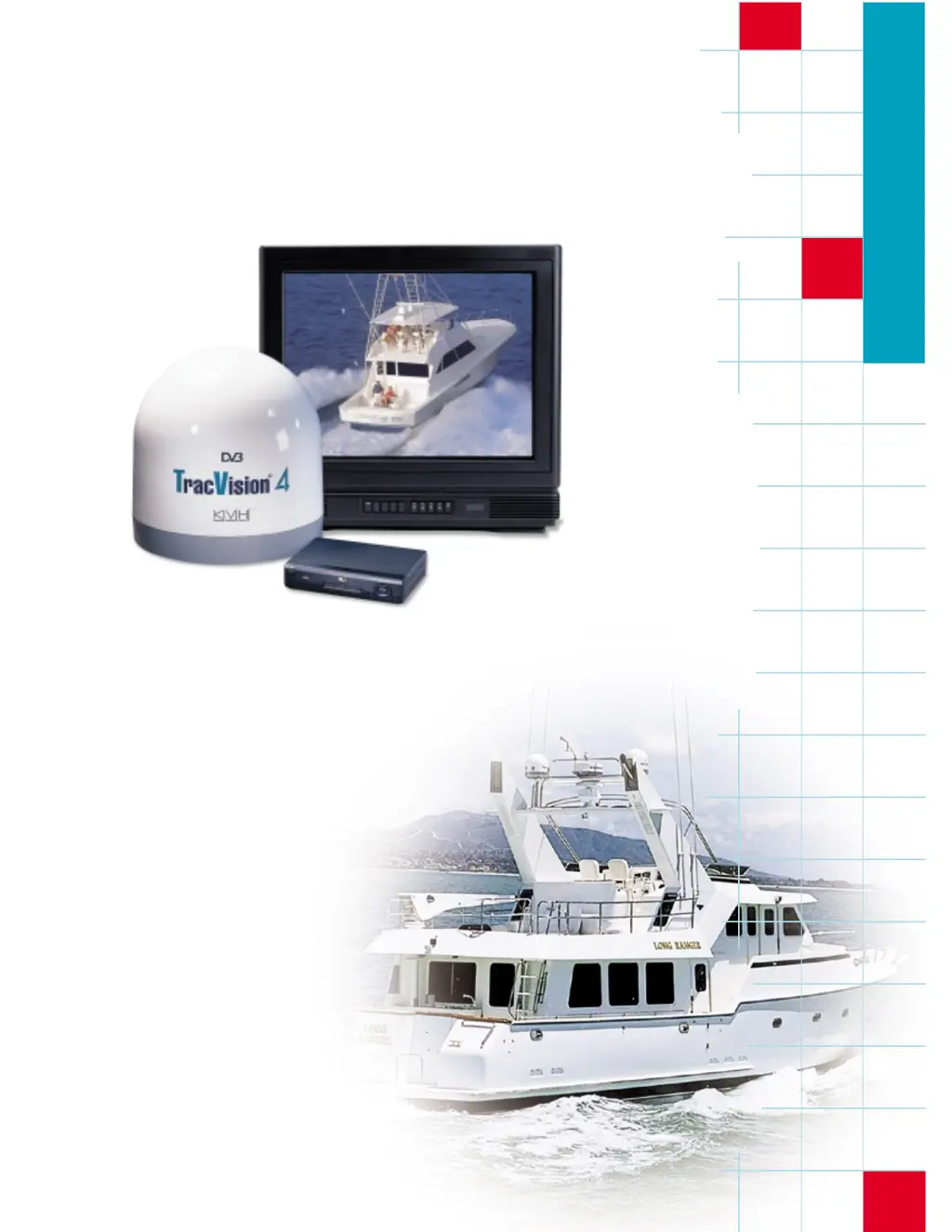
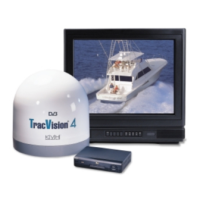
KVHTracVision
®
4
owner’s manual
A Guide to TracVision 4

Table of Contents

Other manuals for KVH Industries TracVision 4

Questions and Answers

  • E
    emily72Aug 19, 2025
    Why is my KVH Industries Satellite TV System signal blocked?
    • J
      Jean RichardsonAug 19, 2025
      If your KVH Industries Satellite TV System experiences a blocked or degraded satellite signal, it may be due to obstructions from buildings, vessels, or equipment. To resolve this, make sure that the TracVision 4 unit is placed in an optimal location where it has a clear view of the sky.
  • B
    bridget14Aug 21, 2025
    What to do if my KVH Industries Satellite TV System is not tracking because of vessel turning?
    • M
      Maria WilkersonAug 21, 2025
      If your KVH Industries Satellite TV System is not tracking properly because the vessel is turning during the initial startup, turn the TracVision 4 off for at least 10 seconds. Then, ensure the vessel is motionless or traveling straight for 60 seconds after you power it back on. This should allow the system to start up correctly.
  • A
    Amanda SmithAug 25, 2025
    How to prevent radar interference with my KVH Industries TracVision 4?
    • N
      Nicole BairdAug 25, 2025
      Radar units emit energy levels that can overload the antenna of your KVH Industries Satellite TV System. To prevent radar interference, ensure the TracVision 4 unit is placed in an optimal location relative to the radar unit, far enough away to avoid signal overload.
  • L
    Linda MaysAug 26, 2025
    How to check RF connectors on KVH Industries Satellite TV System?
    • A
      Alyssa PriceAug 26, 2025
      A loose RF connector can reduce the signal quality of your KVH Industries Satellite TV System. Check the cable connections on the Antenna Unit to ensure they are properly tightened.
  • S
    Stephanie MccannAug 28, 2025
    What happens if KVH Industries TracVision 4 is outside satellite coverage zone?
    • L
      Lisa PughAug 28, 2025
      If your KVH Industries Satellite TV System is outside the satellite coverage zone, the signal quality may degrade as you approach the fringe coverage areas. Refer to your satellite television service manual for information on viable coverage areas.
  • T
    Tanya GallagherAug 30, 2025
    What to do if EchoStar IRD commissioning issue with KVH Industries Satellite TV System?
    • M
      Michael PottsAug 30, 2025
      If your EchoStar IRD has not been commissioned in several months, it may fail to acquire a satellite signal with your KVH Industries Satellite TV System. Follow the manual satellite acquisition and commissioning procedure outlined in Appendix E to resolve this issue.
  • J
    James AguilarSep 1, 2025
    Why should I use an active multiswitch for my KVH Industries Satellite TV System?
    • D
      danielscrystalSep 1, 2025
      To connect the TracVision 4 system to multiple IRDs, always use an active multiswitch. Passive multiswitches are not suitable for this purpose.
  • D
    Debbie DixonSep 3, 2025
    What to check if no picture on KVH Industries TracVision 4?
    • B
      bandradeSep 3, 2025
      If your KVH Industries Satellite TV System is not functional, has no picture on the TV set, shows an intermittent picture for short intervals, works at the dock but not underway, will not find a satellite, or shows a snowy television picture, you should check for a blown fuse, low power, or wiring issues.
  • E
    Edward MccoySep 5, 2025
    What to do if intermittent picture on KVH Industries Satellite TV System?
    • J
      Justin PageSep 5, 2025
      If your KVH Industries Satellite TV System is not functional, has no picture on the TV set, shows an intermittent picture for short intervals, works at the dock but not underway, will not find a satellite, or shows a snowy television picture, you should check for a blown fuse, low power, or wiring issues.
  • J
    jasmine70Sep 7, 2025
    What to check if KVH Industries Satellite TV System works at dock but not underway?
    • L
      lori32Sep 8, 2025
      If your KVH Industries Satellite TV System is not functional, has no picture on the TV set, shows an intermittent picture for short intervals, works at the dock but not underway, will not find a satellite, or shows a snowy television picture, you should check for a blown fuse, low power, or wiring issues.

Summary

Introduction

The Digital Satellite System

Explains compatibility with DVB and DIRECTV DSS satellites, and lists supported North American satellites.

TracVision 4 System Overview

Describes the actively stabilized antenna system and its conical scan tracking function for clear reception.

The TracVision 4 Antenna Unit

Details the components of the antenna unit, including its radome, baseplate, and weathertight connectors.

Integrated Receiver Decoder (IRD)

Explains the IRD's role in receiving signals, processing channels, and user authorization for viewing.

Materials Provided With TracVision 4 System

Lists all components and materials included in the TracVision 4 shipping carton.

Additional Materials Required for TracVision 4 Use

Lists items such as a television and appropriate IRD needed for full system functionality.

Installation

Installation Overview and Requirements

Lists tools, materials, and cable lengths required for system installation.

Antenna Unit Placement and Mounting

Guides on selecting an optimal location and securely mounting the antenna unit for best reception.

System Wiring and Connections

Details wiring procedures for the system, including switchplate, RF cable, and multiswitch setup.

Satellite Selection and Configuration

Covers selecting, installing, and configuring satellites, including user-defined options via maintenance port.

Antenna Unit Operation

Startup and Reception Tips

Covers system startup, automated operations, and tips for achieving the best satellite reception.

Watching Your Selected Satellites

Explains how to select and track satellites, including different operational modes and subscriber notes.

Troubleshooting

Common Operational Issues and Causes

Addresses common system problems, their causes, and remedies such as fuse, wiring, or interference issues.

Advanced Diagnostics and Commissioning

Guides on computer diagnostics, IRD commissioning, gyro/LNB faults, and maintenance port commands.

Maintenance

Warranty and Preventive Maintenance

Details warranty information, labor coverage, and routine monthly/semi-annual maintenance tasks.

Field Replaceable Units and Procedures

Lists FRUs, and provides procedures for PCB, gyro, motor, and LNB replacement.

Appendix A System Specifications

Antenna Physical and Performance Specifications

Lists physical characteristics, input power, and performance specifications of the antenna unit.

Appendix B Baseplate Mounting Holes Template

Baseplate Mounting Hole Template

Provides dimensions and locations for drilling antenna baseplate mounting holes.

Appendix C Switchplate Panel Cutout Template

Switchplate Panel Cutout Template

Details the dimensions for creating a panel cutout for the switchplate installation.

Appendix D Comprehensive TracVision 4 Wiring Diagram

Wiring Diagram Availability

Informs that the comprehensive wiring diagram is available upon request from KVH Technical Support.

Appendix E EchoStar Commissioning Procedure

Manual Satellite Acquisition and IRD Commissioning

Step-by-step guide for manual satellite acquisition and commissioning of EchoStar IRDs.

Appendix F Startup Data Sequences

Sample Startup Data Sequences

Presents sample startup data sequences registered by the TracVision 4 for different satellite providers.

Appendix G Maintenance Port Parser Commands

System and Operational Commands

Covers system status, initialization, and operational mode commands like VERSION, STATUS, TRACK, and HALT.

Positioning and Tracking Commands

Details commands for manual positioning, tracking, and scan functions like AZ, EL, WRAPANGLE, and TGTLOCATION.

RF Board and Installation Commands

Includes commands for RF board configuration, serial communications, and installation settings like GPS.

Debug and Data Management Commands

Covers debug commands, offset reporting, default satellite configuration, and last tracked satellite management.

KVH Industries TracVision 4 Specifications

General IconGeneral
BrandKVH Industries
ModelTracVision 4
CategorySatellite TV System
LanguageEnglish

Related product manuals