4-6
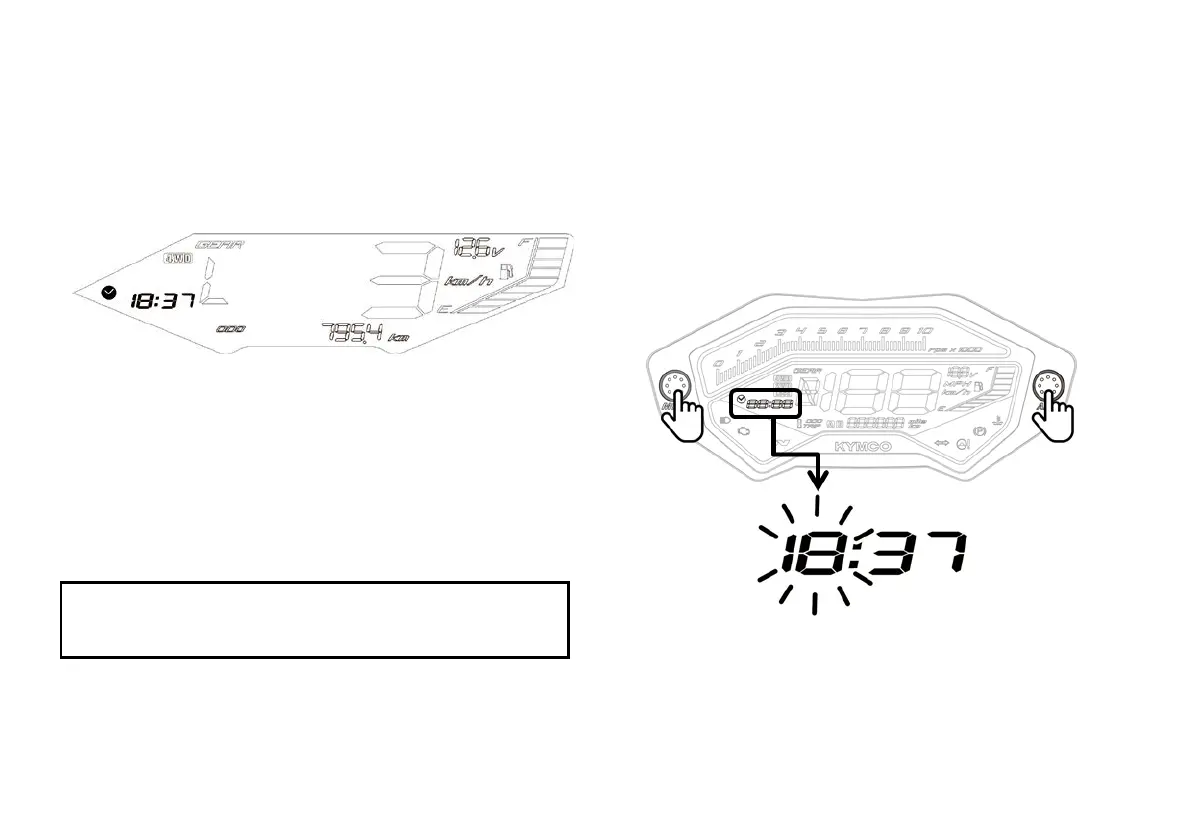
(1) Digital clock
The clock shows the time in 24-hour format while the ignition
switch is ON.
To adjust the time manually, proceed as follows:
a. Turn the ignition switch ON.
b. Press ADJ button to select ODO mode.
NOTE
Digital clock can be adjusted in ODO mode only, never select
TRIP when you want to adjust your digital clock.
c. Press and hold both the MODE button and ADJ button in
the same time for more than 2 seconds. The clock will be
set in the adjust mode with the hour display flashing.



 To Next Page