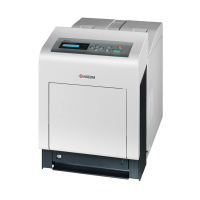
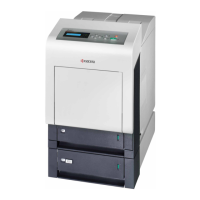
2HL/2HM/2HN
1-5-20
(3) Detaching and refitting the duplex unit B
Procedure
1. Remove the outer covers (See page 1-5-3).
2. Remove the power source PWB (See page
1-5-26).
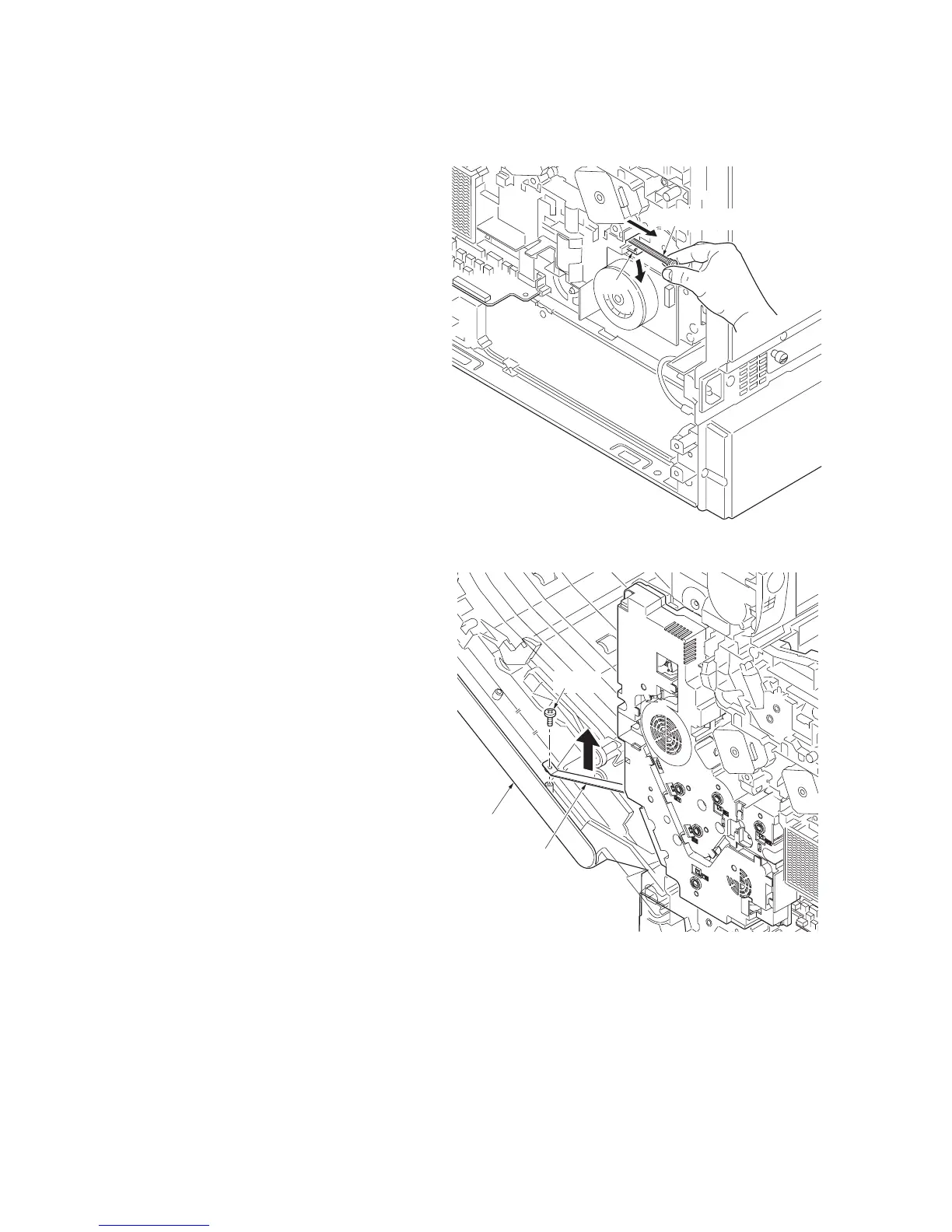
3. While releasing the hook and then pull the
MCH cleaning shaft.
Figure 1-5-22
4. Open the front cover.
5. Remove the screw and then remove the
front cover right stopper.
Figure 1-5-23
MCH cleaning shaft
Hook
Screw
Front cover
right stopper
Front cover


 To Next Page
 Loading...