2JL/2JJ/2JG/2JD
1-2-2
1-2-2 Unpacking and installation
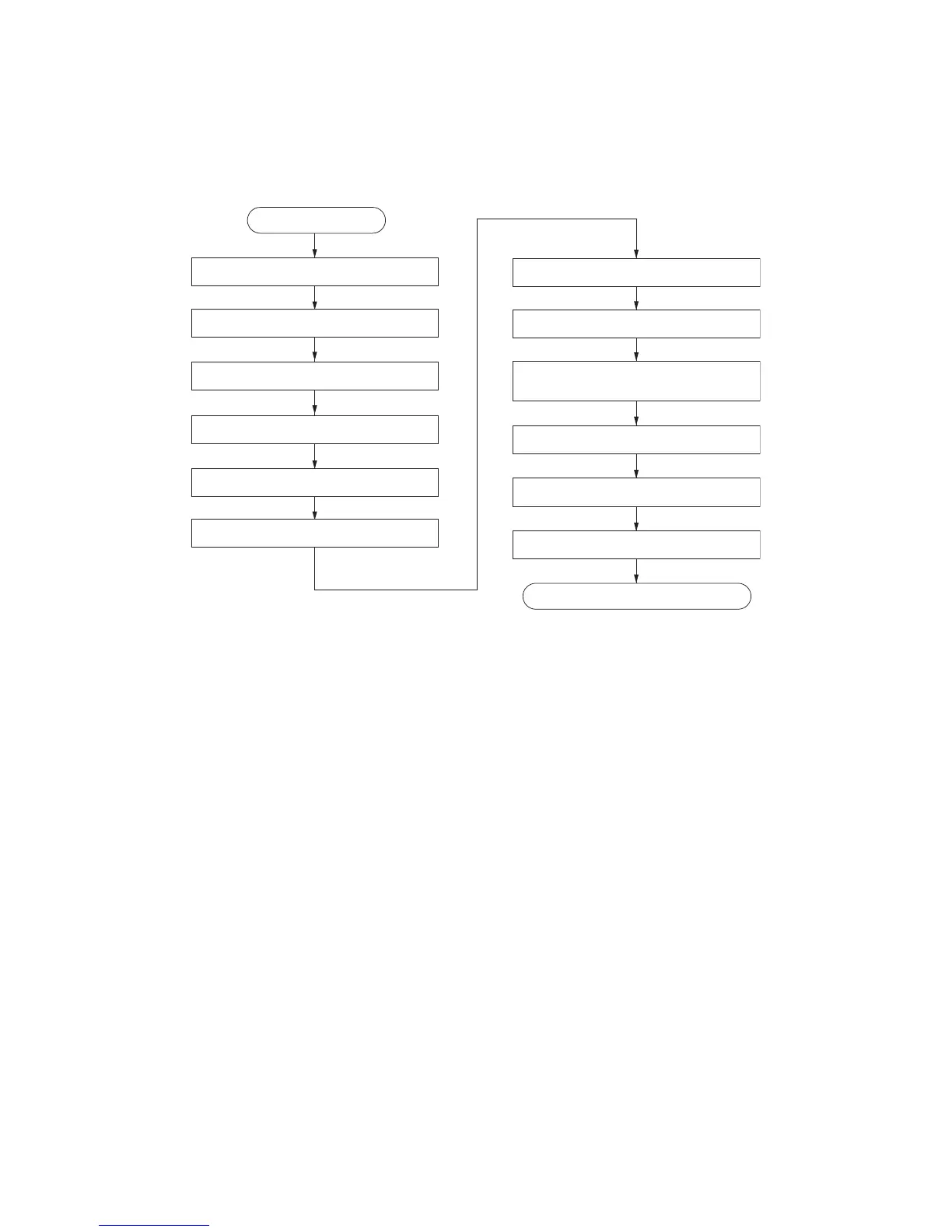
(1) Installation procedure
Unpacking.
Removing the eject spacer.
Removing the tapes and spacers.
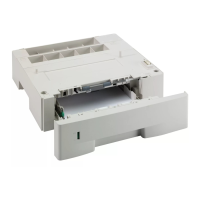
Installing the optional paper feeder.
Start
Adjusting the image.
Release of lift plate stopper.
Installing the toner containers.
Installing the waste toner box.
Loading paper.
Connecting the power cord.
Installing the original platen or DP (option).
Release the lever holding
the mirror 1 and 2 frames.
Completion of the machine installation.



 To Next Page