Configuring Network Connection
Using the Push Button?
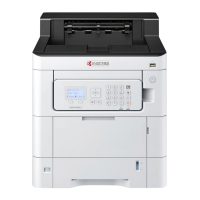
If your router supports WPS, you can configure network connection using the push button.
1. Turn on the computer.
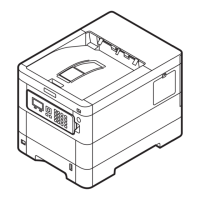
2. Press [Wireless Network] on the operation panel of the machine. The wireless network
indicator flashes.
3. Press the push button on the router.
4. The network between this machine and the router is configured. If the network connection
between this machine and the router is complete, [Wireless Network] will light up.
5. Install the printer driver for wireless network connection on your computer.



 To Next Page
 Loading...