11-2
Troubleshooting > Indicators During Sending/Receiving Operation
Indicators During Sending/Receiving Operation
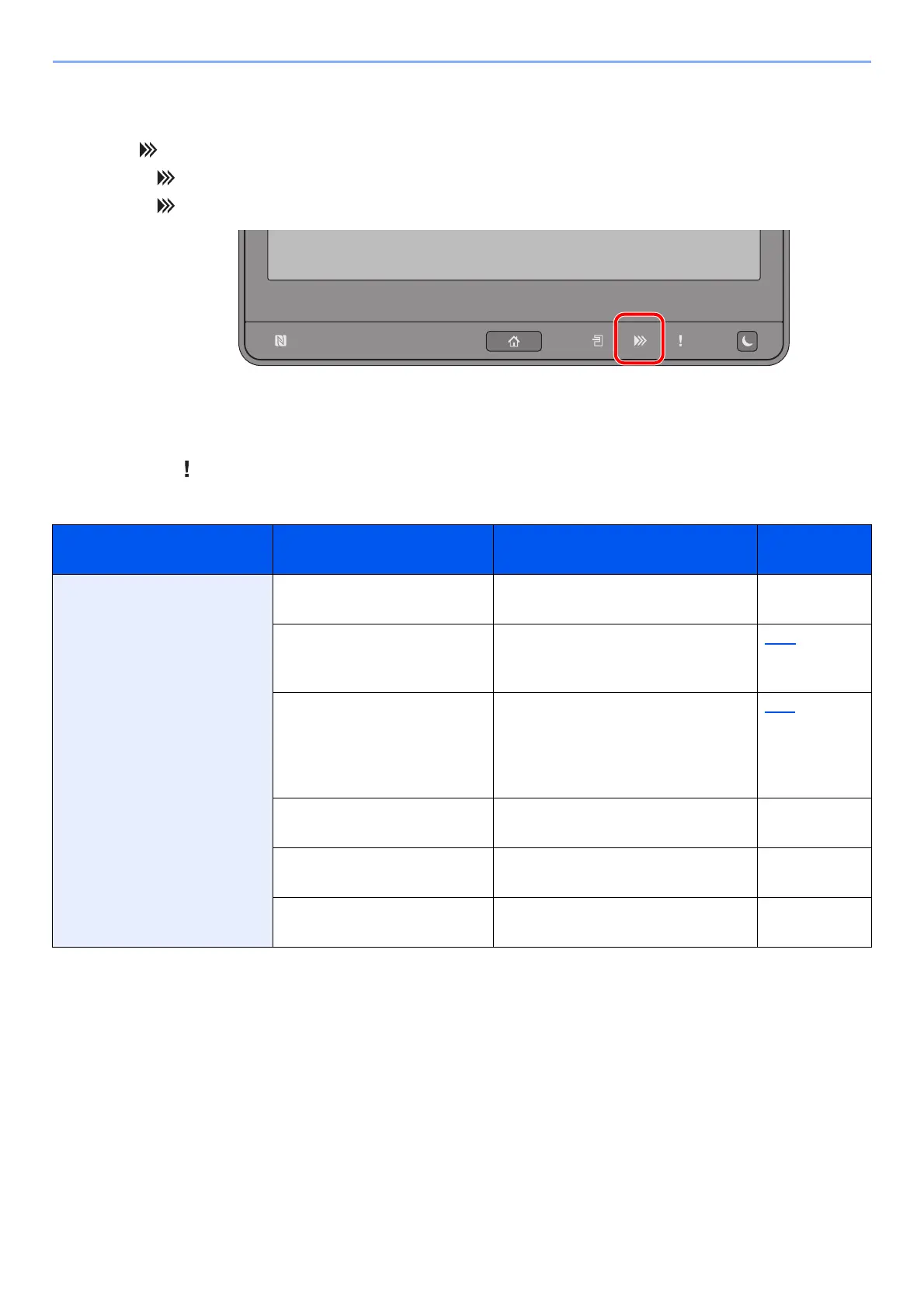
The [Data] ( ) indicator show the fax transmission status.
•The [Data] ( ) indicator blinks during fax transmission and reception.
•The [Data] ( ) indicator is lit when there is source data stored in the memory for delayed transmission.
Responding to an Attention Indicator Flashes
If the [Attention] ( ) indicator flashes, select the [Status/Job Cancel] key to check an error message. If the message
is not indicated on the touch panel when the [Status/Job Cancel] key is pressed or the attention indicator flashes, check
the following.
Symptom Checkpoints Corrective Actions
Reference
Page
Cannot send fax. Is the modular cord
connected correctly?
Connect the modular cord correctly. —
Is Permitted FAX No. or
Permitted ID No. registered
correctly?
Check Permitted FAX No. and
Permitted ID No.
8-15
Has a communication error
occurred?
Check error codes in the TX/RX
Result Report and Activity Report. If
the error code starts with "U" or "E",
perform the corresponding
procedure.
11-6
Is the destination FAX line
busy?
Send again. —
Does the destination FAX
machine respond?
Send again. —
Is there an error other than
above?
Contact your Service
Representative.
—


 To Next Page