3-23
Sending Faxes > Sending Size
Sending Size
Select size of image to be sent.
Long Original
Reads long-sized original documents using a document processor.
(Value: [Off] / [On])
Density
Adjust density.
(Value: [-4] (Lighter) to [+4] (Darker))
Original Image
Select original image type for best results.
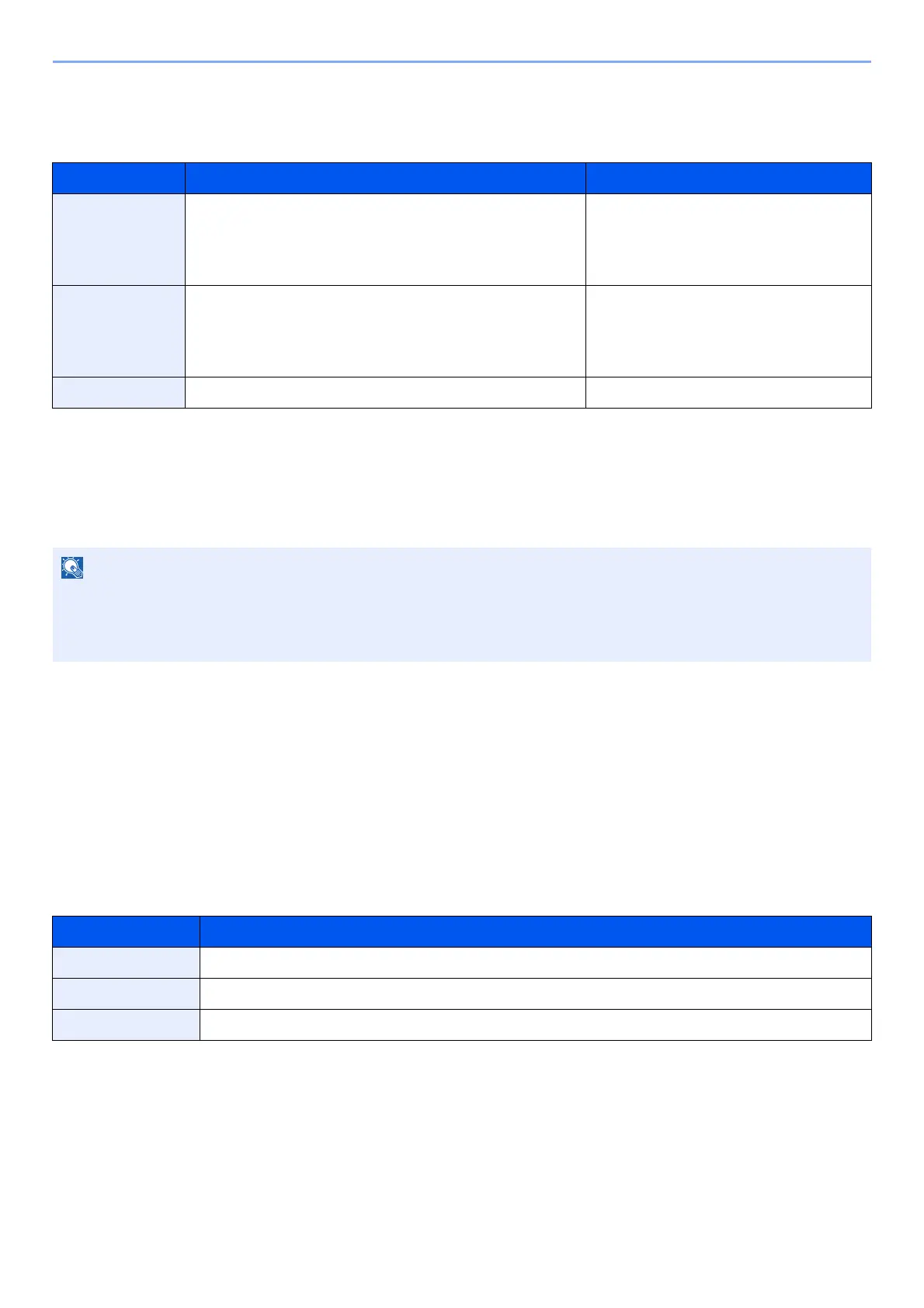
Item Value Description
Standard Sizes
1
Metric models: Same as Original Size, A3, A4, A5, A6,
B4, B5, B6, Folio, 216×340 mm
Inch models: Same as Original Size, Ledger, Letter,
Legal, Statement, 11×15", Oficio II
Select from Same as Original Size or
Standard Size.
Standard Sizes
2
Metric models: Ledger, Letter, Legal, Statement, 11×15",
Oficio II, 8K, 16K
Inch models: A3, A4, A5, A6, B4, B5, B6, Folio, 8K,
16K, 216×340 mm
Select from standard sizes except
Standard Sizes 1.
Others Hagaki(Cardstock), Oufuku hagaki(Return postcard) Select from Hagaki(Cardstock).
Only a single side of a long original can be scanned.
Originals of up to 1,600 mm/63" long can be scanned.
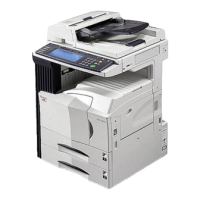
The optional document processor is necessary to use this function.
Item Description
Text+Photo Best for mixed text and photo documents.
Photo Best for photos taken with a camera.
Text Sharply renders pencil text and fine lines. Select [Text], [Text (Fine Line)] or [Text (OCR)].


 To Next Page