Digital UnderVoltage Relay (GDR-D01) User's Manual V1.10
Kyongbo Electronics Co., Ltd.
Press Key in UVR screen, then it will exit this menu and convert to the upper menu.
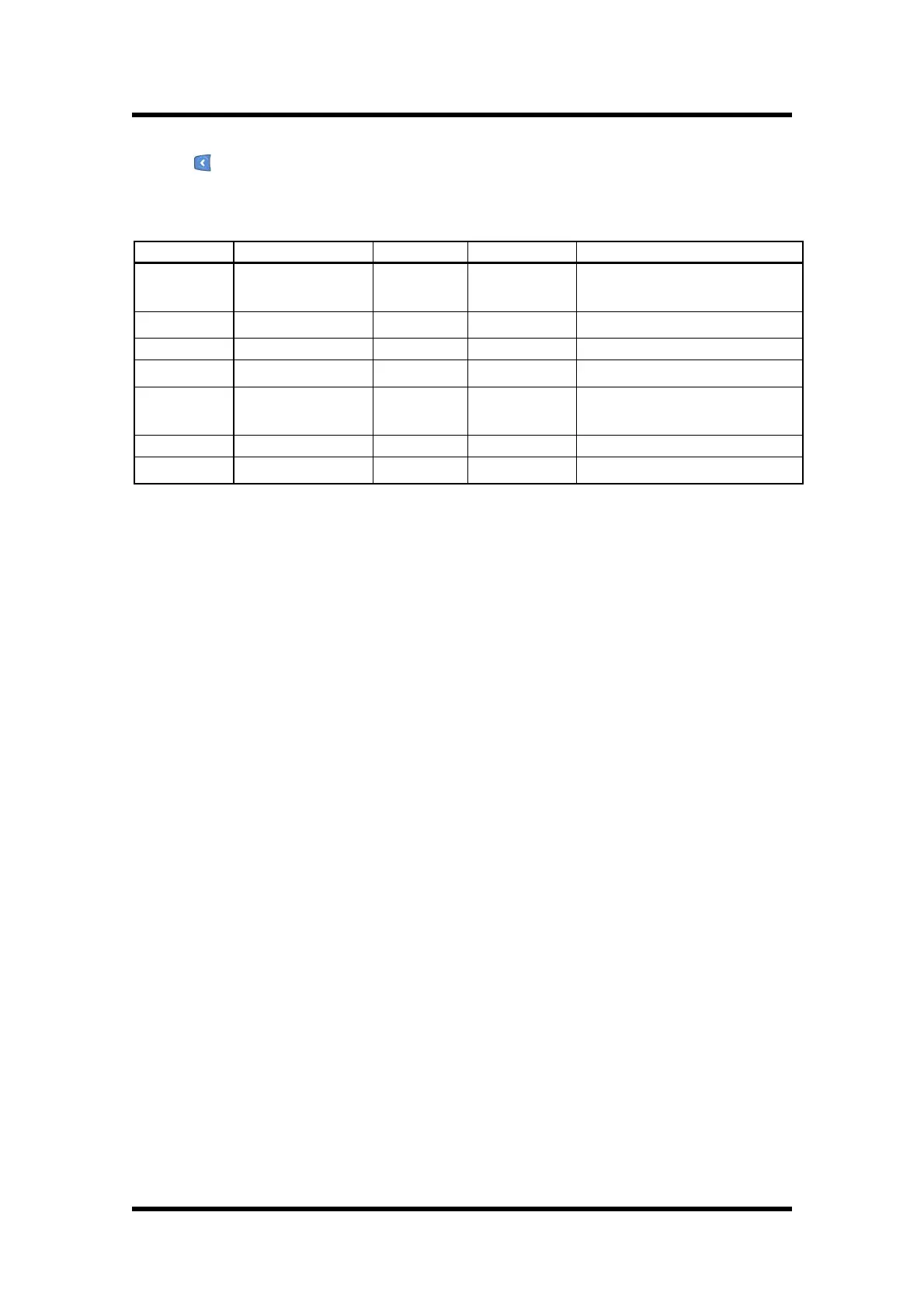
Detail categories that can be set in UVR are as follows.
Set OFF, Inverse Time,
Definite Time
Definite Time Pickup Value
Set the time of Definite Time
Set Operation Recovery time
Ÿ OP_MODE setting category has INDUCTION mode that has the existing induction
type operation characteristic, and DIGITAL mode that only operates when the
voltage goes above the setting value and drops under the setting value.
Ÿ RST_MODE setting category is a function that automatically recovers the
UnderVoltage element operation after the set time(RST_Time) when the
UnderVoltage is maintained continuously after the UnderVoltage accident. For
example, if the UnderVoltage element is installed at the end of the circuit
breaker, after the accident, the circuit breaker operates and the voltage at the
latter part of the circuit breaker becomes 0V. That is, it is hard to insert the
circuit breaker because the UnderVoltage element keeps operating. In this
circumstance, RST_MODE function automatically recovers the UnderVoltage
element after the set time(RST_Time), and makes the insertion of the circuit
breaker easy. Setting "OFF" of RST_MODE means not using this function.
6.2.3 Self-Diagnosis Screen
This menu displays the result of the self-diagnosis function for each diagnosis
category.
Diagnosis categories are control power, CPU WatchDog Timer, memory, and setting
value, and if a fault occurs for each category, "FAIL" is displayed, and "System Error!"
is displayed in the default LCD screen instead of "System OK!", and Error LED is
lighted red.
Self-Diagnosis Screen is as follows.


 To Next Page