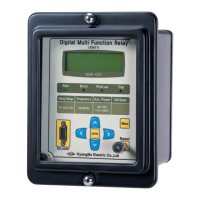
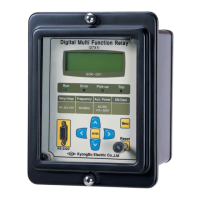
Digital UnderVoltage Relay (GDR-D01) User's Manual V1.10
Kyongbo Electronics Co., Ltd.
stored, press Key, and if you want to delete the fault record, press Key to
change “No” to “Yes”, and press ENTER ( ) Key.
6.2.7 Test
You can test Front Display(Panel), Connection Output, etc. in Test category.
Select 7. Test in Setting, then the following screen appears.
Press Key in Test Screen, then it will exit this menu and convert to the default
screen of Setting.
6.2.7.1 Test ▶ Display Test
This menu is a category that can check the condition of LCD and LED on the
relay front side.
Select 1.Display Test in Test, then the following screen appears.
If you don't want the Display Test in the Display Test Screen, press Key, then it will
exit this menu and convert to the upper menu.
To perform Display Test, press Key from this screen to change “No” to “Yes”,
and press ENTER ( ) Key, then TEST will flash 3 times on LCD, and all the
LEDs flashes 3 times at the same time, then it will move to Test menu.
When performing Display Test, the following screen appears.


 To Next Page