Digital UnderVoltage Relay (GDR-D01) User's Manual V1.10
Kyongbo Electronics Co., Ltd.
7.2 Device Selecting
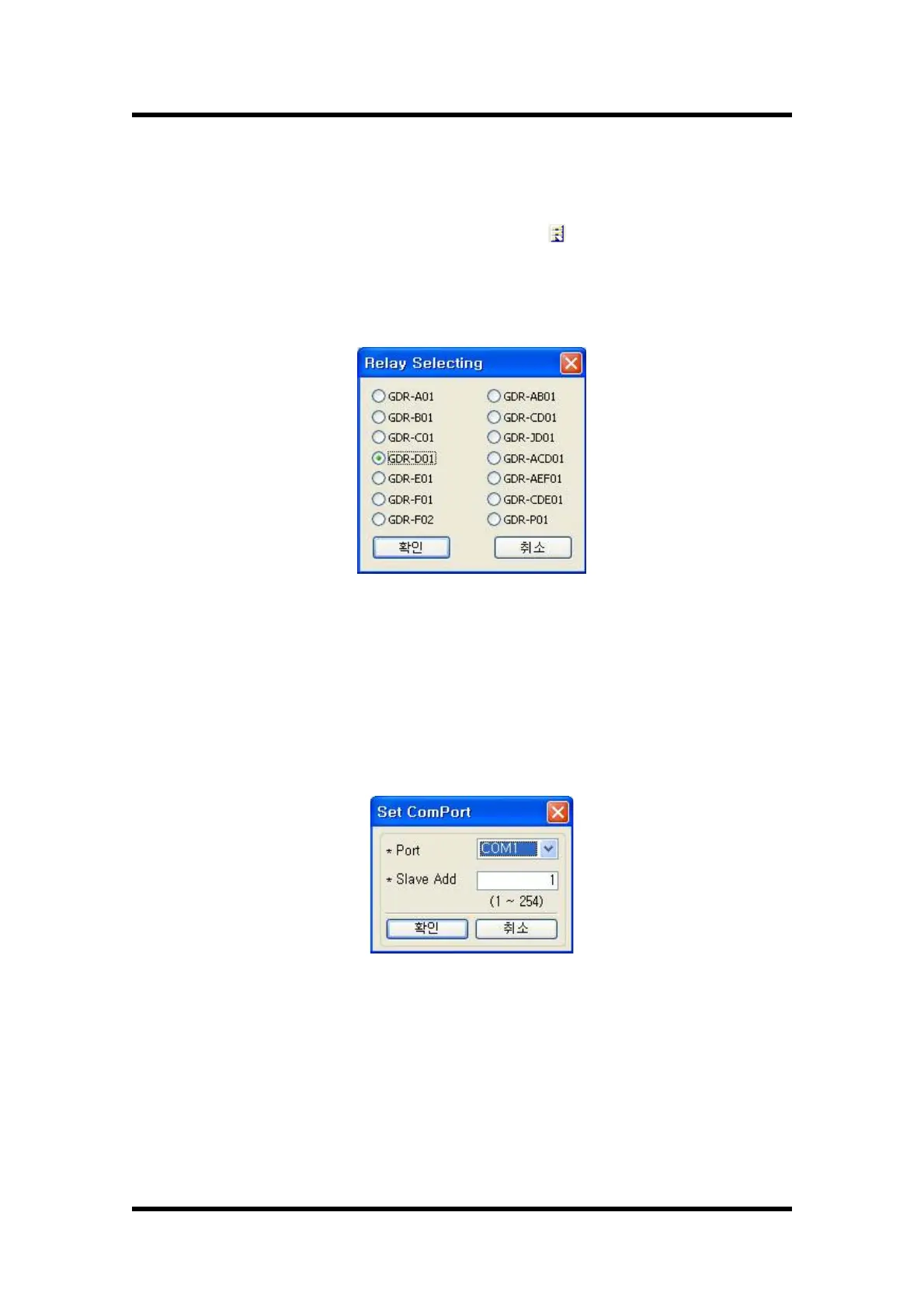
One SetGDRSeries program controls one GDR Series relay, and the relay to be
controlled needs to be selected. Press Relay Select( ) button, and the window to
select the relay appears as the following Figure, and selects the relay to be controlled
remotely.
To communicate with GDR-D01, select GDR-D01, and press "OK" button.
【Figure 7.2】Relay Selecting
7.3 Communication Port Configuration
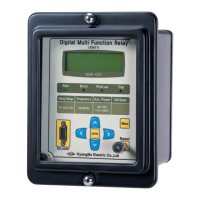
This function select and use other Con-Port when the communication port is
occupied by other device and not usable, and can select and use among 15 ports for
the communication port. Also, since RS-232C communication protocol uses
MODBUS, you can use RS-485 communication for SetGDRSeries.
【Figure 7.3】 Communication Port Setting


 To Next Page