Digital UnderVoltage Relay (GDR-D01) User's Manual V1.10
Kyongbo Electronics Co., Ltd.
To set the desired T/S, press , Key to move ( * ) symbol to the desired
category.
Ÿ System Config. ▶ T/S Output ▶ T/S 1 Setting
It is a category that can set the connection type, recovery method, and recovery
delay time, etc. for 5 output connections in T/S Output.
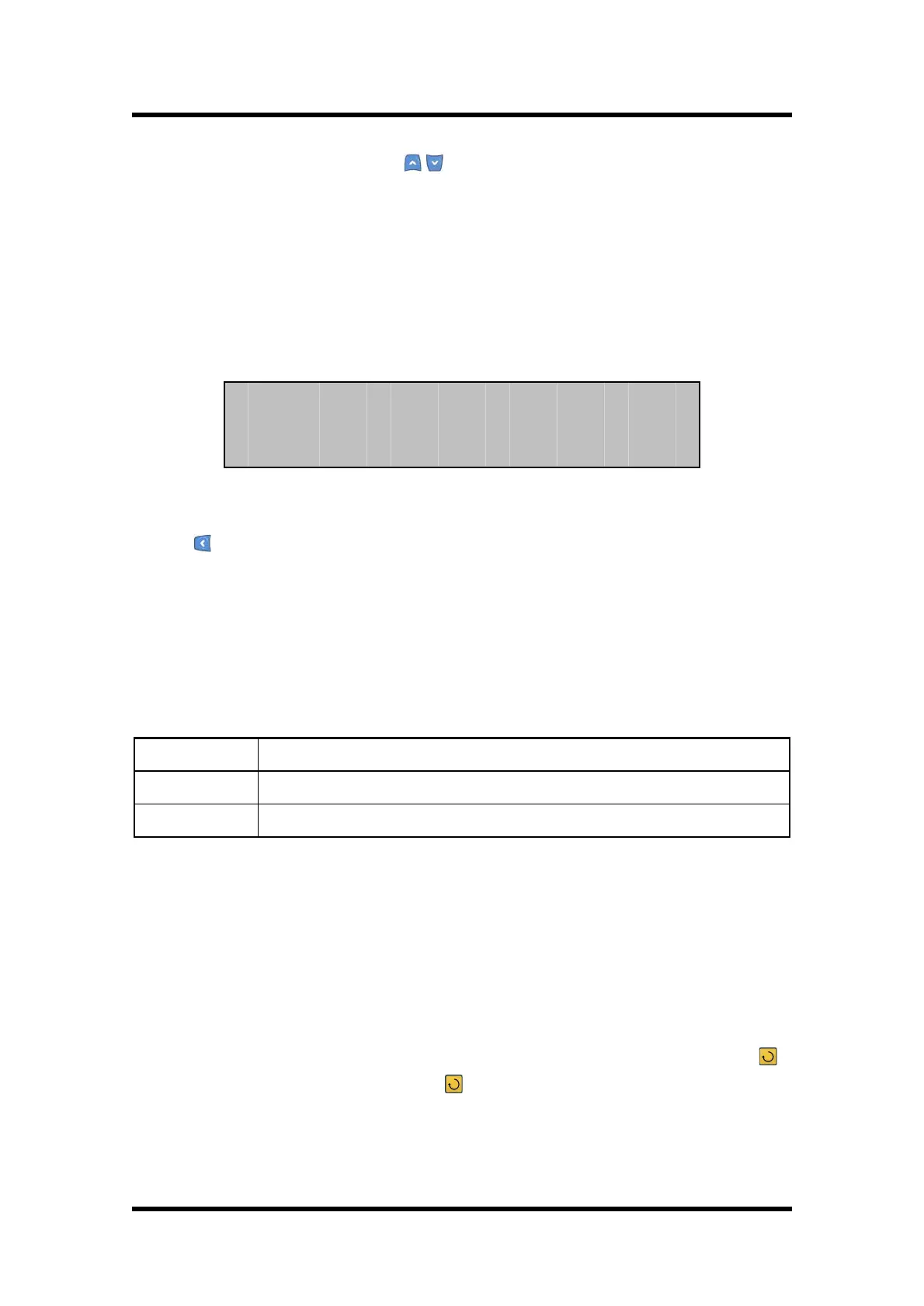
Select 1. T/S 1 category in T/S Output, then the following screen appears.
T/S 1 in the above screen means No. 1 output connection.
Press Key in T/S 1 screen, then it will exit this menu and convert to the upper menu.
Ÿ System Config. ▶ T/S Output ▶ T/S 1 ▶ 1.CON Setting
It is a category to select in which condition to operate the output connection.
The types and meanings to connect output connection are as follows.
Output if UnderVoltage element is in operation.
【Table 6.4】 T/S Connection Menus
Ÿ System Config. ▶ T/S Output ▶ T/S 1 ▶ 2.RST Setting
It is a category to set which method should be used when the output connection is
recovered after the operation.
This relay has two methods, Self Mode and Manual Mode.
Self Mode is a function that the relay is automatically recovered after the operation,
and Manual Mode is a function that the relay is not automatically recovered, but
manually recovered. That is, it is not recovered until the user presses Reset ( )
Key, and is recovered when the Reset ( ) Key is pressed.


 To Next Page