32
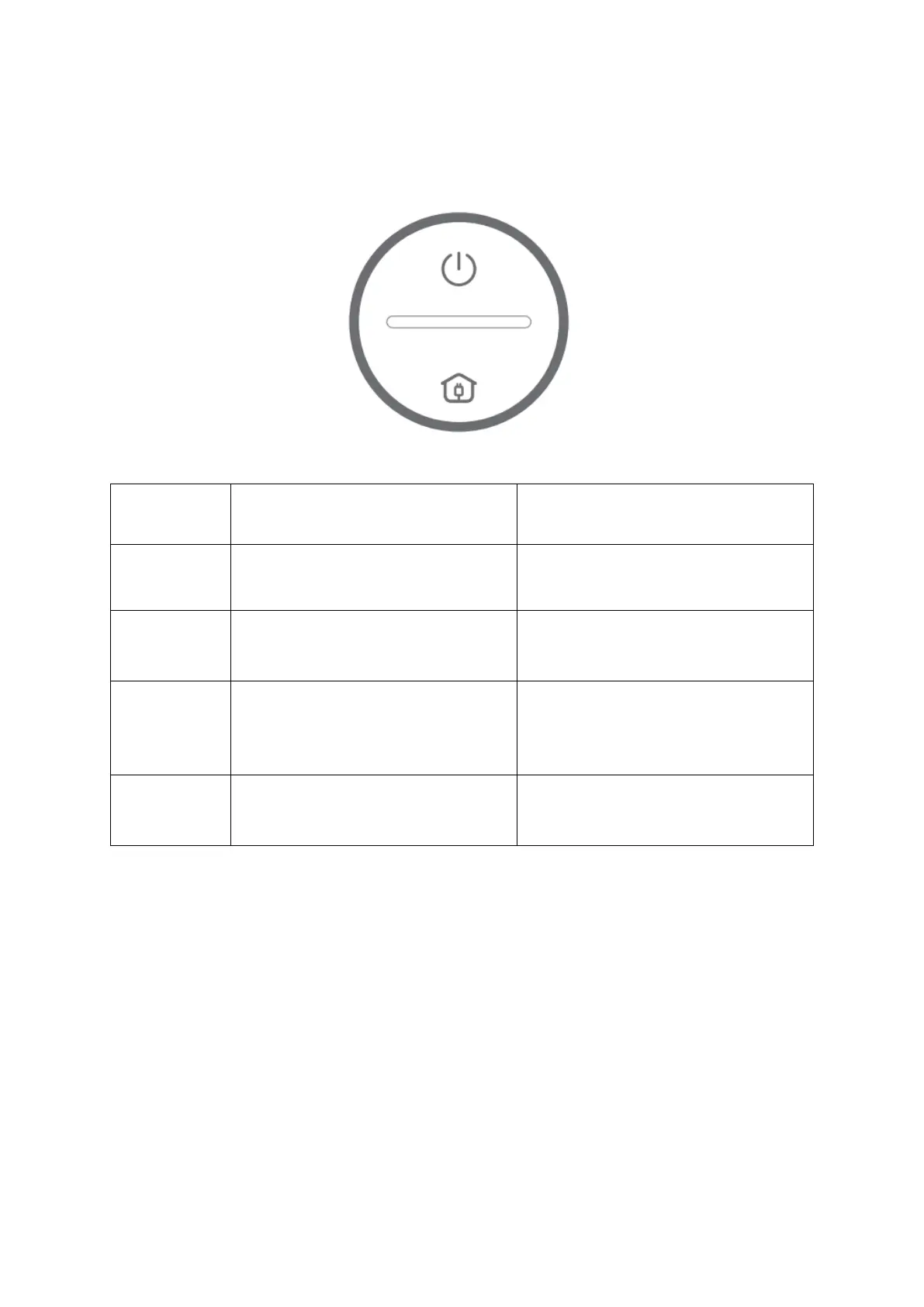
GUIDE TO INDICATORS AND BEEPS
When your robot needs help or attention, it will beep and the indicators on it will change
accordingly to tell you what to check.
Solid Red Indicators
The Left/Right Wheel of your
robot is stuck
Power off your robot, then remove
the that are wrapping the wheel.
The Side Brush of your robot is
being stucked
Power off your robot, then remove
the objects that are wrapping the
Side Brush.
The suction inlet of your robot is
being blocked
Power off the robot, then remove
and empty the Dust Bin.
Make sure there is no hair or
debris blocking the suction inlet.
The Main Brush on the bottom of
your robot is stucked.
Power off the robot, then remove
the objects that are wrapping the
Main Brush.


 To Next Page