ESI-500
Pilot’s Guide 3-11
Display Features
Air Temperature Display
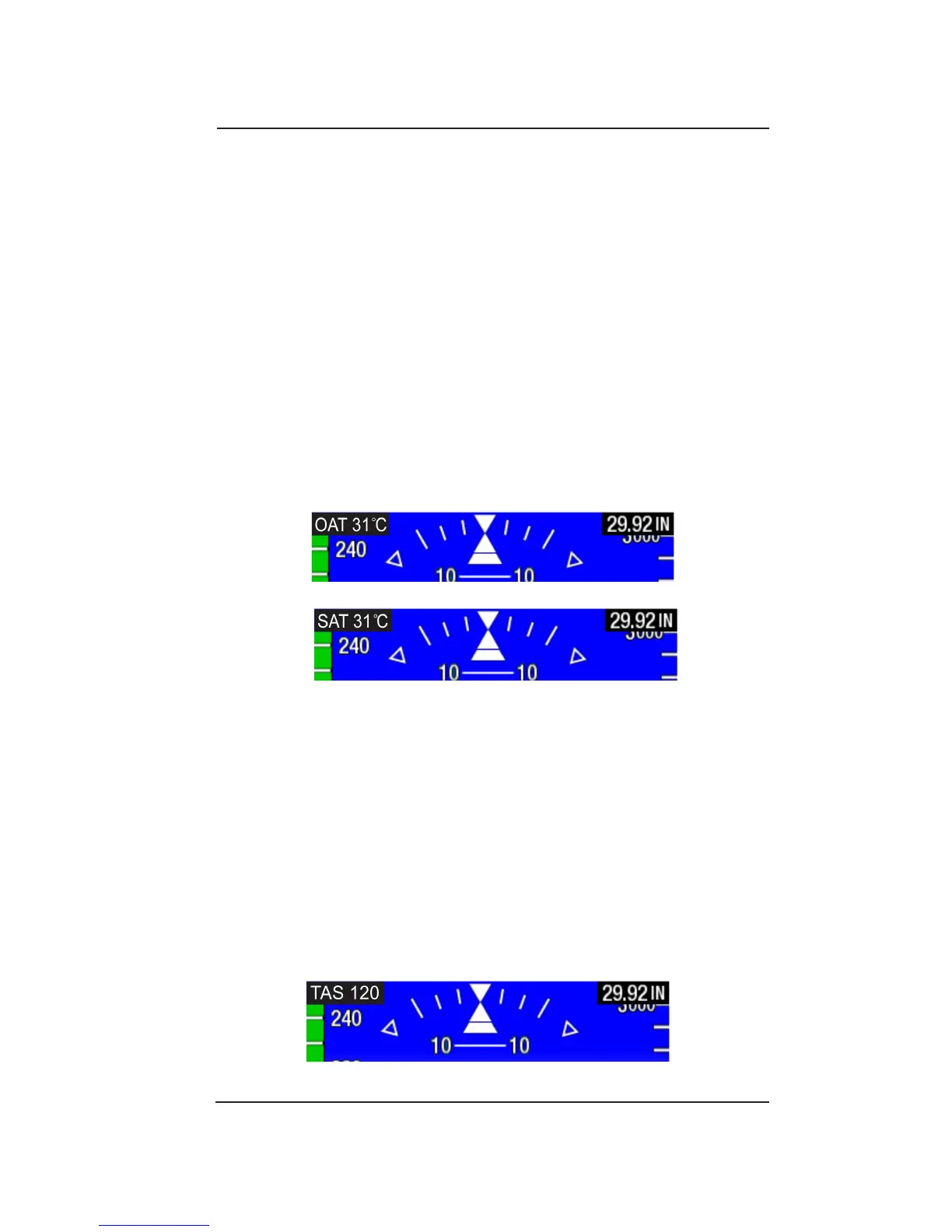
Figure 3-8: Air Temperature Display
Figure 3-9 True Airspeed Display
The Air Temperature is displayed in the upper left corner of the display
in units of Celsius identied as either static air temperature “SAT” or
outside air temperature “OAT”. See Figure 3-8.
“SAT” is displayed if the temperature is received from a digital external
source such as an ADAHRS, and is already corrected as Static
Air Temperature from the air data system. “OAT” is displayed if the
temperature is received from an analog OAT probe directly into the
ESI-500. There are no static air corrections applied to this OAT signal
The air temperature display can be activated using the Data Field Pilot
Menu. This menu item shares the same display location with the true
airspeed display and only one can be active at a time.
This is an installation conguration option available starting with
Release 1.3.
True Airspeed Display
True airspeed is displayed in the upper left corner of the display shown
as either Knots or MPH (based on the airspeed units shown in the
lower left corner).
The true airspeed display can be activated using the Data Field Pilot
Menu. This menu item shares the same display location with the air
temperature display and only one can be active at a time. See Figure
3-9.
This is an installation conguration option available starting with
Release 1.3.


 To Next Page