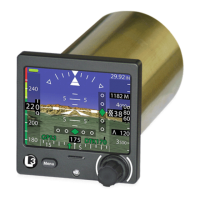
ESI-500
Pilot’s Guide4-6
Messages and Indications
Table 4-1: Indications and Display Conditions
CONDITION CAUSE/CORRECTIVE ACTION
The amber ‘SVS’ indi-
cation (Synthetic Vision
System) is shown on the
screen.
The SVS indication is shown on the
screen for any of the following reasons:
• Loss of external GPS data.
• Loss of or Failed Heading.
• Failed Attitude or Air Data.
• Failed or missing Databases.
• Failed or loss-of OAT information.
1. Cycle power to the system.
2. Check external sources for error.
3. Replacement of the indicator or
external source device may be
required.
A Data Conguration
Module error message
is shown on the splash
screen during start up.
A problem has been detected with the
Data Conguration Module (DCM-500)
or the les it contains.
1. Cycle power to the indicator.
2. If problem continues replacement
of indicator or DCM-500 may be
required.
The Terrain or Obstacle
database fails to initialize
on the Synthetic Vision
Acknowledge screen.
1. The database can take up to the 30
seconds to initialize.
2. Reload the database that failed to
initialize (see Chapter 2 for details).
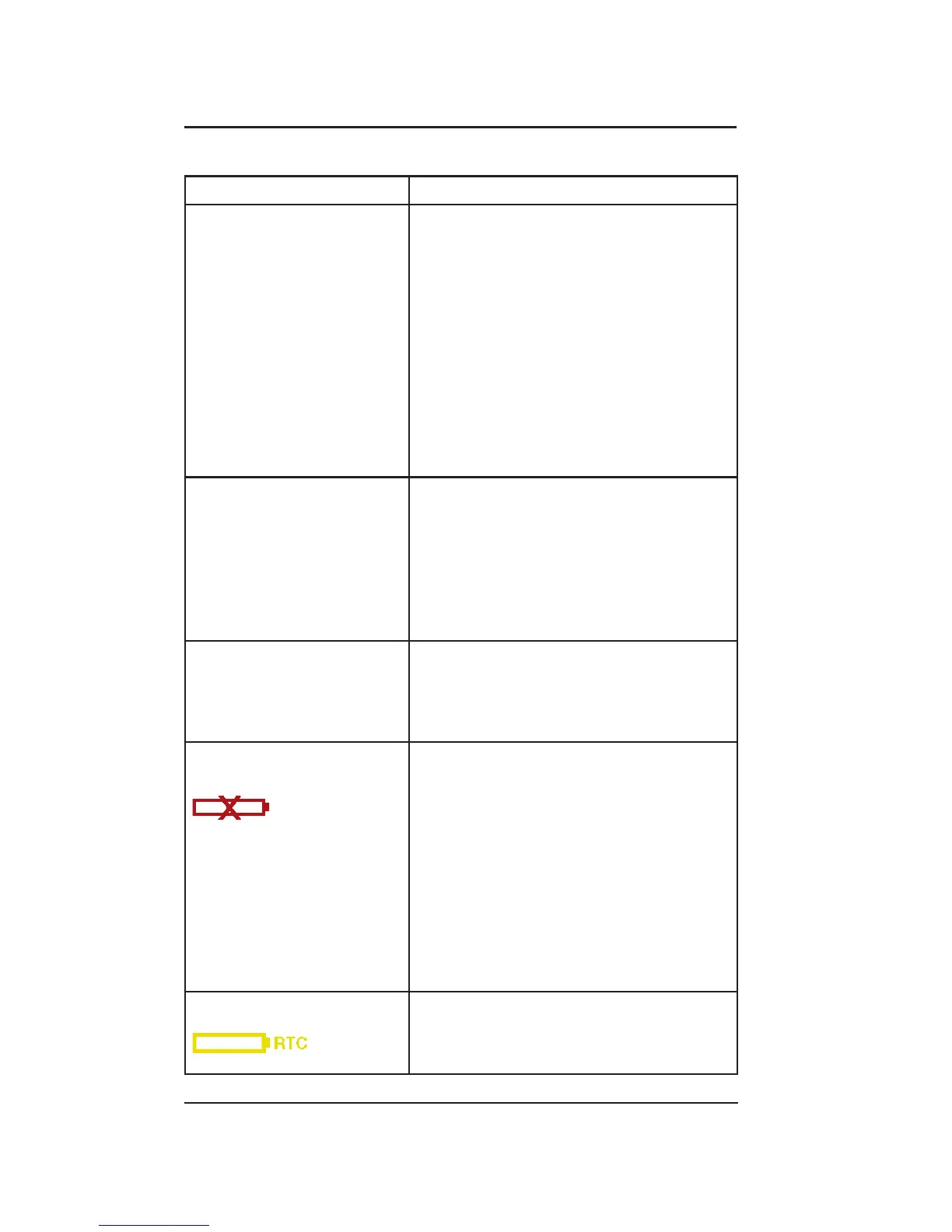
Battery Failed indicator
(red).
The battery is not operating correctly
and a failure has been detected.
1. Cycle power to the system. If
the red battery failed indicator
continues to be observed after
power cycle refer to step 2.
2. The battery requires replacement.
Contact an L3 authorized dealer.
3. If battery is replaced and fault is still
detected the unit may be defective.
Battery RTC Icon The real time clock needs to be set.
• Contact an L3 authorized dealer.


 To Next Page