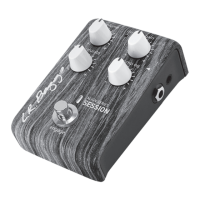
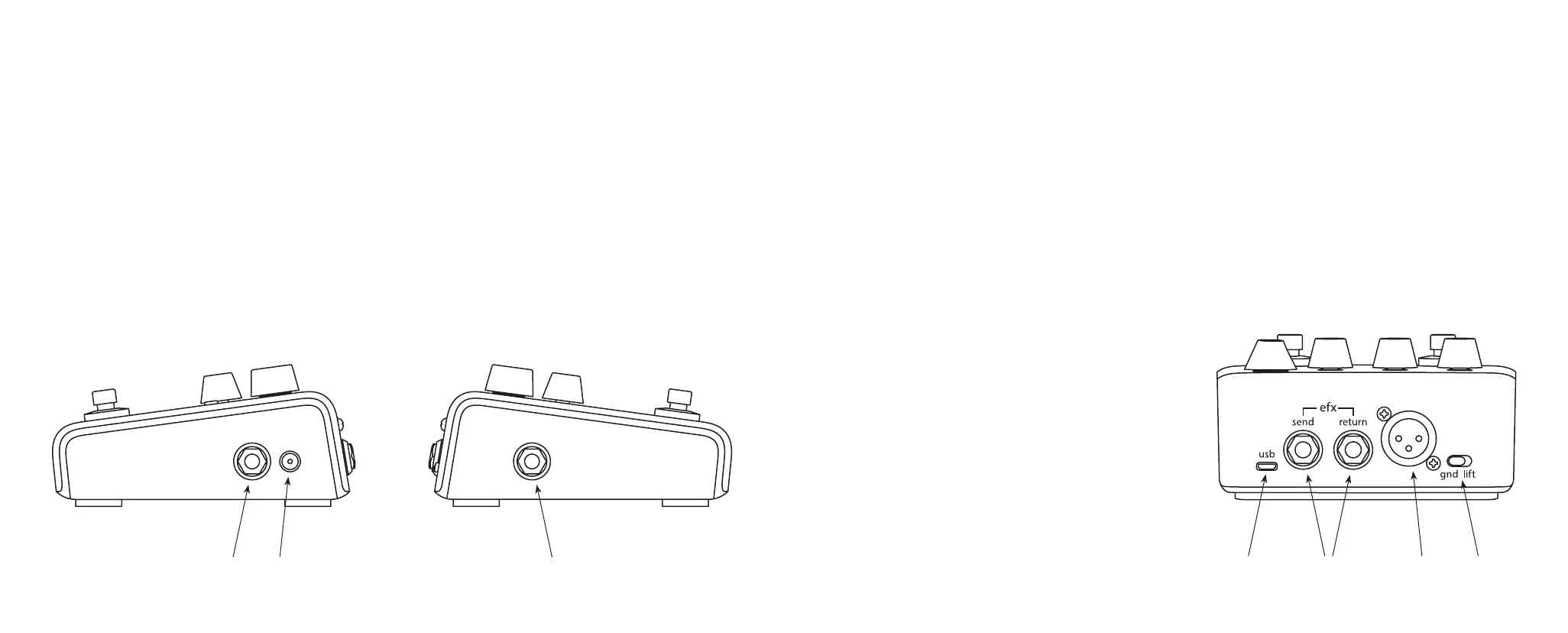
SIDE VIEW
A. DC Input
The DC power input is designed for a standard 2mm plug commonly used with eects pedals and “oorbox”
products. For best performance, we recommend using the provided power supply.
B. 1/4” Input
The ¼” input is an unbalanced (mono), all-discrete input.
C. 1/4” Output
The ¼” output is an unbalanced, line level output. You can plug into any amp or device that has a ¼” input.
We recommend running into the Synapse Personal PA System.
C
B
A
BACK VIEW
A. USB
This Micro USB port is used to connect your Voiceprint DI to a computer for potential rmware updates.
B. EFX Send/Return
Connect a standard 1/4” mono cable from the Send jack to the input of an eects pedal or rack device.
Connect the return of the output of an eects pedal or rack device to interrupt the signal and complete
the series eect loop.
C. XLR Output
The DI out is a balanced XLR output for
connecting to a mixing board with an
XLR (mic) cable.
D. Ground Lift
Engage this switch to reduce or eliminate
ground loop related noise.
A B DC



 To Next Page
 Loading...