Table of Contents
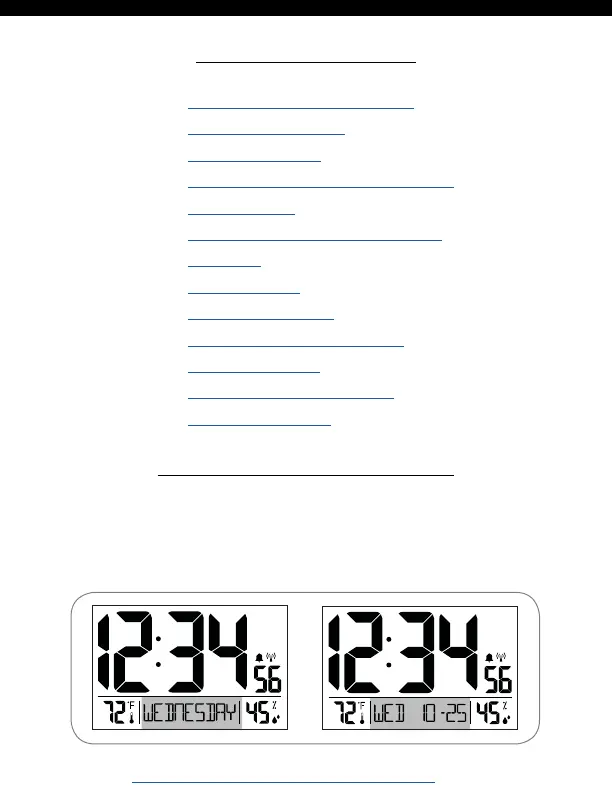
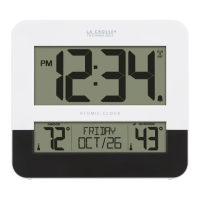
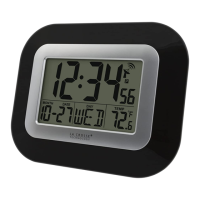
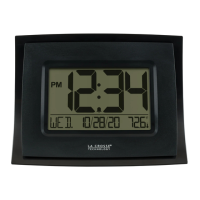
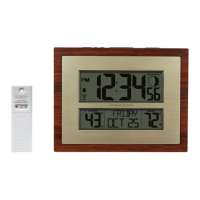
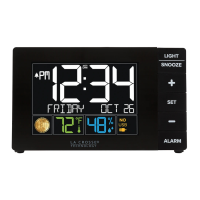
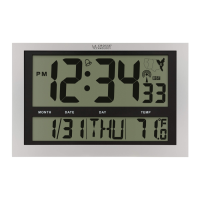
Selectable Date Display
• Press and release the SET button to toggle between
a full weekday or a 3 letter weekday, month, and date.
• Your clock will stay on the selected display option.
Page | 1 www.lacrossetechnology.com/support BBB84022
Selectable Date Display
Let’s Get Started
Basic Settings
Atomic Time Signal - WWVB
Time Alarm
Activate | Deactivate Alarm
Snooze
Low Battery
Let’s Get Social
Care and Maintenance
Specifications
Warranty and Support
FCC Statement
1
2
2
4
4
5
5
5
5
6
6
6
7
PM
PM






 To Next Page