Atomic Time -WWVB Signal
• Your clock will search for the atomic signal at UTC 7:00, 8:00,
9:00, 10:00, and 11:00.
• If there is no WWVB signal reception, your clock will search
for the time signal every 2 hours until the WWVB time has
been received.
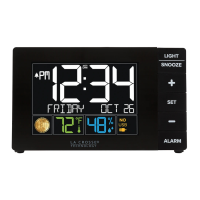
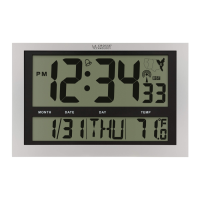
• The atomic time signal icon (tower) will flash while
searching, and be solid when connected.
• Press and release the PLUS button to manually search for the
WWVB time signal.
• For information about WWVB visit: http://bit.ly/AtomicTime
Time Alarm
1. Hold the ALARM button 3 seconds to enter alarm
setting mode.
2. Press the + or - button to adjust the flashing values. Hold the
+ or - buttons to adjust quickly.
3. Press the ALARM button to confirm adjustments.
4. Press the SNOOZE button at any time to exit.
BBB84022 www.lacrossetechnology.com/support Page | 4
AM






 To Next Page