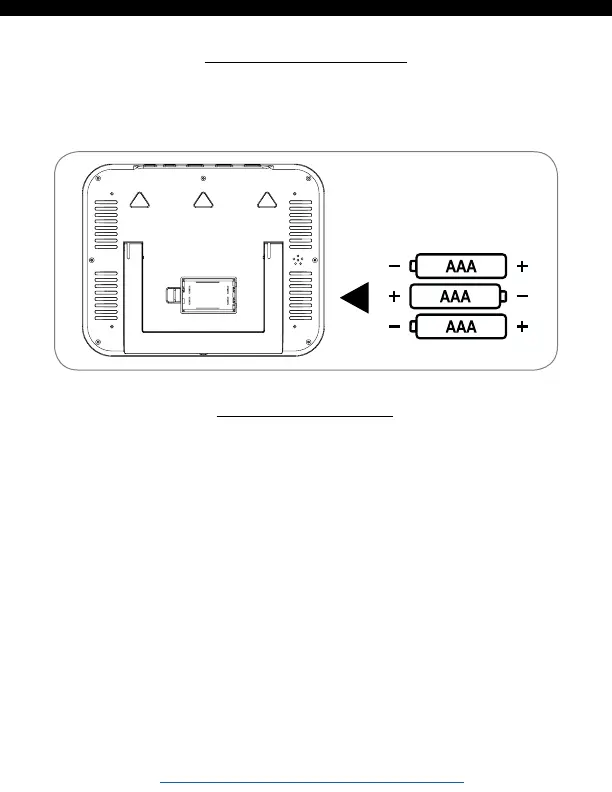
Lets Get Started
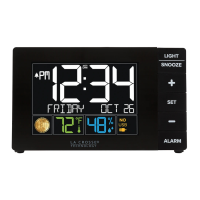
1. Insert 3 AAA batteries into your clock
2. Configure basic settings and enjoy!
Basic Settings
1. Hold the SET button 3 seconds to enter settings mode.
2. Press the + or - button to adjust the flashing values, hold to
adjust quickly.
3. Press the SET button to confirm adjustments and move to
the next item.
4. Press the SNOOZE button at any time to exit.
Settings menu order:
• Language (English, Español, Francais)
• Beep ON/OFF
• Atomic ON/OFF
• DST ON/OFF
Note: When Español or Francais are
selected, the settings menu will
continue in the language selected.
BBB84022 www.lacrossetechnology.com/support Page | 2






 To Next Page